
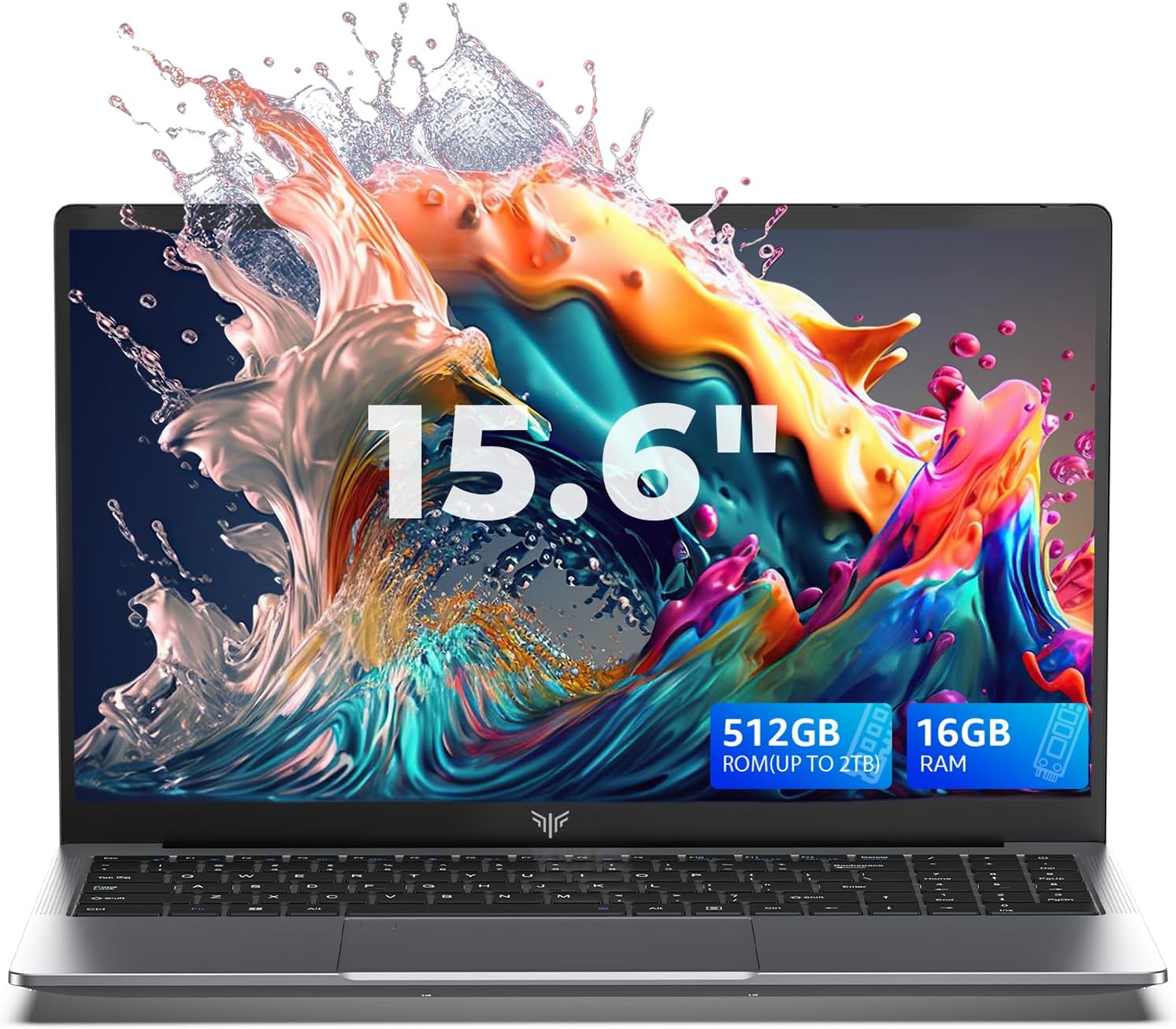
ACEMAGIC LX15 Pro — Eight Cores, a Big Battery, and One Truth Worth Knowing
There is a version of this ACEMAGIC LX15 Pro review that could be written in five minutes. It would list the specifications — AMD Ryzen 7 processor, eight cores, sixteen threads, 16GB dual-channel DDR4, 512GB NVMe SSD, 54.72Wh battery, Wi-Fi 6, numeric keyboard, 15.6-inch FHD IPS display — and conclude that this is an exceptional amount of hardware for a budget laptop price. That version would not be wrong, exactly. It would just be incomplete.
The full ACEMAGIC LX15 Pro review requires one honest conversation about what this processor actually is — and then, with that context properly established, a genuine assessment of a machine that has meaningful strengths and real-world limitations that both deserve to be understood clearly before purchase.
Before the hardware: if you have read our previous review, you will know that ACEMAGIC’s mini PC range had a documented malware incident in early 2024, reported by Tom’s Hardware and The Register. Post-incident testing by Neowin in April 2024 found units clean across five antivirus programmes. There are no documented security issues on this specific laptop. Running Malwarebytes immediately after first boot remains a sensible ten-minute precaution. That is the extent of it — not a reason to avoid the machine, simply a one-time setup step worth taking.
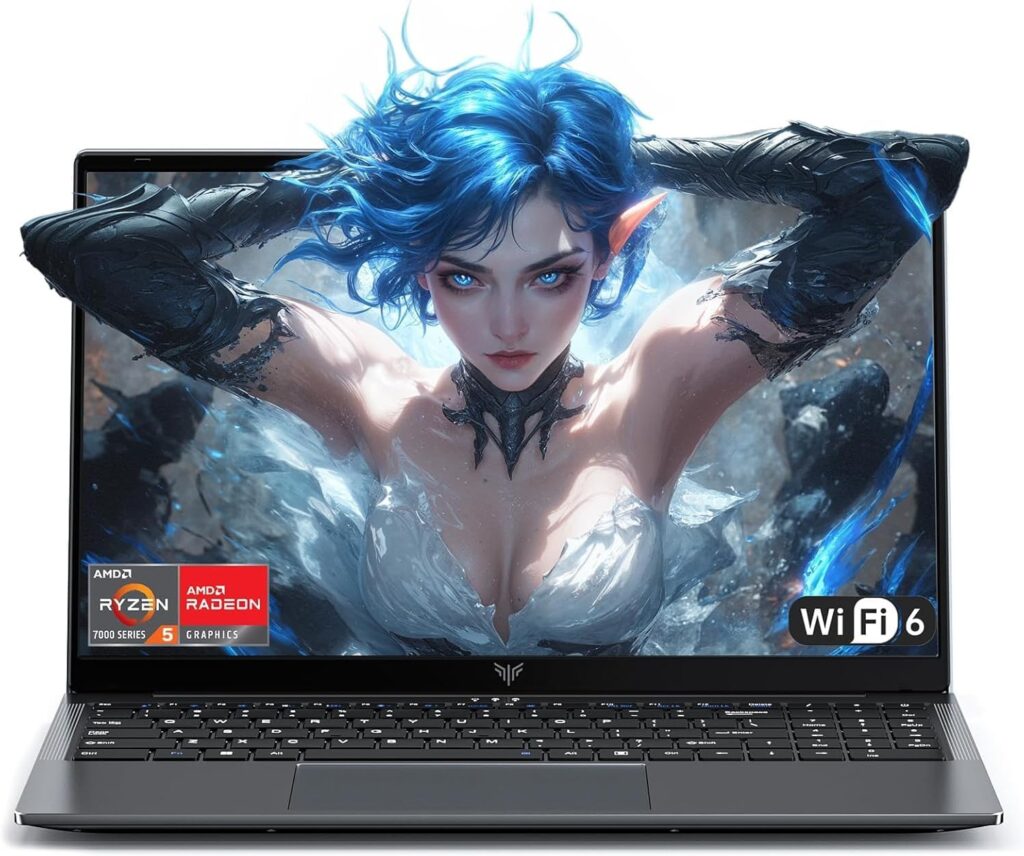
Specifications
| Spec | Detail |
|---|---|
| CPU | AMD Ryzen 7 5700U (Zen 2, 8 cores/16 threads, up to 4.3GHz) |
| RAM | 16GB DDR4 dual-channel (upgradeable to 64GB) |
| Storage | 512GB M.2 NVMe PCIe 3.0 SSD (upgradeable to 2TB per slot) |
| Display | 15.6″ FHD 1920×1080 IPS, 60Hz, anti-glare |
| GPU | AMD Radeon RX Vega 8 (1900MHz, 8 compute units) |
| Connectivity | Wi-Fi 6 (802.11ax), Bluetooth 5.2 |
| Ports | 2x USB 3.2, 1x USB 2.0, 1x USB-C (full function), 1x HDMI, 1x 3.5mm audio, 1x TF card slot |
| Battery | 54.72Wh lithium-ion, full charge in 2.5–3 hours |
| Weight | Approximately 1.75kg |
| OS | Windows 11 Home |
| Keyboard | Full-size with numeric keypad |
| Hinge | 180° flat-lay design |
| Webcam | 1MP with physical privacy switch |
The Processor Truth: What Ryzen 7 5700U Actually Means
The AMD Ryzen 7 5700U sounds like a current-generation processor from a brand whose 7000-series chips represent their most recent mobile architecture. In this case the naming is misleading in a specific and important way that buyers deserve to know.
As NotebookCheck’s processor database entry explains directly: the Ryzen 7 5700U is a Zen 2 processor — the same CPU architecture AMD introduced in 2019 with the Ryzen 4000 series. While the Ryzen 5000 series desktop chips used Zen 3 cores that delivered a 19% generational performance improvement, AMD’s naming for the Ryzen 7 5700U places a Zen 2 chip inside what appears to be a Ryzen 5000-series product. CPU-Monkey’s assessment puts it plainly: the 5700U belongs to AMD’s 4th generation Ryzen series, but uses the Zen 2 CPU technology of the previous generation.
This is the third time across this site’s reviews that AMD’s budget processor re-badging deserves a mention — the Ryzen 5 7520U and Ryzen 5 7430U in other reviews carry similar caveats. At this point it is worth stating the broader principle clearly: when evaluating any AMD Ryzen mobile processor in the budget tier, check the actual architecture rather than assuming the series number reflects the generation of silicon. NotebookCheck’s CPU comparison tool and NanoReview both confirm architecture alongside model numbers.
Having established what the 5700U is, the benchmark data tells you what it delivers.
According to NanoReview’s aggregated results, the Ryzen 7 5700U scores 1,605 in Geekbench 6 single-core and 6,562 in Geekbench 6 multi-core. In Cinebench R23, single-core sits at 1,260 and multi-core at 9,042 — meaningfully stronger multi-core performance than the Ryzen 5 7430U in our other LX15 Pro review, which scored 8,198 multi-core, because the 5700U’s eight cores outnumber the 7430U’s six cores even though the 7430U’s Zen 3 architecture performs better per core. In Cinebench 2024, the 5700U returns 73 single-core and 486 multi-core. PassMark’s database ranks the 5700U 278th among laptop CPUs overall — middle of the pack, which is an accurate and honest placement.
The practical consequence: for workloads that scale across multiple cores — video export, file compression, running several applications simultaneously — the 5700U’s eight Zen 2 cores deliver competitive throughput at this price. For workloads that depend primarily on single-thread performance — application responsiveness, web browsing, opening files, most everyday computing interactions — the Zen 2 architecture shows its age compared to more recent designs. The machine feels capable for multitasking and sustained workloads, and slightly less snappy in the immediate responsiveness that makes a computer feel fast in daily use.
In real-world use, Amazon UK customer reviews for this specific listing tell a consistent story: buyers are satisfied with the machine’s everyday performance. One verified reviewer describes a cold boot reaching the desktop in just over ten seconds. Another — a self-described freelance graphic designer — reports smooth Photoshop and Illustrator performance with large files, which is a moderately demanding real-world workload. A parent who purchased it for a college student notes it handles schoolwork, streaming, and light gaming comfortably. These are not benchmarks, but they are real people using the machine for real tasks, and the feedback is consistently positive for the intended use case.
You can view the ACEMAGIC LX15 Pro on Amazon to read the full customer review history before purchasing.
The 54.72Wh Battery — The Real Differentiator
If there is one specification that separates this listing from the other ACEMAGIC LX15 Pro configuration on this site, it is the battery.
At 54.72Wh, this machine carries a significantly larger cell than the 4800mAh (~38-42Wh) version reviewed separately. This is not a marginal difference — it is approximately 30% more battery capacity. Combined with the 5700U’s 15W TDP and AMD’s efficient power management, the result is genuine all-day battery potential rather than the four to five hour reality of smaller-battery budget laptops.
ACEMAGIC’s claim of 6–8 hours of mixed use is consistent with what the battery capacity and processor TDP suggest is achievable. The pcgearreviews assessment of the LX15 Pro platform found 6–8 hours of moderate use during testing — web browsing, document editing, and video streaming at moderate brightness. The howtotechinfo.com 2026 review notes 6–8 hours of mixed usage for the AMD Ryzen-powered LX15 Pro models specifically. Full charge in 2.5–3 hours via the included 65W adapter means a morning charge provides a full day’s use comfortably.
For UK buyers who commute, work from cafes, attend lectures, or travel regularly without reliable charger access, this battery capacity is meaningfully better than most machines at this price. The budget laptop category is dominated by 38-42Wh batteries that deliver four to five hours — this machine’s 54.72Wh cell is closer to what mid-range machines offer, making it a genuine differentiator worth paying attention to.
Display — Functional, Honest, and Adequately Good
The 15.6-inch FHD IPS panel at 1920×1080 delivers what an IPS display at this price should: wide viewing angles, acceptable colour accuracy for everyday content, and anti-glare coating that manages reflections in normally lit indoor environments.
Amazon UK customer reviews for this listing mention screen clarity consistently and positively — nine reviewers note the display favourably with zero negative mentions, which is a useful signal from people who have actually used the machine rather than reviewed the specification sheet. One reviewer specifically notes the screen is clear enough for Netflix in a hotel room. Another notes it is “a little bright and washed out at lower brightness settings” — a characteristic of budget IPS panels where factory colour calibration is not optimised, and easily addressed through Windows’ built-in colour calibration tool in five minutes.
The 180-degree flat-lay hinge means the display can be opened completely flat until it lies parallel to the keyboard — useful for collaboration, group viewing, or finding a comfortable angle in unusual environments. It is not a feature that changes solo daily use, but it is executed reliably and costs nothing in use. For a detailed explanation of IPS display characteristics and how they compare to other panel technologies, our Laptop Display Guide covers the full picture.
Build, Keyboard, and the Numeric Keypad Question

The brushed metal-finish chassis maintains the physical profile that Amazon UK reviewers consistently describe positively — no flex in the lid, smooth hinge operation, a machine that feels more substantial than budget plastic alternatives. The physical webcam privacy switch is worth restating for the same reason as in every ACEMAGIC review: given the brand history, a mechanical camera block that works independently of any software state is a more meaningful feature here than it would be on a machine from a brand with an unblemished security record.
The numeric keypad is the distinctive feature of this specific configuration and the detail that makes it meaningfully different from the other LX15 Pro listing in terms of daily use. For anyone who works regularly with numbers — accountants, finance professionals, data entry users, students in quantitative subjects — a dedicated numeric keypad eliminates the friction of the on-screen numpad or the function-key numpad overlay found on standard laptop keyboards. The keyboard occupies the full width of the 15.6-inch chassis, meaning the main key area is slightly compressed to accommodate the numpad — a trade-off worth knowing about if you type extensively and have strong preferences about key spacing.
The trade-off with the numeric keypad configuration is worth noting practically: two USB 3.2 ports and one USB 2.0 rather than three USB 3.2 ports as in the other listing. The USB 2.0 port is fine for keyboards, mice, and low-bandwidth peripherals, but noticeably slower for external storage and high-speed devices. If you regularly transfer large files via USB, use the USB-C port for that purpose — full-function USB-C supports data transfer at higher speeds than the USB 2.0 port. For a full breakdown of what each port type delivers, see our Laptop Ports Guide.
You can check the full specification listing on Amazon to confirm current availability.
Windows 11 Home — A Practical Note
This configuration ships with Windows 11 Home rather than the Pro version found on the other LX15 Pro listing. For most home users and students this makes no practical difference — Windows 11 Home includes everything needed for everyday computing. The differences that matter are BitLocker full-disk encryption (Pro only), Remote Desktop hosting (Pro only), and domain join for corporate network environments (Pro only). If any of these features are requirements for your use case, factor in the cost of a Pro upgrade licence. If they are not, Windows 11 Home is a complete operating system for personal use.
Who Is This Machine For — And Who Should Look Elsewhere
The honest answer to who this machine suits is specific enough to be genuinely useful.
This is the right laptop if you need a capable everyday machine with genuine all-day battery life, work regularly with numbers and want a dedicated numeric keypad, and are comfortable paying for an 8-core processor whose Zen 2 architecture is older than its naming implies. The 54.72Wh battery is the headline advantage — it is the reason to choose this listing over alternatives in the same price range that offer newer CPU architectures but smaller batteries.
This is not the right laptop if single-thread performance and application responsiveness are your primary criteria — the Zen 2 architecture shows its limitations here compared to more recent designs. It is not the right choice if you need Windows 11 Pro features. It is not suitable for sustained creative workloads, video rendering, or gaming beyond casual titles at reduced settings. And the USB 2.0 port rather than a third USB 3.2 is a modest but real limitation if high-speed USB peripherals are part of your daily setup.
If all-day battery life is less important to you than processor architecture recency, the Ryzen 5 7430U configuration in our ACEMAGIC LX15 Pro review offers Zen 3 cores in a lighter battery machine. For alternatives from established brands at comparable and higher price points, our Best Budget Laptops UK guide covers the full range.
You can also view this listing directly on Amazon to compare current pricing against alternatives.
ACEMAGIC LX15 Pro Review Verdict — 7.3/10
The ACEMAGIC LX15 Pro in this Ryzen 7 5700U configuration is a capable everyday laptop whose headline strength is the 54.72Wh battery — genuinely competitive for all-day use in a category where most machines offer thirty percent less capacity. The eight-core processor handles multitasking workloads well despite its Zen 2 architecture, the 16GB dual-channel RAM provides genuine headroom, the NVMe SSD is fast, and the numeric keypad is a practical differentiator for number-heavy workflows.
The weaknesses are honest: Zen 2 single-thread performance feels its age in daily responsiveness, Windows 11 Home excludes Pro features, and one USB 2.0 port among the three USB connections is a modest limitation. The one-time post-purchase malware scan precaution remains advisable given brand history.
The full Amazon listing for the ACEMAGIC LX15 Pro shows current availability and customer reviews.
Pros:
- 54.72Wh battery — genuine all-day capability, significantly above budget laptop average
- 8-core/16-thread Ryzen 7 5700U — strong multi-core throughput for multitasking
- 16GB dual-channel DDR4 — properly specified for Windows 11 in 2026
- Numeric keyboard — meaningful daily advantage for number-intensive workflows
- Wi-Fi 6 — noticeably better in busy wireless environments
- Physical webcam privacy switch
- 180° flat-lay hinge
Cons:
- Zen 2 architecture — older than the 5000-series branding implies, shows age in single-thread responsiveness
- Windows 11 Home — no BitLocker encryption or Remote Desktop hosting
- One USB 2.0 port among three USB connections — slower for high-bandwidth peripherals
- Brand’s 2024 security history requires a post-purchase malware scan precaution
- No independent calibrated display brightness measurements available
Further Reading
Our Laptop CPU Guide explains AMD’s processor naming conventions in detail — including why the series number does not always reflect the generation of architecture inside the chip. The Performance Benchmarks Explained guide translates the Cinebench and Geekbench scores above into practical purchasing decisions. For a direct comparison with the Ryzen 5 7430U configuration of the LX15 Pro, see our ACEMAGIC LX15 Pro review. For the broader budget laptop market in the UK, our Best Budget Laptops UK guide covers seven machines with independently verified specifications and honest rankings.
At LaptopAdvisorOnline, our methodology is built on data transparency rather than simulated hands-on testing. We rigorously analyse official manufacturer specifications and aggregate verified customer sentiment to provide objective, fluff-free buying advice that helps you cut through the marketing jargon.
As an Amazon Associate, I earn from qualifying purchases.