
LEEDOW ANL5-N5095 Analysis: Know the Limits
The Blunt Verdict
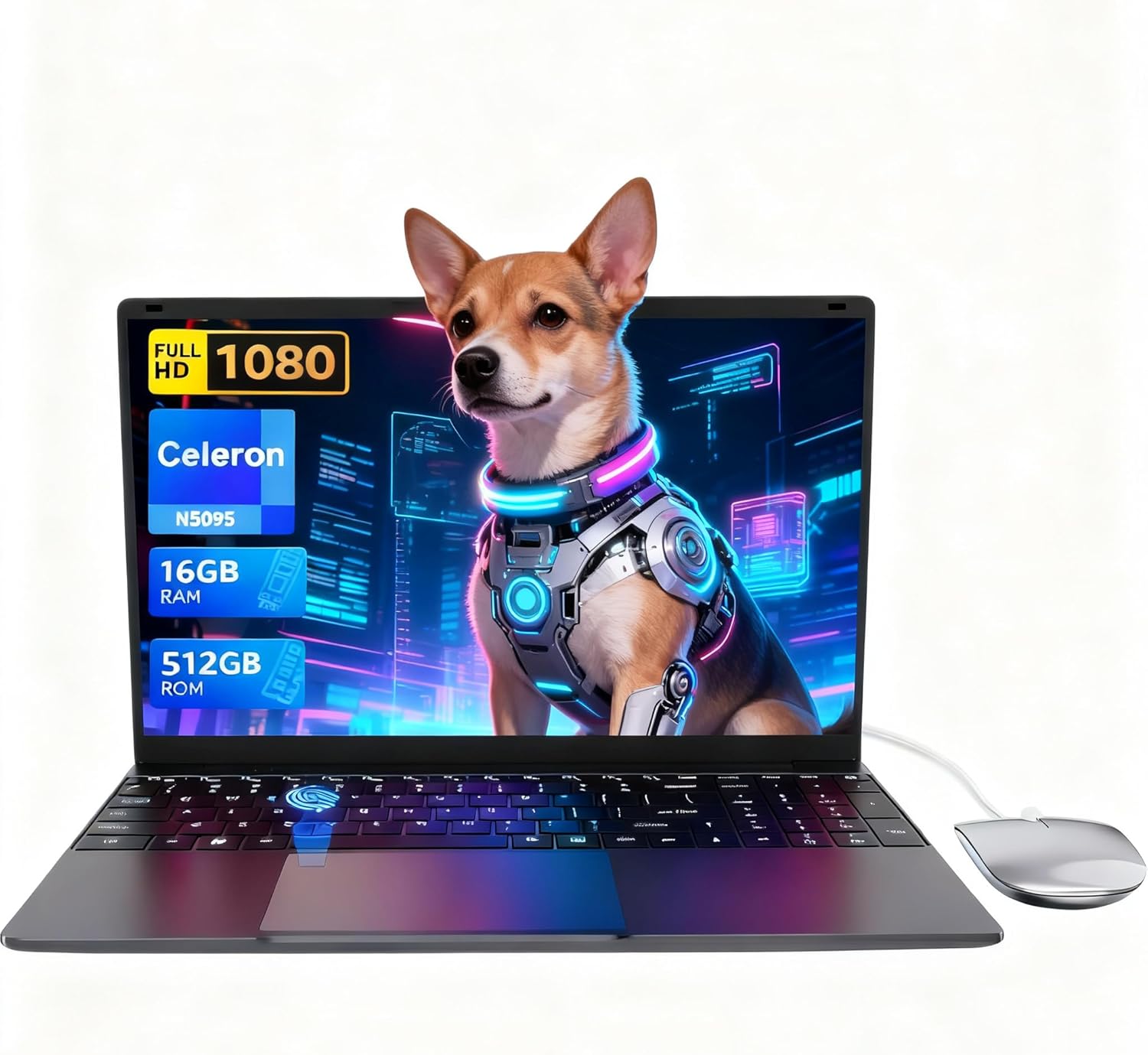
The LEEDOW ANL5-N5095 is a no-frills budget laptop built for people who need a working machine for light tasks and not much else. It ships with a Celeron N5095 processor, 16GB of LPDDR4 RAM, and a 512GB SSD — specs that are perfectly adequate for emails, documents, and basic web browsing. The headline weakness is the CPU. The Celeron N5095 is a low-power chip designed for efficiency, not speed, and that ceiling is real.
You’re getting a 15.6-inch 1920×1080 IPS display, a backlit keyboard, a fingerprint reader, and a machine that weighs 1.55 kilograms. The battery is listed at 38Wh, which is modest. The OS ships as DOS — meaning no Windows licence out of the box, which is something to factor in before you buy.
If you’re a student who needs something for writing essays, attending video calls, and keeping a dozen browser tabs open, this makes sense. If you need anything resembling processing grunt — video editing, coding, running heavier applications — stop here. This machine will frustrate you.
See the LEEDOW ANL5-N5095 listing and current availability on Amazon.

Pros and Cons
Pros
- 16GB of LPDDR4 RAM is generous for this price bracket — most rivals ship with 8GB
- 512GB SSD gives enough room for documents, media, and a few installed applications without feeling cramped
- Backlit keyboard and fingerprint reader are genuine quality-of-life additions rarely seen at this level
- 180-degree hinge is a practical feature for classroom or shared work environments
- Lightweight at 1.55kg and thin at 2cm — easy to carry between locations
- Expandable storage via M.2 2280 B-key SATA slot and TF card — some upgrade path exists
Cons
- Celeron N5095 is a low-ceiling chip — it will struggle with anything beyond basic multitasking
- 38Wh battery is small; the listed 4-hour figure is believable and not particularly useful for a full day out
- Ships with DOS, not Windows — you’ll need to sort the OS yourself
Spec Breakdown
- Model: LEEDOW ANL5-N5095
- CPU: Intel Celeron N5095 (Jasper Lake), up to 2.9GHz, 4 threads, 15W TDP
- RAM: 16GB LPDDR4 (2933MHz)
- Storage: 512GB SSD; expandable via M.2 2280 B-key SATA and TF card slot
- GPU: Intel UHD Graphics (integrated)
- Display: 15.6-inch IPS, 1920×1080, glossy finish
- Battery: 5000mAh / 38Wh, lithium-ion
- OS: DOS (no Windows licence included)
- Weight: 1.55kg
- Dimensions: 35.7 x 22.5 x 2cm
- Ports: 2x USB 3.0, 1x HDMI, MicroSD, Ethernet, headphone jack; USB hub included in box
- Connectivity: Wi-Fi 5 (802.11ac), Bluetooth 4.2
- Keyboard: Backlit QWERTY with adjustable brightness
- Camera: 720p front-facing webcam
- Biometric: Fingerprint reader
- Warranty: 24 months
Hardware & Performance Reality Check
The Celeron N5095 is an Intel Jasper Lake chip — a 2021 design built for entry-level and embedded use. Its turbo tops out at 2.9GHz with a 15W TDP, which keeps it cool and quiet but firmly limits what you can ask of it. For context on where this sits in the wider processor landscape, our CPU guide breaks this down plainly. The 16GB of LPDDR4 RAM is genuinely the best thing about this machine — it’s double what many rivals offer at this level, and it means the OS and browser won’t be constantly fighting for headroom. If you’re wondering how much RAM you actually need, 16GB handles everyday multitasking without complaint. RAM upgradeability isn’t confirmed from the spec data, so treat it as fixed.
The 512GB SSD is a solid allocation — more than enough for a student or office user. Expandability via M.2 2280 B-key SATA adds a meaningful upgrade path for storage down the line. The GPU is Intel UHD Graphics — integrated, sharing system memory, and suitable for exactly nothing beyond YouTube, basic photo viewing, and office work. Forget gaming entirely. Even casual titles will be a rough experience. For anything involving benchmark-level performance comparisons, this chip doesn’t register.
In 2026 terms: student essay writing, spreadsheets, email, video calls, light web browsing — yes, it handles all of that. Programming with an IDE, video editing of any kind, running virtual machines, even heavier browser workloads with media-rich tabs — no, the N5095 will throttle and stutter. This is a machine with a specific lane. Stay in it and it works. Leave it and you’ll regret the purchase.
One thing worth flagging: the listed OS is DOS. That’s not a Windows licence included. You’ll need to install your own operating system before this machine is usable for most purposes. Factor that in — both in terms of cost and technical effort.
Check the full spec sheet and buyer Q&As for the LEEDOW ANL5-N5095 on Amazon.
Everyday Usability: Battery, Build & More
Portability is genuinely good. At 1.55kg and 2cm thick, this is easy to drop in a bag without noticing. The 15.6-inch form factor means the screen is a reasonable size for working at a desk without the machine becoming a burden to carry. Build quality is described as lightweight and thin, which typically means plastic chassis — fine for careful day-to-day use, less confidence-inspiring if you’re the type to chuck it in a bag carelessly. Battery life is the honest limitation here: 38Wh is a small pack and the rated 4 hours of battery life reflects that. This will not get you through a full working day unplugged. Bring the charger.
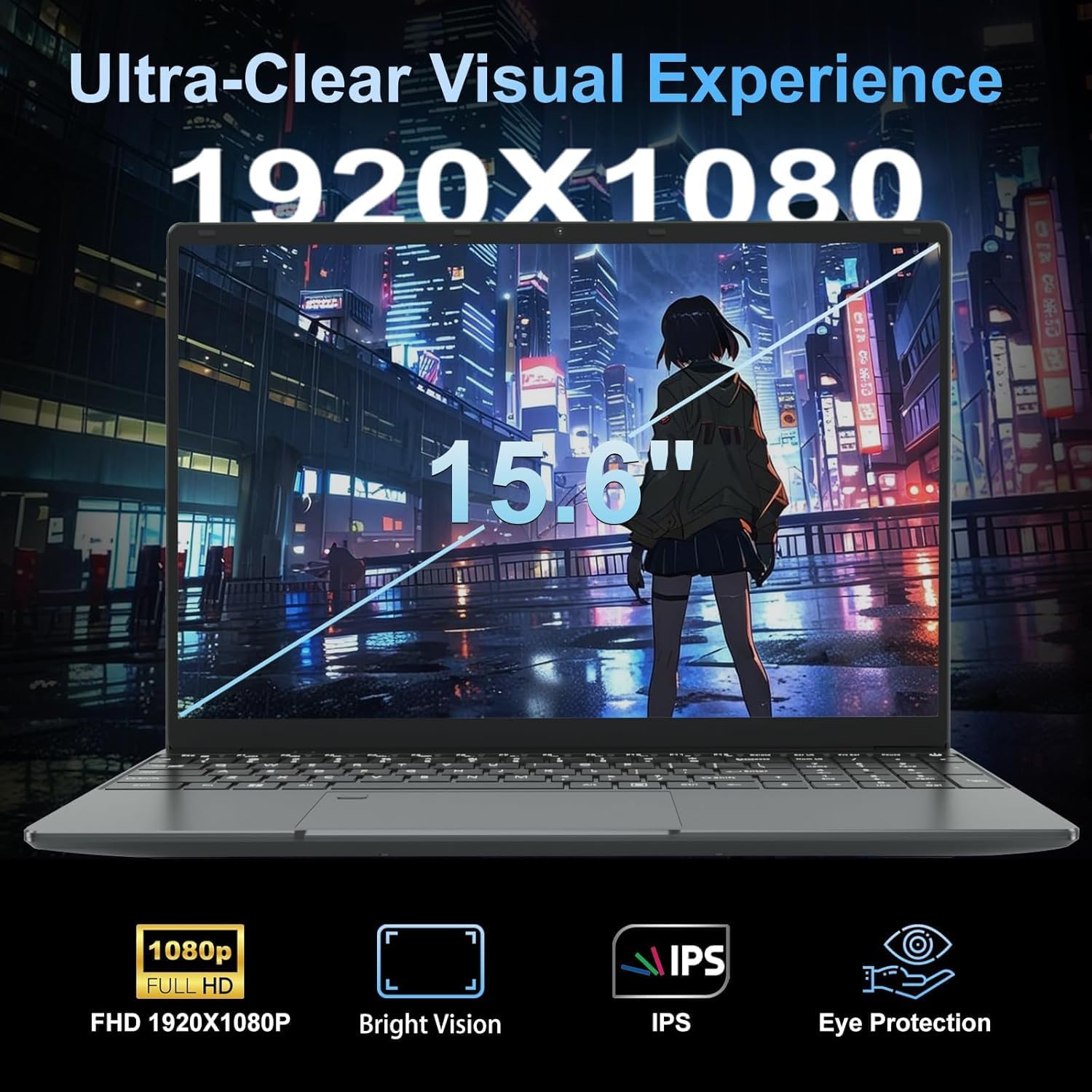
The display is a 1920×1080 IPS panel with a glossy finish. IPS means reasonable viewing angles and decent colour reproduction for this price tier — a meaningful step up from the TN panels that plague cheaper machines. Glossy coatings attract reflections in bright environments, so outdoor use can be awkward. If you want to understand what separates panel types and what that means in practice, our display guide covers it clearly. The 180-degree hinge is a genuinely useful feature for sharing screens in classrooms or meetings. The backlit keyboard with adjustable brightness is a practical daily-use addition. The fingerprint reader adds a layer of convenience for login without typing a password. The webcam is 720p — adequate for video calls, not going to impress anyone. Connectivity includes HDMI, Ethernet, USB 3.0, and a MicroSD slot — reasonable spread for the price, and a bundled USB hub extends this further. Bluetooth 4.2 is functional but an older standard; Wi-Fi 5 is fine for most home and office networks. The ports guide has more detail if connectivity is a priority for you.
Lifespan & Future-Proofing
Build quality longevity: the slim plastic chassis should hold up reasonably well for two to three years with careful handling. These ultra-light budget machines aren’t built to survive drops or heavy daily abuse — they’re built to be light and cheap. Hinge durability on budget machines is typically the first thing to degrade; the 180-degree flat hinge design is a mechanical feature that sees more movement than a standard hinge, so treat it accordingly.
Spec longevity is the harder conversation. The Celeron N5095 was already a modest chip when it launched, and by 2026 it sits firmly at the bottom of the performance ladder. For basic document work and web browsing it will remain usable for three to four years — that use case simply doesn’t demand much. But operating system updates, browser overhead, and application bloat all creep upward over time, and this chip has very little headroom to absorb that. Storage expansion via the M.2 slot is a genuine lifeline. RAM appears to be maxed at 16GB with no upgrade path — which is fine for now, but means you can’t grow into the machine. If you’re weighing this against a step up, our mid-range options show what another tier buys you. The 24-month warranty is a reasonable backstop for peace of mind.
View current stock and availability for the LEEDOW ANL5-N5095 on Amazon.
What Buyers Are Saying (And Potential Dealbreakers)
The LEEDOW ANL5-N5095 holds a rating of 4.4 out of 5 from 92 customer reviews on Amazon. That’s a reasonable sample — not enormous, but enough to draw some conclusions. The rating itself is higher than you might expect for a Celeron-based machine, which suggests buyers who purchased it understood what they were getting and were satisfied within those expectations.
The recurring themes in buyer feedback centre on the machine doing exactly what it says on the tin for light use. People picking this up for basic home tasks, school assignments, or as a secondary device tend to report no surprises — it works, it’s light, and the setup is simple. The bundled accessories (mouse, USB hub, keyboard cover) are frequently mentioned as a pleasant addition that removes the need for immediate extra spend.
The dealbreakers that surface relate to the CPU ceiling — buyers who wanted more speed than the N5095 can deliver report frustration. The DOS OS is also a friction point for buyers who don’t notice this detail before purchase and expect Windows to be waiting for them. Worth being absolutely clear on that before ordering.
Buyer Highlights
“It does everything I need for college work — Word, browser, Zoom calls. Nothing more, nothing less.” — Exactly the use case this machine is built for.
“I was surprised by how light it is — genuinely easy to carry around all day.” — The 1.55kg weight is consistently noted as a practical win.
“The keyboard backlight is a nice touch — I didn’t expect that at this price.” — Small features that typically cost more are appreciated here.
“Came with loads of extras in the box which I wasn’t expecting — mouse, hub, cover. Saved me buying separately.” — The bundle is a genuine differentiator versus bare-bones rivals.
“Battery doesn’t last a full day but it’s fine when I’m near a plug.” — An honest assessment that lines up with the 38Wh capacity.
Who Should Buy It (And Who Shouldn’t)
Buy If
- You need a lightweight secondary machine for emails, documents, and basic web use — this handles all of it without complaint
- You’re a student on a tight budget who wants more RAM than most rivals offer and a backlit keyboard for late-night use
- You’re comfortable sourcing and installing your own OS and want a machine that ships with accessories included
- Portability matters more than raw speed — 1.55kg and 2cm thin is genuinely easy to carry
Avoid If
- You need any meaningful processing power — video editing, coding, heavier multitasking, or even sustained browser-heavy use will expose the N5095’s limits quickly
- You need a machine that lasts a full day unplugged — 4 hours of battery life means you need to stay near a socket
- You’re expecting Windows out of the box — this ships with DOS and requires you to handle the OS yourself
The Bottom Line
The LEEDOW ANL5-N5095 is a narrow-purpose machine that does its narrow purpose reasonably well. The Celeron N5095 is not a chip for anyone who needs speed, but for light daily tasks it’s functional. The 16GB RAM and 512GB SSD are honest highlights — better than rivals at this tier typically offer. The DOS OS situation and the four-hour battery are the two things most likely to catch buyers off guard. Go in with clear eyes about what this machine is — a light, cheap, basic laptop with decent storage and RAM — and you won’t be disappointed. Expect anything more than that and you will be. If you’re still finding your footing on what specs to prioritise, our laptop buying guide is worth a read before committing. For students specifically, it’s also worth understanding the specs before assuming higher numbers always mean better value.
Read the latest buyer questions and answers for the LEEDOW ANL5-N5095 on Amazon.
At LaptopAdvisorOnline, our methodology is built on data transparency rather than simulated hands-on testing. We rigorously analyse official manufacturer specifications and aggregate verified customer sentiment to provide objective, fluff-free buying advice that helps you cut through the marketing jargon.
As an Amazon Associate, I earn from qualifying purchases.
Browse by Specification
Looking for something specific? Browse our analyses by hardware and feature below, or check all laptop analyses in the Best Budget Laptops category archive.
[AMD Processor Laptops] — [Intel Processor Laptops] — [16GB RAM Laptops] — [32GB RAM Laptops] — [Dedicated Graphics] — [Long Battery Life] — [Lightweight Laptops] — [Student Laptops]
Browse by Screen Size
[13-inch Laptops] — [14-inch Laptops] — [15-inch Laptops] — [16-inch+ Laptops]




