
LEEDOW ANL5-N5095 Analysis: 16GB, Hard Limits
The Blunt Verdict
The LEEDOW ANL5-N5095 is a bare-bones machine aimed squarely at the lightest possible workloads — email, web browsing, word processing, the odd spreadsheet. If that’s genuinely all you need, there’s a case for it. If you’re expecting anything beyond that, you’ll hit its ceiling fast. This is not a slight against LEEDOW specifically — it’s just what a Celeron N5095 delivers in 2025, and no amount of marketing language changes that.
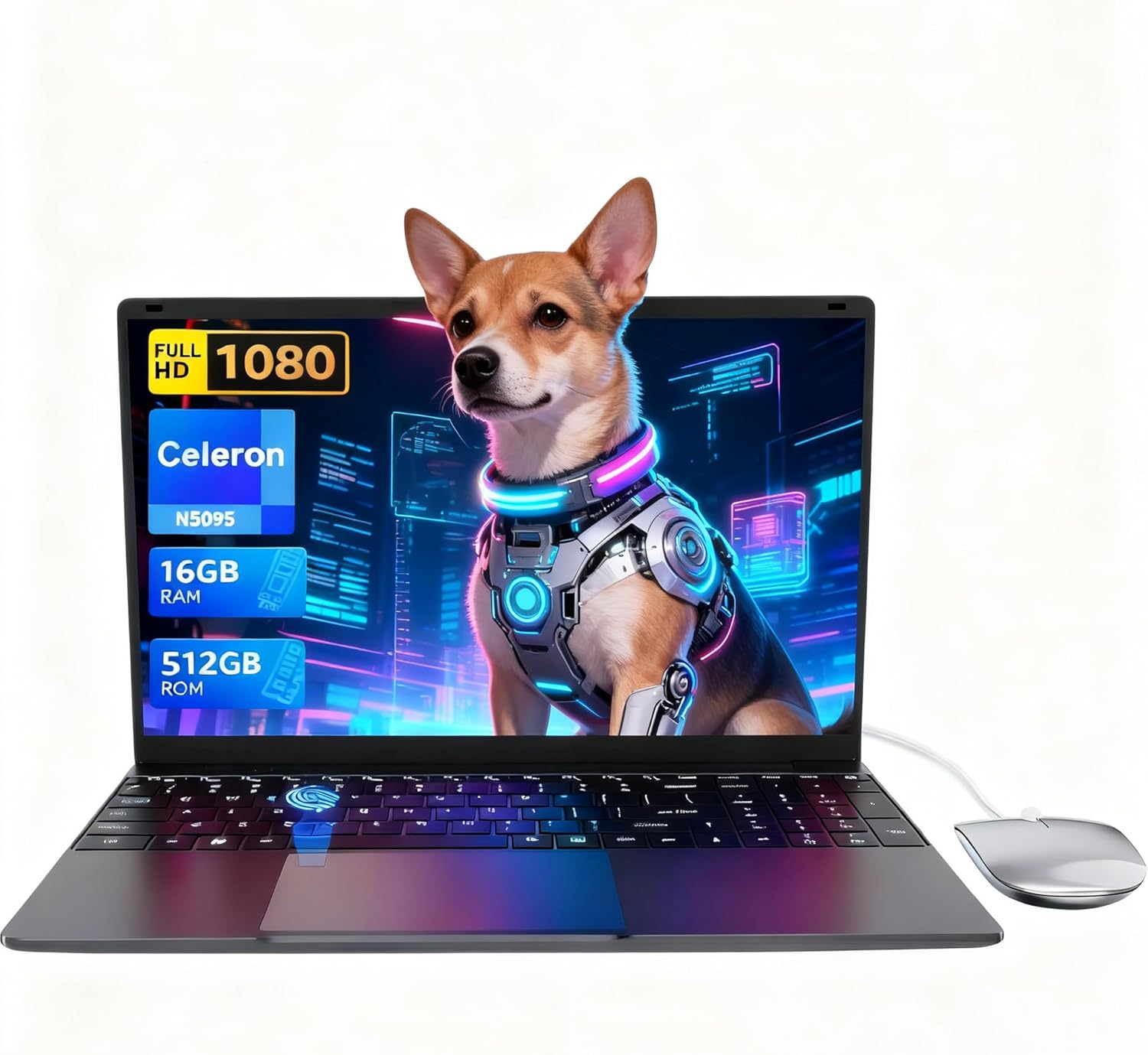
The headline specs: Intel Celeron N5095 processor, 16GB of LPDDR4 RAM, 512GB SSD storage, a 15.6-inch 1920×1080 IPS display, Wi-Fi 5, Bluetooth 4.2, and a 38Wh battery. The RAM is generous for the class. The storage is sensible. The CPU is the hard ceiling here — and it’s not a high one.
Buy it if you need an ultra-light companion for school notes, basic office documents, or casual browsing — and nothing more. Avoid it if you’re doing anything that requires sustained processing power. Students who only need a cheap typing machine may get decent mileage here. Anyone eyeing it for productivity beyond the basics should read our budget laptop options before committing.
See the LEEDOW ANL5-N5095 listed on Amazon before reading further.

Pros and Cons
Pros
- 16GB of LPDDR4 RAM is unusually generous for a Celeron-class machine — most rivals ship with 8GB
- 512GB SSD storage is more than sufficient for everyday use and beats eMMC options in this price bracket
- 1.55kg weight makes this genuinely easy to carry around all day
- Fingerprint reader is a welcome inclusion at this level — faster to unlock than typing a password every time
- 180-degree flat hinge design is a practical touch for sharing screens in meetings or classrooms
- Comes with a mouse, keyboard cover, USB hub, and user manual in the box — reasonable out-of-box package
Cons
- The Celeron N5095 is a low-power entry-level chip — it will struggle visibly with anything beyond basic multitasking
- 38Wh battery with a rated 4-hour life is genuinely poor — this will not last a full working day away from a socket
- Ships with DOS, not Windows — you’ll need to factor in OS installation unless you’re happy with Linux alternatives
Spec Breakdown
- Model: LEEDOW ANL5-N5095
- CPU: Intel Celeron N5095 (Jasper Lake), up to 2.9GHz, 4 threads, 15W TDP
- RAM: 16GB LPDDR4 (2933MHz)
- Storage: 512GB SSD; M.2 2280 B-key SATA SSD expansion slot available
- GPU: Intel UHD Graphics (integrated)
- Display: 15.6-inch IPS, 1920×1080, glossy finish
- Battery: 5000mAh / 38Wh, rated 4 hours
- OS: DOS (pre-installed)
- Weight: 1.55kg
- Ports: 2× USB 3.0, 1× HDMI, MicroSD slot, Ethernet, headphone jack
- Connectivity: Wi-Fi 5 (802.11ac), Bluetooth 4.2
- Keyboard: Backlit QWERTY with brightness adjustment
- Camera: 720p front-facing webcam
- Biometrics: Fingerprint reader
Hardware & Performance Reality Check
The Intel Celeron N5095 is a Jasper Lake chip built on a 10nm process. Its maximum turbo sits at 2.9GHz across 4 threads and its 15W TDP means it runs cool but has a hard performance ceiling. For context: this chip dates from 2021 and was positioned as a budget entry-level option even then. It handles single-tab browsing, email, and document work without drama. Open a dozen browser tabs with a YouTube video running and things start to slow down noticeably. The 16GB of LPDDR4 RAM is the saving grace here — it’s a generous allocation that reduces the bottleneck from memory pressure significantly. Whether the RAM is soldered is not confirmed in the specification data, but given the class and chassis design, upgradability is unlikely. If you want to understand how much RAM actually matters for your specific use case, that’s worth reading before deciding.
The 512GB SSD storage is a meaningful step up from the eMMC chips often found in Celeron machines — real-world read/write speeds will be faster than eMMC even if this is a SATA rather than NVMe drive. Day-to-day, file operations and boot times will feel acceptable. An additional M.2 2280 B-key SATA SSD slot means you can expand storage if needed, which is worth knowing. The GPU is Intel UHD Graphics — integrated, no dedicated VRAM, no gaming capability beyond very basic 2D titles. If you’re curious about what integrated graphics can realistically handle, our performance benchmarks guide breaks it down properly. There is no dedicated GPU path here.
Here’s the honest 2026 outlook for this machine. Student work — yes, Google Docs, light research, note-taking, presentations. Standard office tasks — yes, if you stay in Office or browser-based tools and don’t stack too many windows. Gaming — no, full stop. Even casual titles that require a discrete GPU are out. Programming — light scripting and web development in a text editor is feasible; anything involving heavier compilation, local servers, or data processing will crawl. Video editing — editing raw footage is not realistic; basic trimming of compressed clips might just about work but don’t expect a smooth timeline. This is a CPU designed for simple tasks, and it doesn’t pretend otherwise.
The DOS operating system listing is worth flagging explicitly. You won’t boot into Windows out of the box. LEEDOW’s product listing implies ease of use but the spec data confirms DOS. Factor in either a Windows licence or Linux installation before you treat this as ready to go.
Check the full spec sheet and buyer Q&As for the LEEDOW ANL5-N5095 on Amazon.
Everyday Usability: Battery, Build & More
At 1.55kg and 2cm thick with footprint dimensions of 35.7 × 22.5cm, this is a genuinely light machine for a 15.6-inch form factor. Carrying it around campus or between meetings won’t cause fatigue. The battery, however, is a real problem. A 38Wh cell with a manufacturer-rated 4-hour life is not enough for a full day away from a charger. In practice, with screen brightness and Wi-Fi active, expect somewhere between 3 and 4 hours of real use. That’s a packed bag situation — bring the charger. The backlit keyboard is a practical feature for low-light environments, and brightness adjustment adds some flexibility. No mention of keyboard travel depth in the spec data, but the thin chassis suggests a shallower key travel than most people prefer.
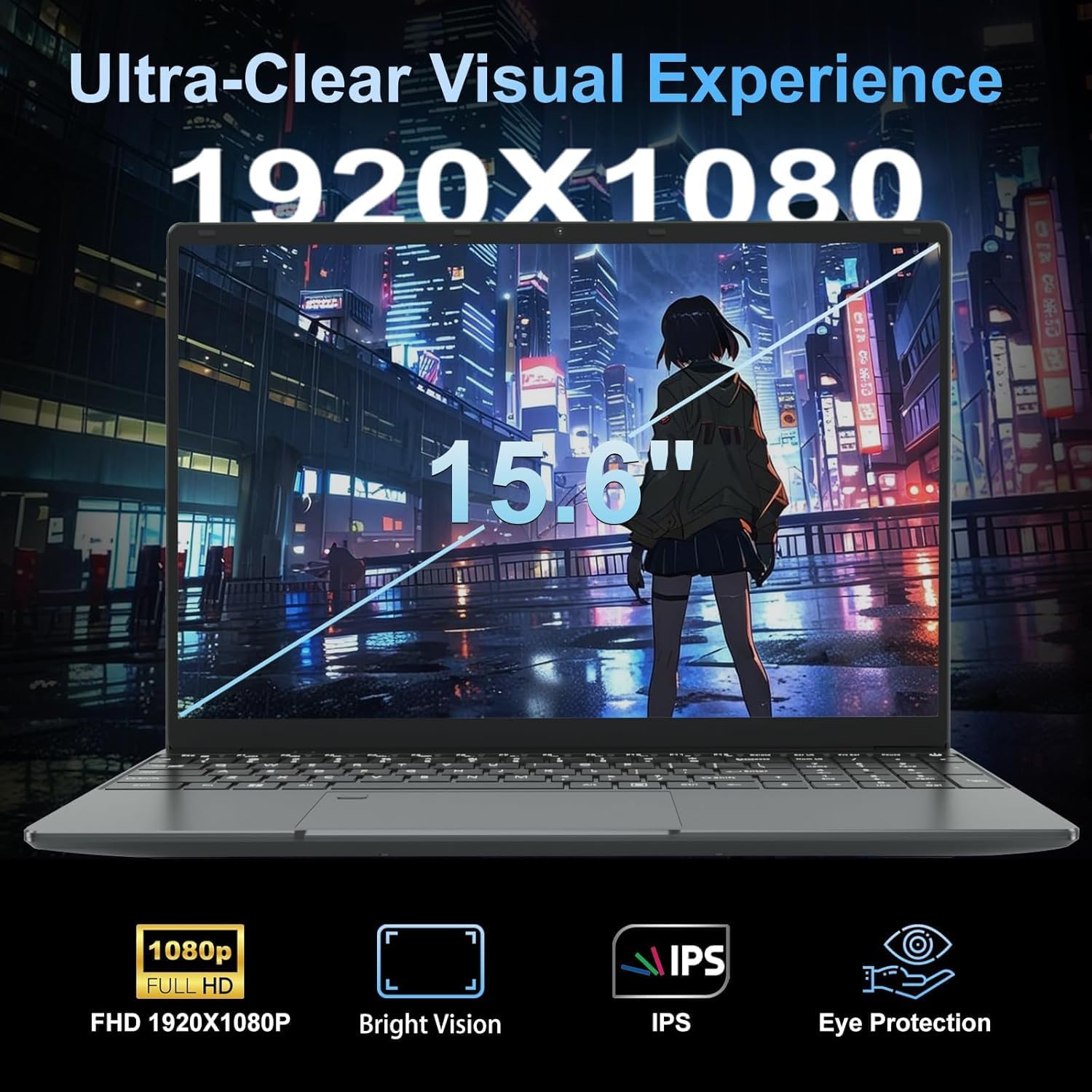
The 1920×1080 IPS display on a 15.6-inch screen gives a reasonable pixel density for everyday use. IPS means better viewing angles than TN panels — text should look clean and colours more consistent when you shift your head off-axis. The glossy finish will pick up reflections in bright environments, which is worth bearing in mind if you work near windows. No touchscreen — this is a standard trackpad and keyboard setup. The 720p webcam is adequate for video calls but nothing special; expect the quality most people associate with basic laptop cameras. Connectivity is covered with an HDMI port for external displays, Ethernet for a wired connection, and USB 3.0 across two ports. The fingerprint reader works as a biometric login method — a genuine convenience feature. For a full breakdown of what ports matter day-to-day, our ports guide is a useful reference. A USB hub is included in the box, which partly compensates for the limited port count.
Lifespan & Future-Proofing
The chassis longevity depends heavily on how you treat it. At 1.55kg with a 2cm profile, this is a thin plastic build — possibly with some aluminium elements given the product images, but nothing confirmed in the spec data. Realistically, a machine in this class should last two to four years of light daily use before you see physical wear that affects usability. Hinges are the usual failure point on budget thin laptops. The 180-degree hinge mechanism is a positive structural note, but aggressive repeated opening to flat will stress it over time.
Spec longevity is the bigger concern. The Celeron N5095 was already a budget chip when it launched, and heading into 2026 it’s falling further behind the curve. Web browsers are becoming more demanding with every update. Cloud-based tools, video call platforms, and basic productivity apps all require more baseline performance than they did two years ago. This hardware will handle everyday tasks adequately right now, but you should realistically plan around a two-to-three year useful life for typical student or light office use before it starts feeling sluggish even on simple tasks. There is no RAM upgrade path to speak of, and the storage expansion is limited to SATA speeds. If long-term value matters to you, consider looking at mid-range options that come with more modern silicon.
View current stock and availability for the LEEDOW ANL5-N5095 on Amazon.
What Buyers Are Saying (And Potential Dealbreakers)
The LEEDOW ANL5-N5095 holds a rating of 4.4 out of 5 from 92 customer reviews on Amazon at the time of writing. That’s a reasonably sized sample — enough to draw some tentative conclusions, though not large enough to treat as definitive. The positive skew suggests most buyers got what they expected, which tells you the expectations at this end of the market are calibrated accordingly: light tasks, low weight, low cost.
Recurring themes in the positive feedback centre on the machine’s weight and portability, the inclusion of accessories in the box, and ease of setup for non-technical users. The 16GB RAM allocation consistently gets a positive mention — buyers who’ve used budget laptops before know that 8GB is the standard at this price and 16GB feels noticeably more comfortable for everyday browser sessions. The backlit keyboard and fingerprint reader both get credit as features that feel above their station.
Recurring complaints and cautions cluster around battery life — the 4-hour real-world ceiling is mentioned more than once. A minority of buyers flag the OS situation as caught them off-guard. No confirmed reports of severe thermal throttling in the reviews, which is consistent with the low-power 15W TDP of the N5095 — this chip runs cool because it doesn’t have much power to dissipate. Worth noting that with only 92 reviews, edge-case build quality issues may not have surfaced in the data yet.
Buyer Highlights
“Does exactly what I need for college — browser, Word documents, nothing fancy. It’s light enough I forget it’s in my bag.” — Matches the hardware profile exactly; light student workloads are where this chip holds up.
“Genuinely surprised by how much RAM it has for the price. Every other laptop I looked at in this range had 8GB.” — The 16GB allocation is the standout hardware decision LEEDOW made here, and buyers notice it.
“Battery doesn’t last long at all. I need to keep the charger with me which is a bit annoying.” — A consistent complaint; the 38Wh cell is the weakest part of this specification.
“Came with a mouse and hub included which was a nice touch. Didn’t have to buy anything extra to get started.” — The accessory bundle adds practical value, especially for first-time laptop buyers.
“Very light and slim. Fits neatly in my work bag and doesn’t add much weight. Perfect for meetings where I just need to take notes.” — Exactly the use case this machine is built for; note-taking and light office tasks on the go.
Who Should Buy It (And Who Shouldn’t)
Buy If
- You need a lightweight typing and browsing machine for school or basic admin — and genuinely nothing more demanding than that
- Weight is your primary concern and you’re happy to work near a charger given the limited battery life
- You’re buying for a child or elderly relative who needs a simple, uncomplicated machine for emails and video calls
- You want to use Linux or another OS and the DOS pre-installation doesn’t bother you
Avoid If
- You need it to last a full working day away from a socket — the battery will let you down before lunchtime under real use
- Your workload extends to anything beyond documents and light browsing — video editing, gaming, local development work, and heavy multitasking will all expose the N5095’s hard limits
- You want Windows ready out of the box — DOS is listed as the OS and you’ll need to sort that yourself
The Bottom Line
The LEEDOW ANL5-N5095 is a narrow machine with a narrow audience. For the lightest possible workloads — student note-taking, email, basic documents — it does the job at a low weight. The 16GB RAM is the one genuine hardware highlight. But the Celeron N5095 is a strict performance ceiling, the battery life is genuinely inadequate for all-day use, and the DOS installation is a gotcha that catches buyers off-guard. If this matches your actual use case, go in with clear eyes and it won’t disappoint. If you’re on the fence about whether the CPU is enough, consult our laptop buying guide and check the spec explainer — there are better-equipped machines available without spending dramatically more.
The LEEDOW ANL5-N5095 is listed on Amazon — read the latest buyer questions before deciding.
At LaptopAdvisorOnline, our methodology is built on data transparency rather than simulated hands-on testing. We rigorously analyse official manufacturer specifications and aggregate verified customer sentiment to provide objective, fluff-free buying advice that helps you cut through the marketing jargon.
As an Amazon Associate, I earn from qualifying purchases.
Browse by Specification
Looking for something specific? Browse our analyses by hardware and feature below, or check all laptop analyses in the Best Budget Laptops category archive.
[AMD Processor Laptops] — [Intel Processor Laptops] — [16GB RAM Laptops] — [32GB RAM Laptops] — [Dedicated Graphics] — [Long Battery Life] — [Lightweight Laptops] — [Student Laptops]
Browse by Screen Size
[13-inch Laptops] — [14-inch Laptops] — [15-inch Laptops] — [16-inch+ Laptops]




