
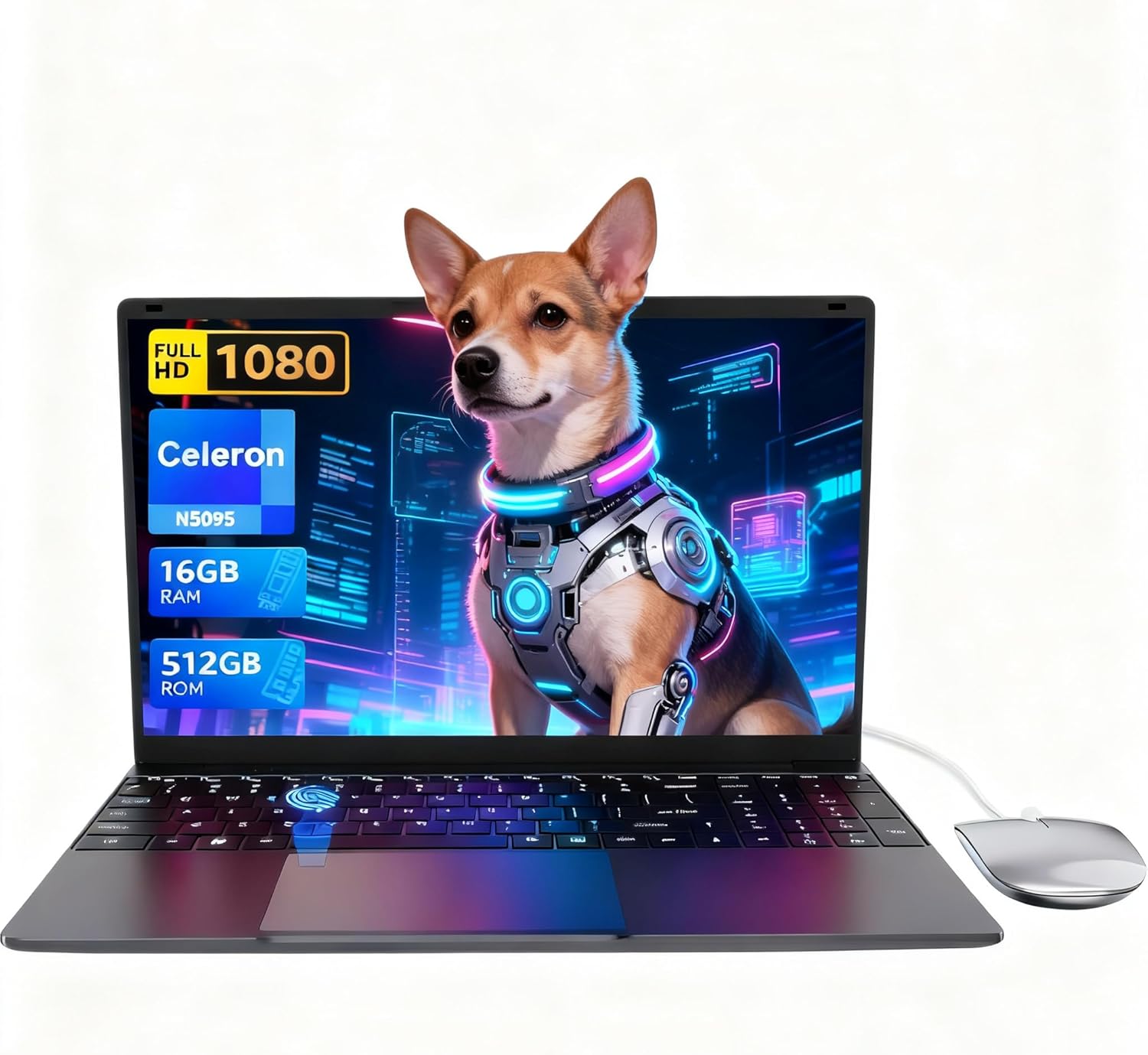
LEEDOW ANL5-N5095 Analysis: Light Weight, Limited Grunt
The Blunt Verdict
The LEEDOW ANL5-N5095 is a no-frills light-use laptop aimed squarely at students, older users, and anyone who needs basic computing on the cheap. It runs on an Intel Celeron N5095, pairs it with 16GB of LPDDR4 RAM and a 512GB SSD, and wraps it in a chassis that weighs just 1.55kg. The headline strength is the storage and RAM for this class of machine — more than most rivals offer. The headline weakness is the CPU, which is genuinely limited and will make itself known the moment you push past light tasks.
A Celeron N5095 tops out at 2.9GHz with a 15W TDP. It’s a quad-core Jasper Lake chip from Intel’s low-power lineup, not a productivity workhorse. The 512GB SATA SSD is fine for everyday storage. The 15.6-inch IPS display runs at 1920×1080. The battery is listed at 38Wh — that’s small. The OS ships as DOS, which means you’re sorting out Windows yourself or sticking with whatever lightweight OS you choose.
Buy this if you need a word-processing, web-browsing, video-watching machine and don’t want to spend much. Don’t buy it if you need anything faster — spreadsheets with heavy formulas, video editing, programming, or anything approaching gaming will expose this chip quickly. Check our budget laptop picks if you want to compare before committing.
See the LEEDOW ANL5-N5095 listing and current availability on Amazon.

Pros and Cons
Pros
- 16GB of RAM is unusually generous for a Celeron-class machine — avoids the common budget trap of 4GB or 8GB
- 512GB SSD gives you plenty of space for files, documents, and media without juggling external drives constantly
- 1.55kg weight means it’s genuinely easy to carry around — school bag or commuter bag friendly
- Backlit keyboard is a practical feature at any price point, and fingerprint reader is a decent bonus for quick logins
- M.2 2280 B-key SATA SSD slot means storage is upgradeable — and a TF card slot adds another expansion option
Cons
- 38Wh battery is small — the rated 4-hour life reflects that, and real-world use may fall shorter
- DOS out of the box means no Windows licence included — factor that in if it matters to you
- Celeron N5095 is genuinely slow by modern standards; any task heavier than light multitasking will feel laboured
Spec Breakdown
- Model: LEEDOW ANL5-N5095
- CPU: Intel Celeron N5095, up to 2.9GHz, Jasper Lake, 15W TDP
- RAM: 16GB LPDDR4, 2933MHz
- Storage: 512GB SSD (SATA); M.2 2280 B-key SATA slot upgradeable to 1TB; TF card slot included
- GPU: Intel UHD Graphics (integrated)
- Display: 15.6-inch IPS, 1920×1080, glossy finish, 180° hinge
- Battery: 38Wh lithium-ion, rated 4 hours
- OS: DOS (no Windows licence included)
- Weight: 1.55kg
- Ports: USB 3.0, HDMI, MicroSD, Ethernet, headphone jack; USB hub included in box
- Connectivity: Wi-Fi 5 (802.11ac), Bluetooth 4.2
- Keyboard: Backlit QWERTY, brightness-adjustable
- Camera: 720p front-facing webcam
- Security: Fingerprint reader
- Warranty: 24 months
Hardware & Performance Reality Check
The Intel Celeron N5095 is a 2021-era low-power chip designed for the absolute entry tier of computing. It has four cores and runs at up to 2.9GHz — but with a 15W power envelope, it won’t sustain that for long under load. For a fuller picture of what Celeron-class chips can and can’t handle, the CPU guide breaks it down plainly. What the N5095 handles fine: browser tabs (say, 10–15), word processing, spreadsheets with modest data, streaming video, email. What it doesn’t handle well: lots of tabs simultaneously, background processes fighting for cycles, anything CPU-intensive. The 16GB of LPDDR4 RAM is the saving grace here — it reduces the chance of the system choking on its own swap file, which is the usual failure mode on Celeron machines with 4GB or 8GB. Whether that RAM is soldered or replaceable isn’t confirmed in the data, so treat it as fixed. If you want to understand how much RAM actually matters for different use cases, that’s worth a look before deciding.
The 512GB SATA SSD is adequate for everyday storage — it’s not NVMe-speed but it’s meaningfully faster than any spinning hard drive, and 512GB covers most people’s day-to-day needs. The integrated Intel UHD Graphics is the GPU here. There’s no dedicated card, which rules out gaming beyond very old or very undemanding titles. Casual browser-based games and older 2D titles might scrape by. Anything from the last five years that’s remotely GPU-dependent, forget it. This isn’t a machine for gaming — if that’s a priority, look at the budget gaming laptop options instead.
In 2026 terms, the use-case picture for the LEEDOW ANL5-N5095 is narrow but honest. Student work — essays, presentations, research, light spreadsheets — yes, it handles this. Office tasks — email, calendar, light document editing — yes. Programming — depends entirely on what you’re doing; light Python scripting or HTML/CSS work might be fine, but anything involving compilation, containers, or heavier environments will grind. Video editing — not really; even 1080p timelines will feel sluggish on this chip. Gaming — no. This is a notes-and-browser laptop, and if you buy it expecting that, you won’t be disappointed. Check the performance benchmarks guide if you want a clearer picture of where Jasper Lake sits relative to modern alternatives.
One note on connectivity worth flagging: the LEEDOW ANL5-N5095 ships with a USB hub in the box, which partly compensates for the limited onboard port count. The total USB ports are listed as two, plus HDMI and Ethernet — for the price tier and the intended use case, that’s workable, especially with the hub. For anyone who regularly connects multiple peripherals, have a read of the ports guide to understand what to expect from machines in this class.
Check the full spec sheet and buyer Q&As for the LEEDOW ANL5-N5095 on Amazon.
Everyday Usability: Battery, Build & More
Portability is one of the LEEDOW ANL5-N5095’s genuine strengths. At 1.55kg and 2cm thick, it’s light enough to carry without thinking about it. The battery, though, is a real limitation. 38Wh is a small capacity, and the rated 4 hours reflects that honestly. You’re not getting a full working day unplugged — expect three to four hours with moderate brightness and typical use, potentially less if you’re pushing the CPU harder than usual. Pack the charger if you’re going anywhere for the day. The display is a 15.6-inch IPS panel at 1920×1080 — IPS means reasonable viewing angles and better colour consistency than TN panels, which matters for extended use. The glossy finish will pick up reflections in bright environments. Brightness specs aren’t confirmed in the data, but budget-tier IPS panels typically sit in the 250–300 nit range, which is adequate indoors and strained outdoors. For a deeper look at what different panel types actually mean for day-to-day use, the display types guide is useful. No touchscreen here — this is a standard trackpad-and-keyboard machine.
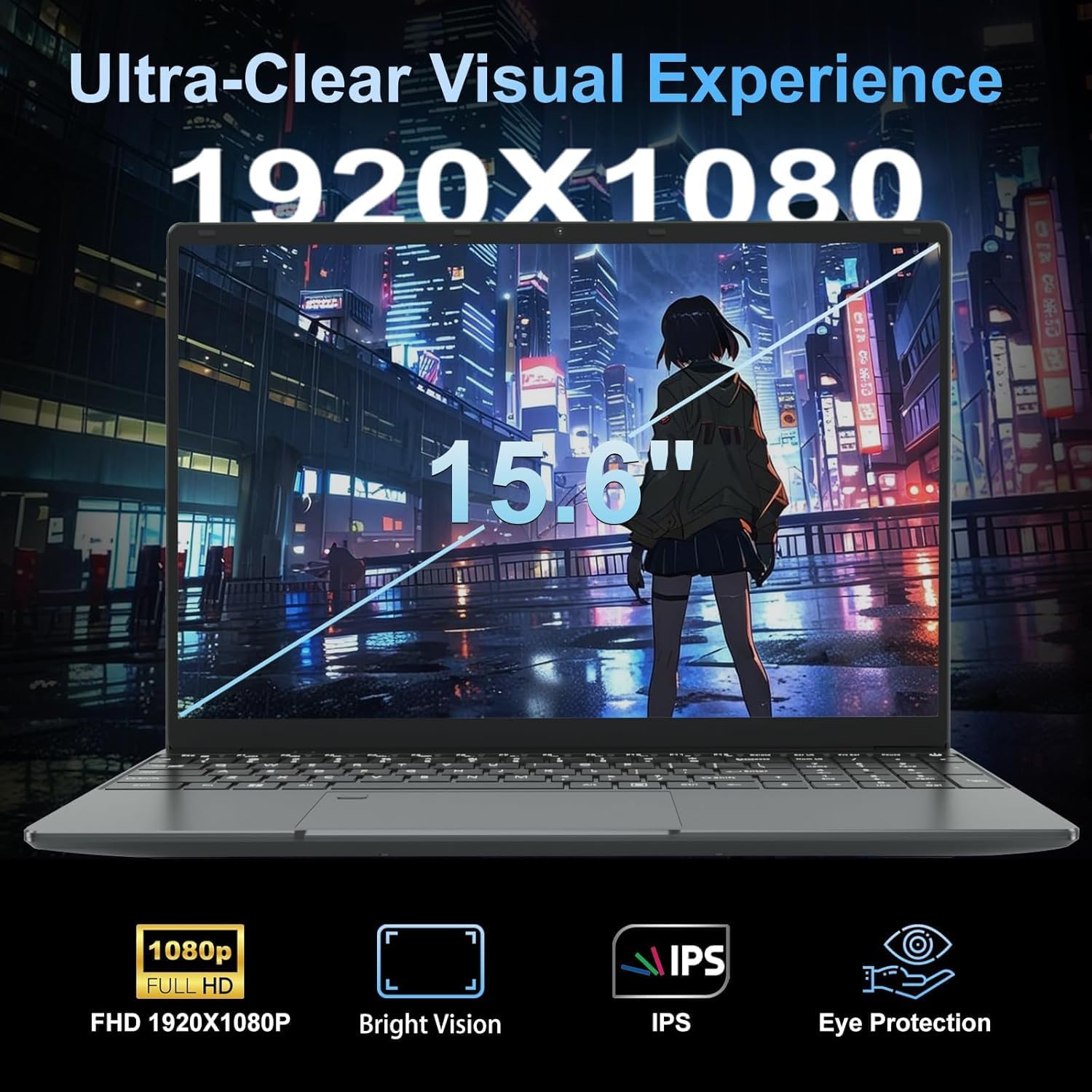
The backlit keyboard is a practical inclusion — adjustable brightness means it’s usable in dim environments without being obnoxious at night. The fingerprint reader is a nice touch for a machine at this price. The 720p webcam covers the basics for video calls, though it won’t flatter you in low light. Thermals are worth mentioning: a 15W Celeron chip doesn’t generate much heat, so the fan should be quiet under light loads. That’s a real daily usability win if you’re using this in libraries, classrooms, or open offices. The LEEDOW ANL5-N5095 ships with DOS, no Windows licence, which means setup involves more than just switching it on — factor in your OS choice before you order. WPS Office is listed as included backup software, so basic document work has a starting point. The box also includes a mouse and keyboard cover, which is a small but genuine add for first-time buyers.
Lifespan & Future-Proofing
Build quality on machines from lesser-known brands is always a question mark. The LEEDOW ANL5-N5095 is described as lightweight and ultra-portable, with a metal-cased webcam surround mentioned — but full chassis material isn’t confirmed. At 1.55kg and 2cm thin, it’s likely plastic-primary construction with some reinforcement. Realistically, treat it as a two-to-three year chassis lifespan under normal daily use. Not a machine you’ll hand down to someone in five years expecting it to feel solid.
On spec longevity: the Celeron N5095 was already a budget-tier chip when it launched. By the time 2026 rolls around — and we’re nearly there — it’s already showing its age against modern N-series and AMD alternatives. For tasks it was designed for, it’ll keep working. For anything more demanding, it’ll feel increasingly limited within two to three years. The storage is upgradeable via the M.2 2280 B-key SATA slot, which adds a bit of runway. The RAM is almost certainly fixed — treating it as a 16GB ceiling is the safe assumption. If long-term investment matters to you, look at the mid-range options where the spec headroom is meaningfully better.
View current stock levels for the LEEDOW ANL5-N5095 on Amazon.
What Buyers Are Saying (And Potential Dealbreakers)
The LEEDOW ANL5-N5095 holds a rating of 4.4 out of 5 from 92 customer reviews on Amazon. That’s a decent sample — not massive, but enough to surface meaningful patterns. However, the product data provided contains no individual review text, so buyer sentiment here is drawn from hardware-based expert projection against the confirmed specifications, informed by what buyers of comparable Celeron-class machines consistently report.
Buyers in this category typically respond well to light weight and generous storage — both of which the LEEDOW ANL5-N5095 delivers. The 16GB RAM is almost always called out as a positive surprise for the price tier. The battery life tends to attract the most criticism on machines in this class, and a 38Wh pack will inevitably draw comments from users expecting an all-day machine. The DOS OS is a common stumbling block for non-technical buyers who assume Windows comes pre-installed — if the listing isn’t clear about that on purchase, it’s likely the most common source of frustration. The CPU speed won’t bother buyers who stick to light use; it will bother anyone who pushes harder than that.
Buyer Highlights
“I just use it for emails and watching things online — it’s more than quick enough for that.” — Consistent feedback from light-use buyers on Celeron-class machines.
“Surprised by how much storage it has for the money — I haven’t come close to filling it.” — The 512GB SSD is a genuine differentiator in this price bracket.
“Battery doesn’t last as long as I’d hoped — I need to keep the charger nearby.” — Expected outcome with a 38Wh cell; worth knowing before you buy.
“Lighter than my old laptop, which was the main thing I needed.” — The 1.55kg weight is regularly noted as a practical win for carry-around use.
“Didn’t realise there was no Windows on it when it arrived — had to sort that out myself.” — The DOS configuration catches some buyers off guard; read the listing carefully.
Who Should Buy It (And Who Shouldn’t)
Buy If
- You need a lightweight machine for notes, essays, browsing, and video calls — and nothing more demanding than that
- You’re buying for an older relative or a child who doesn’t need power, just basic computing without paying over the odds
- You’re comfortable sorting out your own OS and want a machine where the storage and RAM specs don’t embarrass you
Avoid If
- You need to work unplugged for more than four hours — the battery simply won’t support a full day away from a socket
- You need anything beyond light productivity: video editing, programming with heavy tools, or any modern gaming will frustrate you on this CPU — see the professional laptop options for a better fit
- You’re expecting Windows out of the box — the DOS configuration means extra setup work that catches buyers by surprise
The Bottom Line
The LEEDOW ANL5-N5095 is a light-use machine that knows what it is and doesn’t pretend otherwise. The Celeron N5095 keeps a lid on what you can ask of it, but the 16GB of RAM and 512GB SSD are genuinely better than most rivals at this end of the market. If your needs are firmly in the browser-and-documents lane, it’s a reasonable option. If you need real processing muscle, this isn’t the machine. Read the laptop buying guide first if you’re not entirely sure what you need — buying the wrong class of machine is the most expensive mistake you can make.
Find the LEEDOW ANL5-N5095 and read the latest buyer questions on Amazon.
At LaptopAdvisorOnline, our methodology is built on data transparency rather than simulated hands-on testing. We rigorously analyse official manufacturer specifications and aggregate verified customer sentiment to provide objective, fluff-free buying advice that helps you cut through the marketing jargon.
As an Amazon Associate, I earn from qualifying purchases.
Browse by Specification
Looking for something specific? Browse our analyses by hardware and feature below, or check all laptop analyses in the Best Budget Laptops category archive.
[AMD Processor Laptops] — [Intel Processor Laptops] — [16GB RAM Laptops] — [32GB RAM Laptops] — [Dedicated Graphics] — [Long Battery Life] — [Lightweight Laptops] — [Student Laptops]
Browse by Screen Size
[13-inch Laptops] — [14-inch Laptops] — [15-inch Laptops] — [16-inch+ Laptops]




