

NIAKUN Core M3-6Y30 Laptop Review — A Light, Silent Machine for the Simplest of Tasks
This NIAKUN Core M3-6Y30 laptop review covers a 15.6-inch Windows machine built around the Intel Core M3-6Y30 — a fanless, ultra-low-voltage Skylake processor first released in 2015. At 4.5W TDP, this chip generates so little heat it can run without a cooling fan, which defines the character of the machine entirely: it is completely silent in operation, light at 1.60kg, and aimed squarely at users whose daily computing is genuinely light. Paired with 16GB of RAM, a 256GB SSD, and a Full HD display, the NIAKUN presents a usable everyday specification for browsing, documents, email, and video streaming.
This review covers what that hardware combination delivers in 2026, who it suits, and where the limits fall.
Specifications
| Spec | Detail |
|---|---|
| CPU | Intel Core M3-6Y30 (Skylake-Y, 2 cores/4 threads, 0.9GHz base / 2.2GHz burst, 4.5W TDP) |
| RAM | 16GB DDR3 SODIMM single-channel |
| Storage | 256GB SATA SSD |
| Display | 15.6″ Full HD 1920×1080, 250 cd/m² brightness |
| GPU | Intel HD Graphics 515 (integrated) |
| Connectivity | Wi-Fi 5 (802.11ac/g/n), Bluetooth |
| Ports | USB, HDMI, TF card slot |
| Security | None specified |
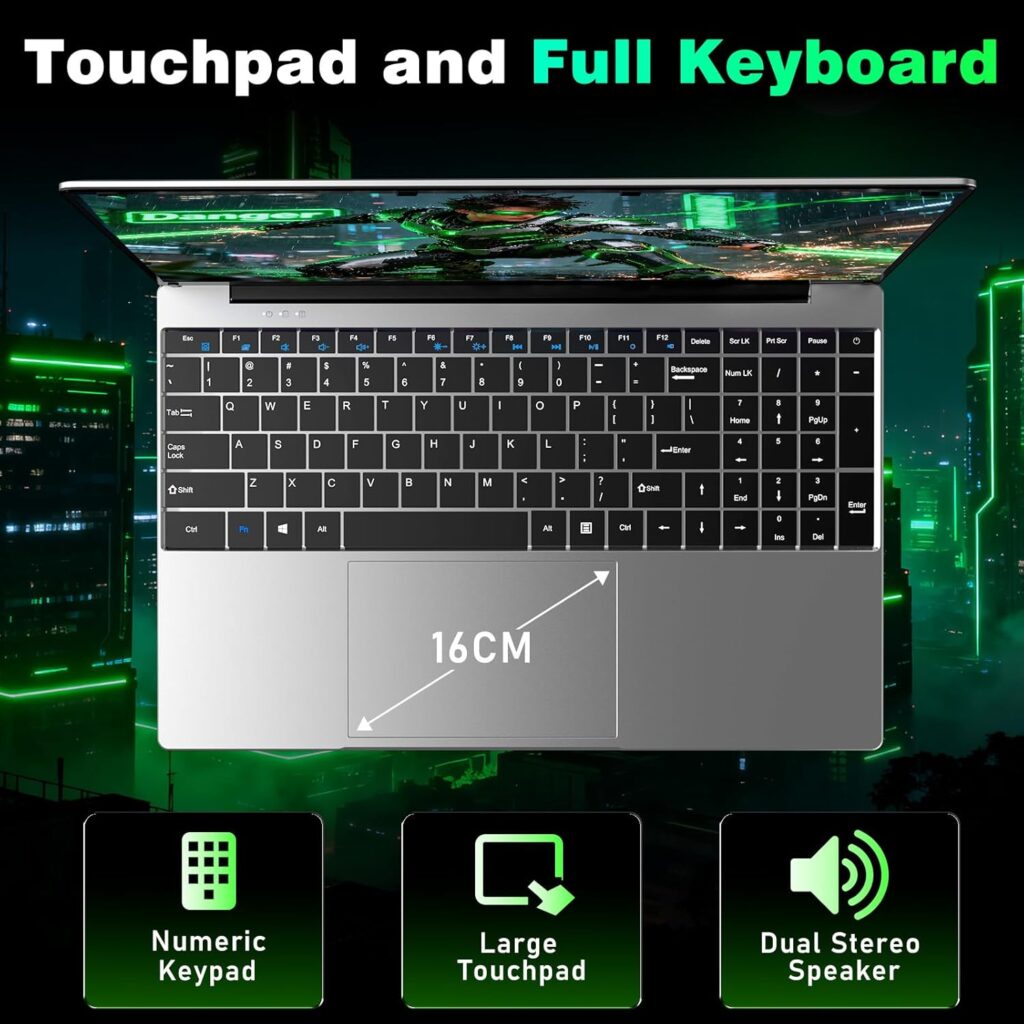
| Keyboard | Numeric keypad included |
| Hinge | 180° flat opening |
| Battery | 5,000mAh / 38.5Wh |
| Weight | 1.60kg |
| Dimensions | 39.7 × 25 × 2cm |
| OS | Windows 11 Pro |
Check the current price of the NIAKUN M3-6Y30 laptop on Amazon UK.
Performance — Understanding the Core M3-6Y30
The Intel Core M3-6Y30 is a Skylake-Y series processor launched in September 2015. It is a dual-core chip with Hyper-Threading (four threads), a 0.9GHz base clock, a 2.2GHz burst frequency, and a 4.5W TDP. That TDP is what defines everything about this machine: at 4.5 watts, the chip generates so little heat that no active fan is required. The result is a laptop that runs in complete silence at all times — no startup whir, no spin-up under load, no background hum during a video call.
Based on Geekbench 6 data from the MacBook Early 2016, which uses the same chip, the M3-6Y30 scores 687 in single-core and 1,353 in multi-core (644 results). Those are modest numbers by current standards, and they reflect a processor designed almost a decade ago for efficiency rather than speed. In everyday practice, the chip handles the workloads it was designed for — web browsing with a handful of tabs, writing documents, sending emails, watching video, taking part in video calls — without difficulty. Windows 11 Pro runs, applications open, and light daily tasks proceed without drama.
The 16GB DDR3 RAM is a genuine strength at this price. Memory is almost never the limiting factor for everyday tasks, and 16GB provides comfortable headroom for multitasking within the chip’s capabilities. The 256GB SATA SSD is adequate for a machine used for documents, media, and browsing, though buyers with large media libraries or extensive local file storage needs should plan accordingly.
Where the limits become apparent is under sustained load. This is not a chip for video editing, large spreadsheets with complex formulas, running multiple demanding applications simultaneously, or anything that requires prolonged high-throughput processing. The 4.5W TDP means the burst frequency is short-lived — the chip runs at 2.2GHz briefly, then pulls back. For users who understand what they are buying, this is not a problem. For users who expect snappy performance across demanding workloads, a more powerful machine is the right answer.
Gaming is not a realistic use case. The integrated Intel HD Graphics 515 handles video playback well and manages basic 2D tasks comfortably, but gaming beyond very light browser-based titles is outside what this hardware can deliver.
Display
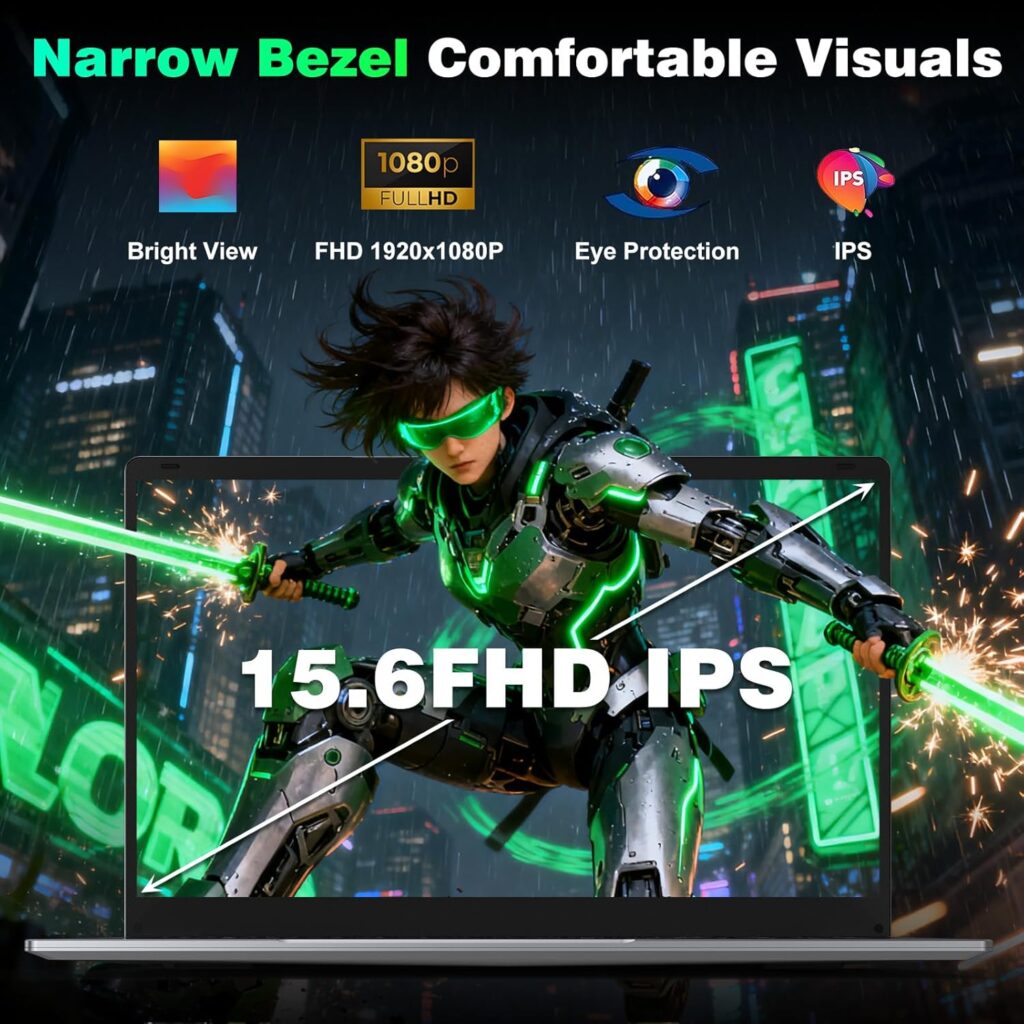
The 15.6-inch Full HD IPS-style display at 1920×1080 is well-suited to the machine’s purpose. At 250 cd/m² brightness it is clear in typical indoor lighting conditions, and the 16:9 aspect ratio at 15.6 inches gives comfortable screen real estate for documents and web browsing. The 180° hinge means the display folds completely flat — practical for sharing content across a desk without rotating the machine.
For a laptop intended primarily for documents, email, and video streaming, the display does its job without compromise. It is a notable step up in usable screen area from smaller 14-inch budget machines, and the numeric keypad fits naturally alongside the keyboard at this size.
Build Quality and Design
At 1.60kg and 20mm thick, the NIAKUN is genuinely portable. It is slimmer and lighter than its 15.6-inch footprint might suggest, and the absence of a cooling fan contributes to both the slim profile and the complete silence. The chassis is plastic, which is standard at this price point.
The numeric keypad is a practical inclusion. For users who work regularly with numbers — accountants, students on finance courses, anyone doing data entry — having a full numpad built into a 15.6-inch machine is a meaningful convenience that smaller or lighter laptops cannot offer. The 180° flat-open hinge is a secondary practical feature, enabling easy screen sharing across a table.
One spec worth flagging: the RAM is single-channel DDR3. Dual-channel memory would provide better bandwidth for the integrated GPU and general performance, and the single-channel configuration is a compromise at this tier. For everyday light use it makes little practical difference, but it is worth knowing.
Real-World Performance — What Customers Say
The NIAKUN carries a 4.5-star rating from 20 Amazon UK reviews, which is a relatively small sample but broadly positive. Buyers note the machine is responsive for everyday tasks, easy to set up, and well-specified for the price. The silent operation is not always highlighted explicitly — it tends to be noticed rather than mentioned — but it is a feature that buyers of this type of machine consistently appreciate once experienced.
The 256GB SSD is the most common area where buyers might feel constrained over time, particularly if they accumulate files, downloads, and software over several years of use. The TF card slot provides a modest expansion option.
Battery Life and Portability
The 5,000mAh / 38.5Wh battery is modest in capacity. NIAKUN does not publish a specific runtime figure, but the M3-6Y30’s 4.5W TDP is favourable for battery life relative to higher-wattage chips — a fanless processor that sips power is naturally easier on the battery under light load. Realistic estimates for browsing and document work sit in the 4–6 hour range, which suits a desk-based home machine well. For buyers who need a full working day untethered, the battery is a constraint worth considering.
The 1.60kg weight and 20mm profile make the machine easy to carry. Paired with the silent operation, it works well in quiet environments — libraries, shared offices, late-night working — where fan noise from other laptops can be a genuine irritant.
See the current price and availability of the NIAKUN M3-6Y30 on Amazon UK.
Who Should Buy the NIAKUN M3-6Y30?
This machine suits a specific buyer: someone whose daily computing is genuinely light, who values silence and portability, and who wants a larger-screen laptop with a numeric keypad without spending mid-range money. Home users doing browsing, email, and documents; older adults who want a simple, quiet Windows machine; students who need a secondary laptop for notes and reading; anyone who finds fan noise distracting and wants it eliminated entirely — these are the users this machine is built for.
It is not suited to buyers who need processing headroom for demanding work, gaming, video editing, or sustained multitasking beyond light everyday tasks. Buyers who need more performance for the money will find that current Celeron N-series machines — N5095, N100, N150 — offer more sustained processing capability at comparable prices, albeit with a fan. The NIAKUN’s differentiator is silence and simplicity, not speed.

Pros and Cons
Pros
- Completely fanless — silent in all operating conditions
- 16GB RAM is a strong allocation at this price point
- Full HD 15.6-inch display with 180° flat hinge
- Numeric keypad included
- Lightweight at 1.60kg for a 15.6-inch machine
- Windows 11 Pro pre-installed
- 4.5-star Amazon UK rating
Cons
- Core M3-6Y30 is a 2015 processor — modest performance by current standards
- 256GB SSD is limited for long-term storage
- Single-channel DDR3 RAM rather than dual-channel
- Battery capacity (38.5Wh) is modest
- No fingerprint reader
Final Verdict
The NIAKUN Core M3-6Y30 laptop scores 6.5 out of 10.
The M3-6Y30 is a 2015 chip and its performance ceiling is low by 2026 standards. Buyers should go in with accurate expectations: this is a machine for light, everyday computing, not for anything demanding. What it does exceptionally well is run in complete silence — a genuine practical advantage for users in quiet environments, and a characteristic that most budget laptops at any price cannot replicate without active noise cancellation workarounds.
For the right buyer, the combination of fanless silence, 16GB RAM, a large FHD display, numeric keypad, and a lightweight build makes a coherent and honest case. For everyone else, current-generation N-series Celeron machines offer more performance for similar money, with a small fan as the trade-off.
View the NIAKUN M3-6Y30 laptop on Amazon UK and check today’s price.
I have spent years working in IT infrastructure and reviewing technology for British buyers. Affiliate relationships with Amazon do not influence scores or editorial assessments on this site.