
HP 17-cn0041sa Analysis: Big Screen, Tight Limits
The Blunt Verdict
The HP 17-cn0041sa is a large-screen laptop built for one type of person: someone who wants a big display for light tasks and doesn’t need anything beyond browsing, email, and basic document work. It’s not pretending to be anything it isn’t — or rather, HP’s marketing is pretending, but the specs aren’t. The Intel Pentium Gold 7505, 4GB of DDR4 RAM, and 128GB SSD tell you exactly what this machine is designed for. Nothing more.
That 17.3-inch Full HD display at 1920 x 1080 resolution is the headline feature, and for the target buyer it’s a genuine draw — more screen real estate for reading, streaming, and low-demand everyday tasks. But 4GB of RAM in 2024 is already uncomfortable, and that’s before you factor in Windows 11 running in the background. Windows 11 in S Mode (which limits you to Microsoft Store apps only) compounds that — it’s a restriction many buyers don’t realise until they try to install Chrome or any third-party software.
This is a machine for retired users, very light home use, or someone who genuinely only needs a browser and a word processor on a big screen. Students, anyone doing creative work, and anyone even peripherally interested in performance should look elsewhere — our budget laptop roundup has far better options at comparable price points. If you know exactly what you’re getting, the HP 17-cn0041sa does that limited job adequately.
See the full listing and buyer Q&As for the HP 17-cn0041sa on Amazon.

Pros and Cons
Pros
- Large 17.3-inch Full HD display gives noticeably more screen space than the typical 15.6-inch laptop — genuinely useful for reading and media consumption
- HP Fast Charge reaches 50% in 45 minutes, which is a practical convenience on a machine aimed at home users
- 128GB SSD keeps boot times and file access brisk compared to older HDD-based budget laptops
- Lift-hinge design raises the keyboard slightly — a small ergonomic win for prolonged typing sessions
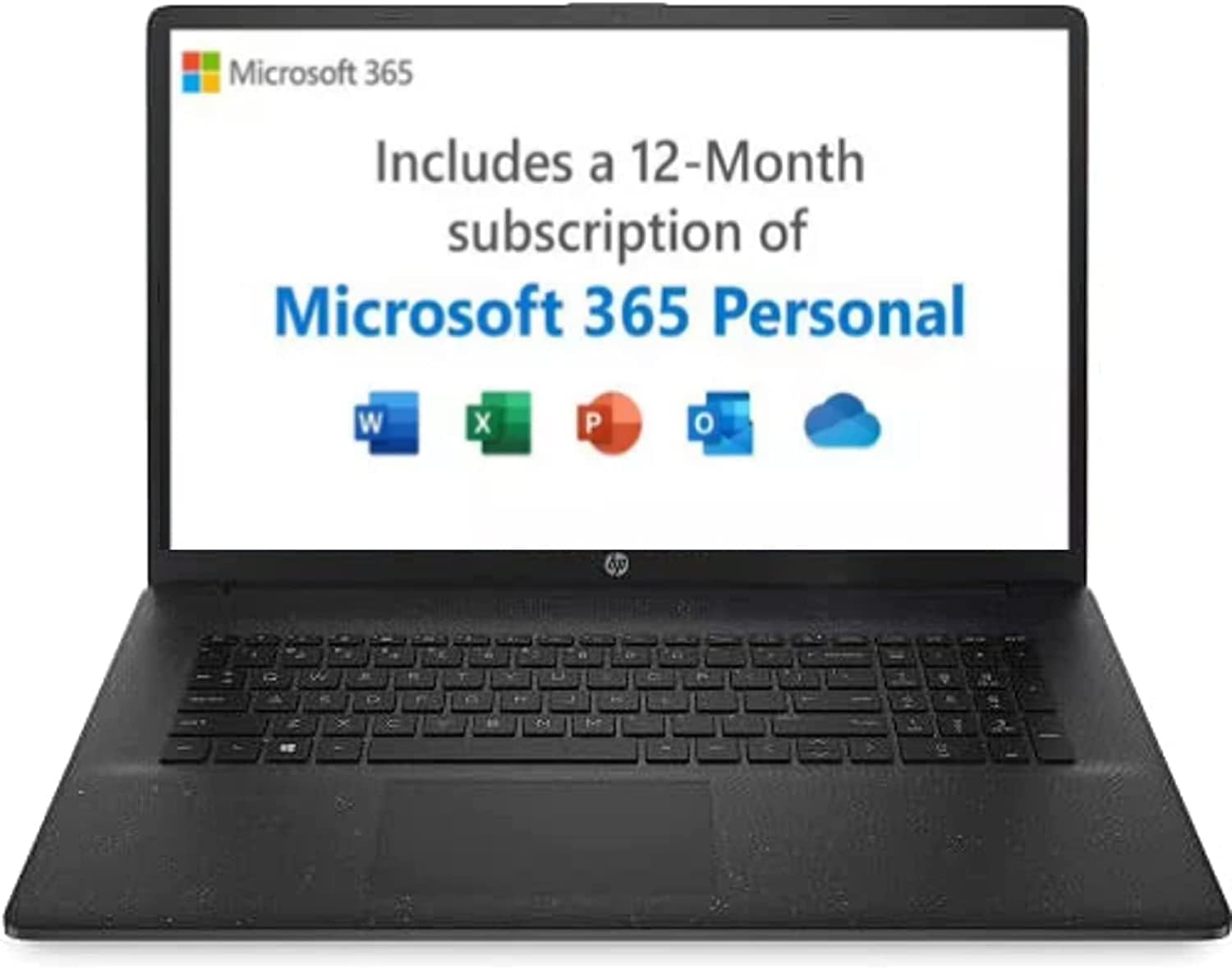
- Includes 12 months of Microsoft 365 Personal, which has real value for document and spreadsheet users
Cons
- 4GB of RAM is genuinely insufficient for comfortable multitasking — buyers report slowness and freezing under moderate load
- Windows 11 in S Mode blocks all non-Microsoft-Store apps by default, which catches many buyers off-guard
- 128GB of storage disappears fast once Windows, updates, and Microsoft 365 take their share — real usable space is considerably less
Spec Breakdown
- Model: HP 17-cn0041sa
- CPU: Intel Pentium Gold 7505 (dual-core)
- RAM: 4GB DDR4 (3200MHz)
- Storage: 128GB SSD
- GPU: Intel UHD Graphics (integrated)
- Display: 17.3-inch Full HD, 1920 x 1080, LED
- Battery: 41Wh, 3-cell lithium-ion; rated 8.25 hours; HP Fast Charge supported
- OS: Windows 11 in S Mode
- Weight: 2.05kg
- Ports: 3x USB, 1x HDMI
- Connectivity: 802.11ac Wi-Fi, Bluetooth 4.0
- Keyboard: QWERTY, enlarged clickpad with lift-hinge design
- Camera: Front-facing webcam
Hardware & Performance Reality Check
The Intel Pentium Gold 7505 is a dual-core chip — not a Core i3, not a Ryzen 3, a Pentium. It’s the bottom of Intel’s current stack, designed for low power draw rather than computational grunt. Paired with 4GB of DDR4 at 3200MHz, this is the absolute minimum configuration for running Windows 11. In practice, you’ll feel it. Browser tabs slow things down. Background Windows processes eat into available memory. Anyone who keeps more than five or six tabs open at once will notice genuine sluggishness. Whether the RAM is soldered or socketed on this model isn’t confirmed in the spec data — but given the entry-level positioning and HP’s typical approach at this tier, upgradeability should be treated as unlikely. If you want to understand the full picture on how much RAM actually matters, that’s worth reading before committing.
The 128GB SSD is fast in the sense that it reads and writes faster than a spinning hard drive — boot times will be fine. But 128GB of total storage is tight. Windows 11 and its recovery partition claim a large chunk immediately. Add Microsoft 365, a few downloads, and some photos, and you’re looking at less than 60GB of real usable space. There’s no optical drive, and no dedicated GPU — just Intel UHD Graphics pulling from shared system memory. That integrated solution handles video playback and light photo viewing without complaint, but it has no business running design software, photo editing suites, or anything graphically demanding. One buyer who tried Adobe Creative Suite and Rhino 3D on this machine had a miserable time — which should surprise nobody given the performance profile of this chip.
For 2026 and beyond: basic web browsing and Microsoft 365 tasks will remain functional — just. Anything beyond that is asking for frustration. Students writing essays? Workable, barely. Office tasks that stay within the browser and Word? Yes. Gaming — even lightweight browser games aside — no. Programming? No. Video editing? Absolutely not. This is a machine with a very narrow lane, and it knows it. If your use case genuinely fits within email, YouTube, and document writing, it does those things. If it extends even slightly beyond that, you’re in the wrong place — a proper look at mid-range alternatives would serve you better.
One thing worth flagging separately: Windows 11 in S Mode is a genuine restriction, not just a quirk. It means you cannot install software downloaded from the web — only from the Microsoft Store. Google Chrome, for instance, is not available in S Mode. You can switch out of S Mode for free, but it requires a Microsoft account and an internet connection, and it’s a one-way process. Many buyers don’t discover this until they try to install their first app. It needs to be said clearly upfront.
Check the full spec sheet and current buyer questions for the HP 17-cn0041sa on Amazon.
Everyday Usability: Battery, Build & More
HP rates the battery at 8.25 hours from the 41Wh cell. Real-world figures for budget laptops consistently underperform manufacturer claims, and a machine this underpowered with integrated graphics does have the advantage of low energy draw — so somewhere in the 5–7 hour range for light use is a reasonable expectation. It won’t get you through a full working day of anything intensive, but for browsing and document work it should handle most of a day. HP Fast Charge is legitimately useful here — 50% in 45 minutes means a short break can meaningfully extend usability. At 2.05kg, it’s not heavy for a 17-inch machine, though you wouldn’t call it particularly travel-friendly given the footprint.

The 1920 x 1080 display on a 17.3-inch LED panel produces reasonable pixel density for the size — text is clear, streaming video looks fine. The screen finish appears to be glossy based on spec data, which means reflections can be an issue in brightly lit rooms. There is no touchscreen. Connectivity covers the basics: 3 USB ports, one HDMI output, and 802.11ac Wi-Fi — no Ethernet port is listed, which is worth noting if you rely on wired connections for stability. There’s no fingerprint reader on this model. The front-facing webcam is present for video calls, though no spec data suggests it goes beyond basic 720p quality. Stereo speakers are included; at this price tier they’ll handle media at modest volume without drama. The enlarged clickpad gets a specific mention from HP as a feature, and some buyers find the lift-hinge typing position more comfortable than a flat keyboard — small things, but worth acknowledging. Our ports guide explains what to look for if connectivity matters to your workflow.
Lifespan & Future-Proofing
Chassis-wise, HP’s 17-series plastic build quality is functional rather than durable. The hinges on budget HP machines have a mixed record over time — one buyer noted minor scratches on a refurbished unit, which is to be expected. Under normal home use without being dropped or knocked, the physical machine should hold together for three to four years. It’s not a ThinkPad; the lid flex and chassis feel reflect the price point honestly. Warranty coverage is one year, and HP’s after-sales support drew pointed criticism from at least one buyer — worth factoring in if reliability matters to you. If you want context on what separates good and bad build quality, the laptop buying guide covers it properly.
Spec longevity is the bigger problem. 4GB of RAM was already a compromise purchase in 2022 when this machine launched. In 2026, it’s genuinely marginal for everyday tasks as Windows and browser memory demands continue to climb. The Pentium Gold 7505 sits outside Intel’s mainstream architecture trajectory — there’s no upgrade path within the chassis, and if the RAM is soldered (likely), that door is shut permanently. Realistically, this hardware will feel noticeably slow for routine tasks within two years of purchase, and properly outdated within three. It’s not a five-year machine. If you’re thinking about longevity, the CPU guide makes the generational gap between Pentium and Core-series chips very clear.
View current stock and availability for the HP 17-cn0041sa on Amazon.
What Buyers Are Saying (And Potential Dealbreakers)
The HP 17-cn0041sa holds a rating of 4.1 out of 5 from 100 reviews on Amazon. That’s a usable sample, though worth reading with context. A meaningful portion of recent reviews reference a refurbished or B-grade unit rather than new-in-box — several 5-star ratings specifically mention the condition language (“as good as new”, “minor scratches but B grade, expected”). Separating new-unit satisfaction from refurb-unit satisfaction is difficult here, but it’s a pattern worth flagging.
Positive sentiment clusters around two things: screen size and value for light use. Buyers using it for email and internet consistently report no complaints. Those who bought it for a relative — elderly parent, someone who just needs basic computing — tend to come away satisfied. The problems start when expectations diverge from the spec reality. One buyer attempted to run Adobe Creative Suite, Rhino 3D, and Nik Collection on it — predictably, it was a disaster. Photoshop ran out of RAM mid-session, and the machine crashed repeatedly. This isn’t a failing of the laptop specifically; it’s a straightforward spec mismatch. But HP’s marketing language about “multitasking” and “reliable processor” does encourage overconfidence.
Recurring complaints: slowness under even moderate load, cursor and touchpad sticking, and one reported hardware failure within months of purchase accompanied by a warranty expiry dispute with HP. The S Mode issue didn’t generate widespread complaints in the reviews, possibly because many buyers stayed within Microsoft’s ecosystem or simply didn’t notice. The one negative note about setup time is honest and consistent with any Windows machine — it takes time to configure to personal preferences, and the pre-loaded app bloat is real.
Buyer Highlights
“It arrived very well packaged and security sealed — looks as good as new and works perfectly.” — Consistent feedback from refurbished-unit buyers who report good condition on arrival.
“Bought it for email and internet use for my sister — no problems with speed up or downloading, usual HP quality.” — Reflects the experience of light-use buyers who stay within the machine’s limits.
“It’s not a good computer for any design or photography programme — Adobe Photoshop says your RAM is not enough and you cannot save your work.” — A direct warning from a buyer who tested it against creative software; entirely consistent with the spec sheet.
“The laptop keeps closing on its own and is very slow to respond.” — A minority experience, but worth noting as a reported hardware reliability concern rather than just a performance complaint.
“Setting up took several hours — there are a lot of apps that need deleting because they’re irrelevant.” — Standard caveat for new Windows machines at this tier; bloatware is a known quantity.
Who Should Buy It (And Who Shouldn’t)
Buy If
- You need a large screen for browsing, streaming, and email — and that genuinely covers the full scope of what you’ll do on it
- You’re buying for someone who is not computationally demanding: a retired relative, a light home user, someone who lives in a browser and Microsoft Word
- You’re purchasing a refurbished unit at a meaningfully reduced figure and have realistic expectations about condition and longevity
Avoid If
- You need more than five browser tabs open at a time, or plan to run any software outside the Microsoft Store without first switching out of S Mode — multitasking on 4GB of RAM will frustrate you within days
- You’re a student, a creative, a programmer, or anyone expecting this to handle real workloads — the Pentium Gold 7505 and 4GB RAM combination will hit its ceiling fast, and there’s no upgrade path to bail you out
The Bottom Line
The HP 17-cn0041sa is a narrowly capable machine that does one thing reasonably well: it provides a large, clear screen for basic home computing at a low entry point. The Pentium Gold processor and 4GB of RAM are honest about the limits of that ambition — just don’t expect HP’s marketing copy to be equally candid. For light users who genuinely need nothing more, it works. For anyone else, the spec ceiling will become a daily irritant sooner rather than later. If you’re weighing this against other options, spend ten minutes with our specs explained guide first — understanding what these numbers actually mean makes the decision straightforward.
The HP 17-cn0041sa listing on Amazon has current stock details and the latest buyer questions.
At LaptopAdvisorOnline, our methodology is built on data transparency rather than simulated hands-on testing. We rigorously analyse official manufacturer specifications and aggregate verified customer sentiment to provide objective, fluff-free buying advice that helps you cut through the marketing jargon.
As an Amazon Associate, I earn from qualifying purchases.
Browse by Specification
Looking for something specific? Browse our analyses by hardware and feature below, or check all laptop analyses in the Best Budget Laptops category archive.
[AMD Processor Laptops] — [Intel Processor Laptops] — [16GB RAM Laptops] — [32GB RAM Laptops] — [Dedicated Graphics] — [Long Battery Life] — [Lightweight Laptops] — [Student Laptops]
Browse by Screen Size
[13-inch Laptops] — [14-inch Laptops] — [15-inch Laptops] — [16-inch+ Laptops]




