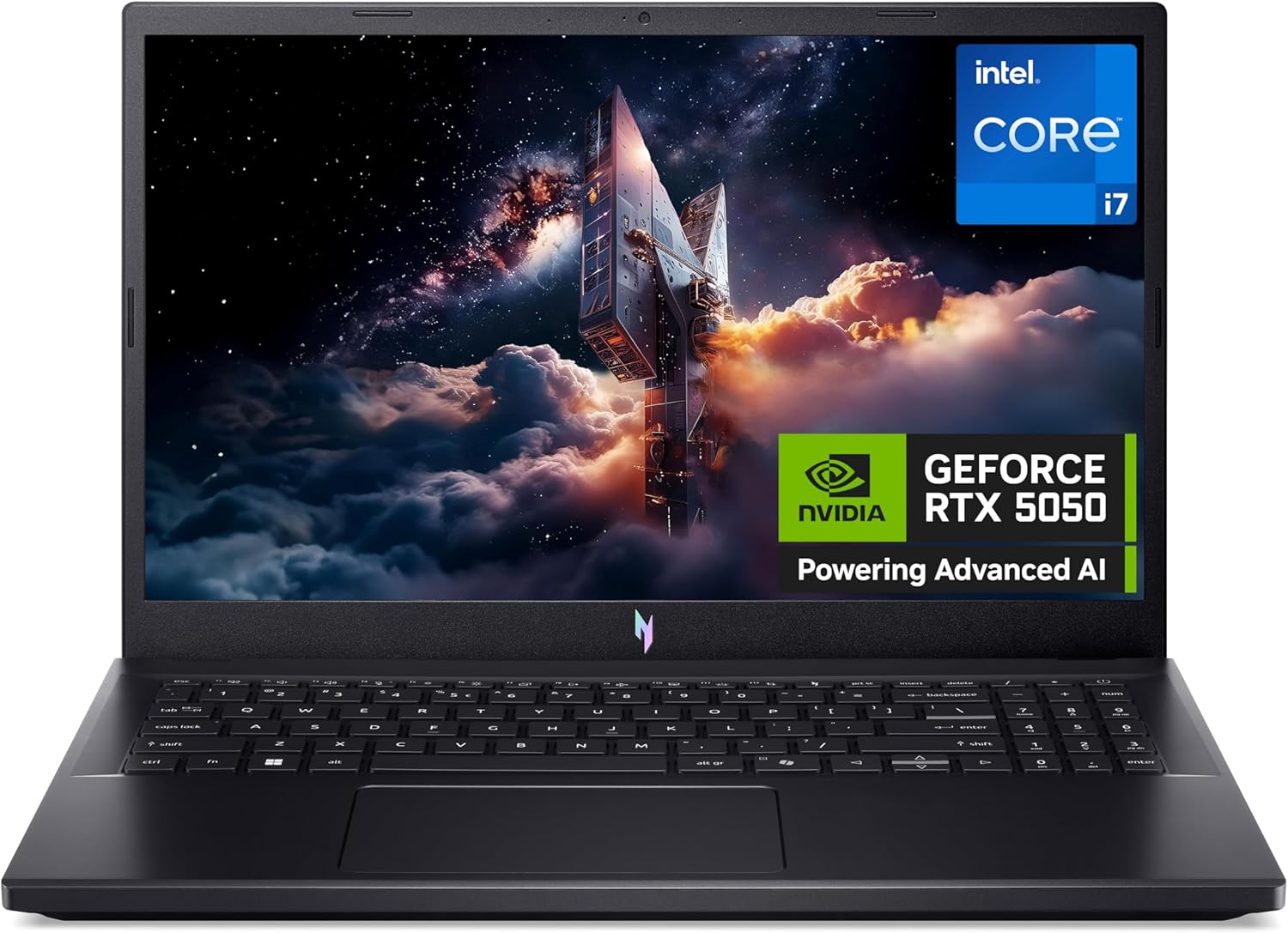
Acer Nitro V 15 ANV15-52 Analysis: RTX 5050 Worth It?
The Blunt Verdict
The Acer Nitro V 15 ANV15-52 is a straightforward proposition: a budget gaming laptop with a genuinely next-generation GPU that punches above the typical price bracket for this hardware tier. The headline strength is the NVIDIA GeForce RTX 5050 — a 50-series card with DLSS Multi-Frame Generation support, which you genuinely wouldn’t expect to find here. The headline weakness is equally clear: DDR4 RAM in 2025, on a machine shipping with a 13th-gen CPU that deserves better memory bandwidth than it’s getting.
Under the lid you’ve got an Intel Core i7-13620H (Raptor Lake, 10 cores, up to 4.9 GHz), 16GB of DDR4 RAM, a 512GB SSD, and that RTX 5050 with 6GB GDDR6 VRAM pushing games to a 15.6-inch, 1920×1080, 165Hz display. On paper, that’s a solid setup for 1080p gaming at medium-to-high settings. The 165Hz panel means motion clarity is genuinely good for fast games. The DDR4 memory is a legitimate gripe — verified by multiple buyers — but at 1080p it matters less than it would at higher resolutions.
Buy it if you want a capable 1080p gaming machine without spending serious money. Avoid it if you’re planning to upgrade the RAM yourself to DDR5 — you can’t, and the slots only accept DDR4 regardless of what the listing has implied. Also avoid it if your workload demands workstation-level CPU performance; this is a gaming machine first.
See the Acer Nitro V 15 ANV15-52 listing and current availability on Amazon.

Pros and Cons
Pros
- RTX 5050 with DLSS Multi-Frame Generation is a genuine generational leap for this price tier — AI-assisted frame rates mean playable performance in demanding titles at 1080p
- 165Hz display makes a real difference in fast-paced shooters and racing games — motion is noticeably cleaner than 60Hz or even 120Hz panels
- i7-13620H is a strong 10-core chip that handles multitasking, streaming, and background tasks without breaking a sweat
- Wi-Fi 6 (802.11ax) and Thunderbolt 4 output are proper connectivity specs you don’t always get at this level
- Buyers report smooth performance on triple-A titles at good settings — not just older or lightweight games
Cons
- DDR4 RAM is a real-world bottleneck — multiple buyers confirmed this after the listing implied DDR5; if you planned to upgrade from DDR5 modules you already own, they won’t fit
- 512GB storage disappears fast with a modern game library — Windows takes 60GB+ out of the box, so you’re realistically working with under 450GB from day one
- No webcam — confirmed in the spec data; if you video call regularly, you’ll need an external one
Spec Breakdown
- Model: Acer Nitro V 15 ANV15-52 (NH.QZ9EK.006)
- CPU: Intel Core i7-13620H, 10 cores, up to 4.9 GHz (Raptor Lake, 13th Gen)
- RAM: 16GB DDR4 SDRAM
- Storage: 512GB SSD
- GPU: NVIDIA GeForce RTX 5050, 6GB GDDR6
- Display: 15.6-inch LCD, 1920×1080 Full HD, 165Hz refresh rate
- Battery: 57Wh lithium-ion
- OS: Windows 11
- Weight: 2.11kg
- Ports: Thunderbolt 4, HDMI, 3× USB total, Ethernet
- Connectivity: Wi-Fi 6 (802.11ax), Bluetooth
- Keyboard: Backlit QWERTY
- Camera: None
Hardware & Performance Reality Check
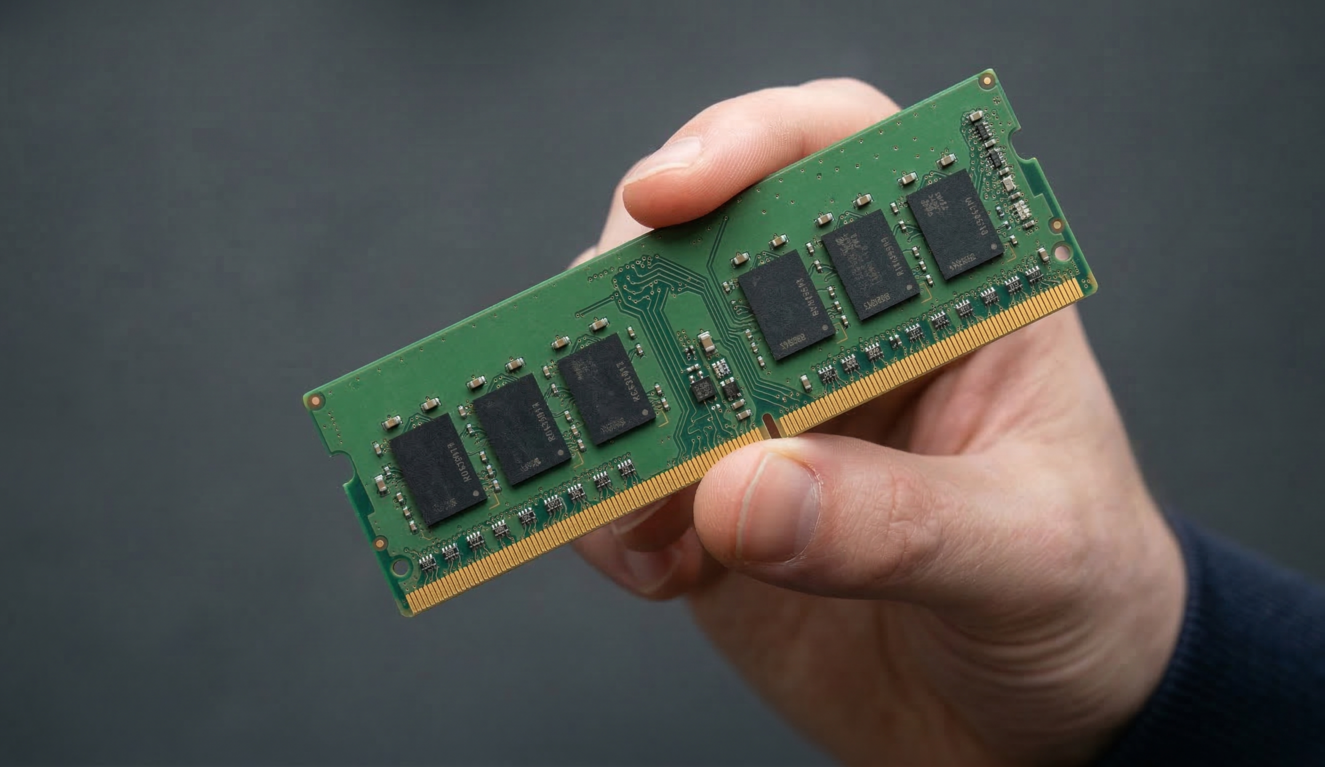
The Intel Core i7-13620H is a solid mid-tier laptop chip — 6 performance cores, 4 efficiency cores, and a boost clock of 4.9 GHz. In daily use it handles browser-heavy multitasking, streaming in the background, and general productivity without complaint. If you want to understand how this CPU stacks up against alternatives, the CPU guide covers the Raptor Lake architecture in plain English. The 16GB DDR4 pairing is functional but underwhelming — DDR4 has lower memory bandwidth than DDR5, which creates a ceiling on how well the GPU can be fed data in memory-intensive scenarios. Whether the RAM is soldered or on removable slots is unconfirmed in the spec data, but given the DDR4 choice and the pricing tier, treat it as potentially upgrade-limited. If you’re trying to work out how much RAM you actually need, 16GB is the baseline for gaming — not generous, but not a dealbreaker for most titles right now.
The 512GB SSD is the kind of spec that sounds fine until Windows, drivers, and one AAA game are installed and you’ve got 200GB left. An external drive is genuinely recommended from day one — one buyer flagged this specifically. On the GPU side, the NVIDIA GeForce RTX 5050 with 6GB GDDR6 is the real story here. It’s a 50-series card, which means DLSS Multi-Frame Generation — AI-generated frames that meaningfully boost perceived frame rates without proportional GPU load increases. At 1920×1080 with DLSS enabled, this card can make demanding titles playable where raw rasterisation alone would struggle. You’re not looking at 4K or high-refresh 1440p gaming, but 1080p at high settings across most titles is a realistic expectation. Check performance benchmarks for a broader sense of where the RTX 50-series mobile tier lands.
For a student in 2026: yes, this handles everything in the curriculum without issue. Office tasks, video calls (bring your own webcam), light photo editing — the CPU manages all of it. Programming and software development: fine, the i7-13620H compiles code well. Video editing at 1080p: workable, especially with NVENC hardware encoding on the RTX 5050. 4K video editing: technically possible but you’ll feel the DDR4 bandwidth pinch and the 16GB ceiling. Gaming across most genres at medium-to-high 1080p settings: confirmed by buyers and realistic given the hardware on paper.
The port situation is worth a specific mention. Thunderbolt 4 output is a genuine addition — it means you can drive an external display at high resolution or daisy-chain peripherals without an active adapter. HDMI is present for straightforward monitor connection. Ethernet is listed in the connectivity data, which matters for gamers who prefer wired stability. Three USB ports total is modest — a hub may be useful if you run multiple peripherals. For a full breakdown of what these connections mean in practice, the ports guide is worth a quick read.
Check the full spec sheet and buyer Q&As for the Acer Nitro V 15 ANV15-52 on Amazon.
Everyday Usability: Battery, Build & More
Battery life on gaming laptops is always a compromise, and the Acer Nitro V 15 ANV15-52 isn’t going to change that. The 57Wh cell is modest — roughly in line with competitors at this tier. Under gaming load, expect 2–3 hours. Light productivity use stretches that, but this isn’t a machine you’d take to an all-day lecture theatre without the charger. One buyer specifically praised battery life as “strong,” though context there was likely lighter usage rather than sustained gaming sessions. Plugged in is where this machine is happiest. The 2.11kg weight makes it portable in the backpack sense, but nobody’s one-handing this on a commute. At 36.2cm × 24cm footprint it’s standard 15.6-inch size — fits in most laptop bags without drama.
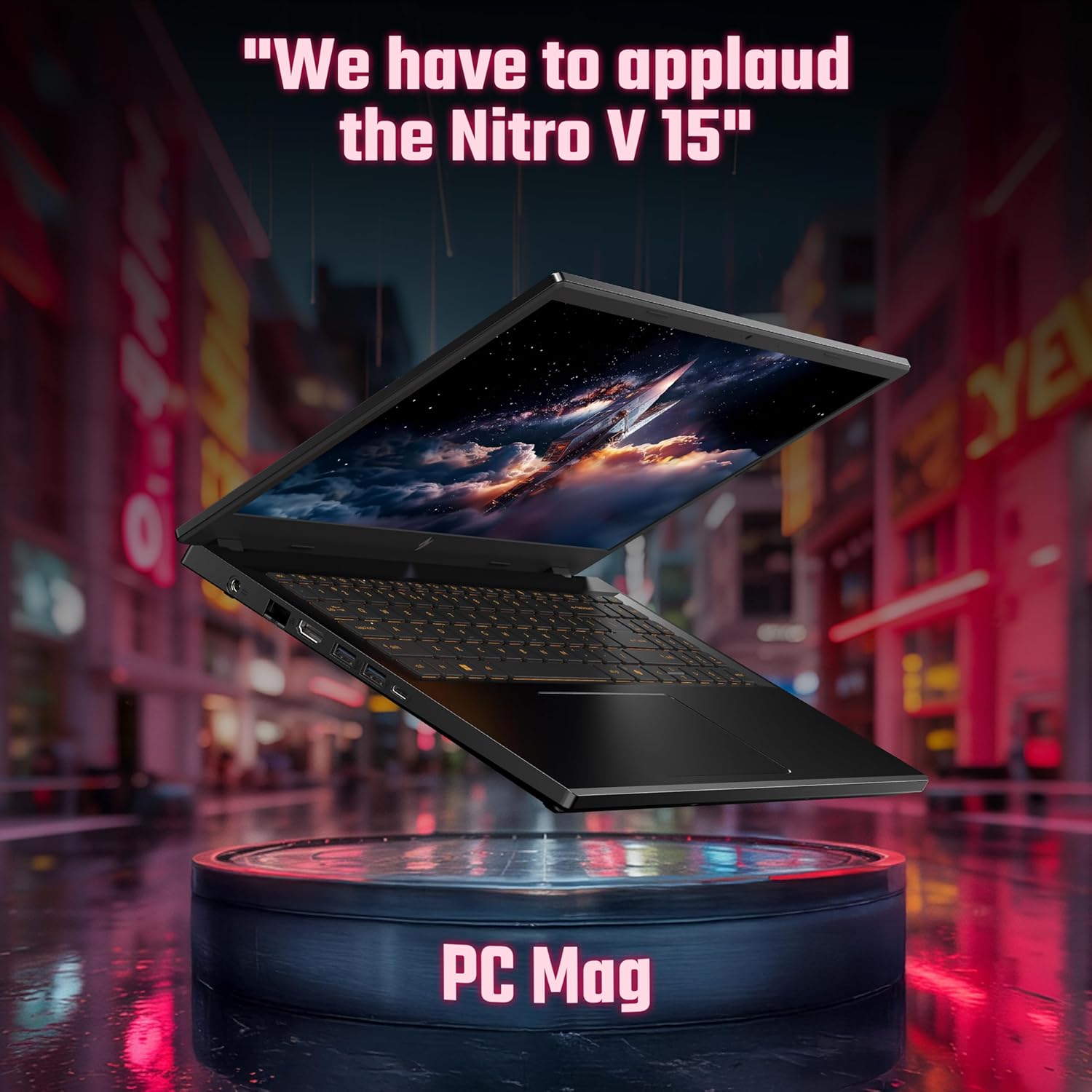
The 1920×1080 165Hz LCD panel is a genuine usability win for gaming — motion clarity at this refresh rate is noticeably cleaner than budget 60Hz panels. Colour accuracy and brightness aren’t specified in the available data; LCD panels at this price tier typically land in the adequate-for-gaming category rather than content-creator-grade. If display quality is something you care about, the display panel guide explains what to realistically expect from LCD at this price point versus IPS or OLED alternatives. There’s no touchscreen — this is a clamshell gaming laptop, not a 2-in-1. The backlit keyboard is a straightforward inclusion; Acer’s Nitro keyboards are generally decent for the price with reasonable key travel. No fingerprint reader is mentioned in the spec data, so assume Windows Hello through PIN or password rather than biometric. The webcam is absent — explicitly confirmed — which is an unusual omission even for gaming laptops. Budget in for an external webcam if you stream, attend video calls, or study remotely.
Lifespan & Future-Proofing
The Nitro V chassis has a reasonable track record for build durability — it’s plastic-heavy, which keeps weight manageable but won’t win any structural rigidity awards. Realistically, expect 4–5 years of usable life from the physical machine before hinges, battery degradation, or wear becomes a meaningful issue. That’s standard for this category and price tier; it’s not a ThinkPad, but it’s not flimsy either. The black finish is reasonably fingerprint-resistant in practice, which helps it stay looking presentable.
Spec longevity is a more nuanced answer. The i7-13620H is a 13th-gen chip, which by 2026 sits one full generation behind current Meteor Lake and Lunar Lake releases. For everyday tasks and 1080p gaming it will remain competent well into 2028. The RTX 5050 is genuinely current-generation — DLSS Multi-Frame Generation extends its gaming relevance meaningfully, and at 1080p resolution it won’t be strained by most titles for several years. The DDR4 memory is the limiting factor. It’s not just the bandwidth issue — if this machine has soldered RAM or slots that max at the installed 16GB, there’s no upgrade path. Buyers have confirmed the RAM is DDR4; the spec data lists maximum RAM size as 16GB, which strongly implies no expansion is possible. That ceiling will start to feel tight as games and operating systems grow heavier. Storage expansion via an external drive or potentially a second M.2 slot (unconfirmed — check the Amazon Q&A) is the more practical upgrade path. For broader context on what makes a laptop last, the laptop buying guide covers longevity factors worth knowing before committing.
View current stock levels for the Acer Nitro V 15 ANV15-52 on Amazon.
What Buyers Are Saying (And Potential Dealbreakers)
The Acer Nitro V 15 ANV15-52 holds a rating of 4.2 out of 5 from 12 Amazon customer reviews. That’s a small sample — too small to draw firm statistical conclusions. What the reviews do provide is a consistent directional signal, and combined with what the hardware spec sheet tells us, a clear picture emerges.
The overwhelming majority of reviewers are satisfied with gaming performance. Triple-A titles at good settings, Football Manager on full graphics, smooth frame delivery — these are specific, credible claims that align with what the RTX 5050 and i7-13620H should deliver at 1080p. One buyer running FM26 explicitly noted smooth performance at full graphics settings, which is a useful real-world data point rather than vague praise.
The one recurring complaint that carries genuine weight is the DDR4 RAM situation. Two separate buyers flagged it independently — one gave a 1-star rating specifically over this, another docked a star after discovering their DDR5 modules from a previous laptop wouldn’t fit. The listing has at some point implied DDR5, which is straightforwardly misleading. The RAM is DDR4. That’s confirmed. Factor it into your decision.
One buyer also noted that Windows occupies around 64GB of the 512GB drive out of the box, which tracks with current Windows 11 installs. The recommendation to pair this with an external drive is well-founded and not just a spec-sheet concern. On the positive side, battery life received a favourable mention — qualified earlier, but worth noting as a data point relative to gaming laptop expectations.
Buyer Highlights
“Works perfectly — can run triple-As on good settings.” — Consistent with the hardware spec and the most commonly repeated sentiment across this review set.
“Great spec for the price as things stand today and superb performance for the money — using it mainly for FM26 which runs smooth and solid on full graphics.” — A practical real-world data point from a buyer using it as their primary gaming machine.
“Memory is not DDR5 as described — my DDR5 modules from my previous laptop don’t fit.” — A genuine dealbreaker for anyone expecting DDR5 compatibility or planning to upgrade with existing modules.
“The system disc is 512GB of which Windows is using 64GB out of the box — an external drive would be recommended.” — Useful calibration if you’re budgeting for storage alongside the machine.
“Very happy with performance across all types of games — strong battery life too.” — Battery praise is relative to gaming laptop standards, but it’s a data point worth having.
Who Should Buy It (And Who Shouldn’t)
Buy If
- You want 1080p gaming at medium-to-high settings without paying serious gaming laptop money — the RTX 5050 with DLSS support makes this tier more capable than the price suggests
- You play fast-paced games and want the smoothness of a 165Hz display without moving to a higher price bracket
- You need a dual-purpose machine for gaming and light productivity work — the i7-13620H handles both without forcing compromises
- You’re comfortable pairing it with an external webcam and external storage from day one, treating those as expected add-ons rather than surprises
Avoid If
- You were planning to use DDR5 modules to upgrade the RAM — they won’t fit, and there’s likely no upgrade path beyond the installed 16GB DDR4 anyway
- You need a laptop for video calls or streaming that requires a built-in webcam — there isn’t one, and retrofitting externally adds cost and desk clutter
- You’re looking at serious gaming at 1440p or above, or creative work requiring high-accuracy colour display — the 1080p LCD panel and 16GB DDR4 ceiling both cap ambitions at that level
The Bottom Line
The Acer Nitro V 15 ANV15-52 is a genuinely interesting machine in a crowded mid-range field — the RTX 5050 with DLSS Multi-Frame Generation is a hardware generation ahead of what you typically find at this tier, and the 165Hz 1080p panel is a practical win for gaming. The i7-13620H does what it needs to. The DDR4 RAM is a frustration, compounded by misleading listing information that’s annoyed real buyers. The storage runs tight from day one. Neither issue is a dealbreaker on its own, but both are real. If you go in with eyes open — budget for external storage, bring your own webcam, accept the DDR4 situation — this is a solid buy for 1080p gaming and everyday computing. If you were expecting DDR5 or a webcam, look elsewhere.
Find the Acer Nitro V 15 ANV15-52 and read the latest buyer questions on Amazon.
At LaptopAdvisorOnline, our methodology is built on data transparency rather than simulated hands-on testing. We rigorously analyse official manufacturer specifications and aggregate verified customer sentiment to provide objective, fluff-free buying advice that helps you cut through the marketing jargon.
As an Amazon Associate, I earn from qualifying purchases.
Browse by Specification
Looking for something specific? Browse our analyses by hardware and feature:
[AMD Processor Laptops] — [Intel Processor Laptops] — [16GB RAM Laptops] — [32GB RAM Laptops] — [Dedicated Graphics] — [Long Battery Life] — [Lightweight Laptops] — [Student Laptops]
Browse by Screen Size
[13-inch Laptops] — [14-inch Laptops] — [15-inch Laptops] — [16-inch Laptops]