
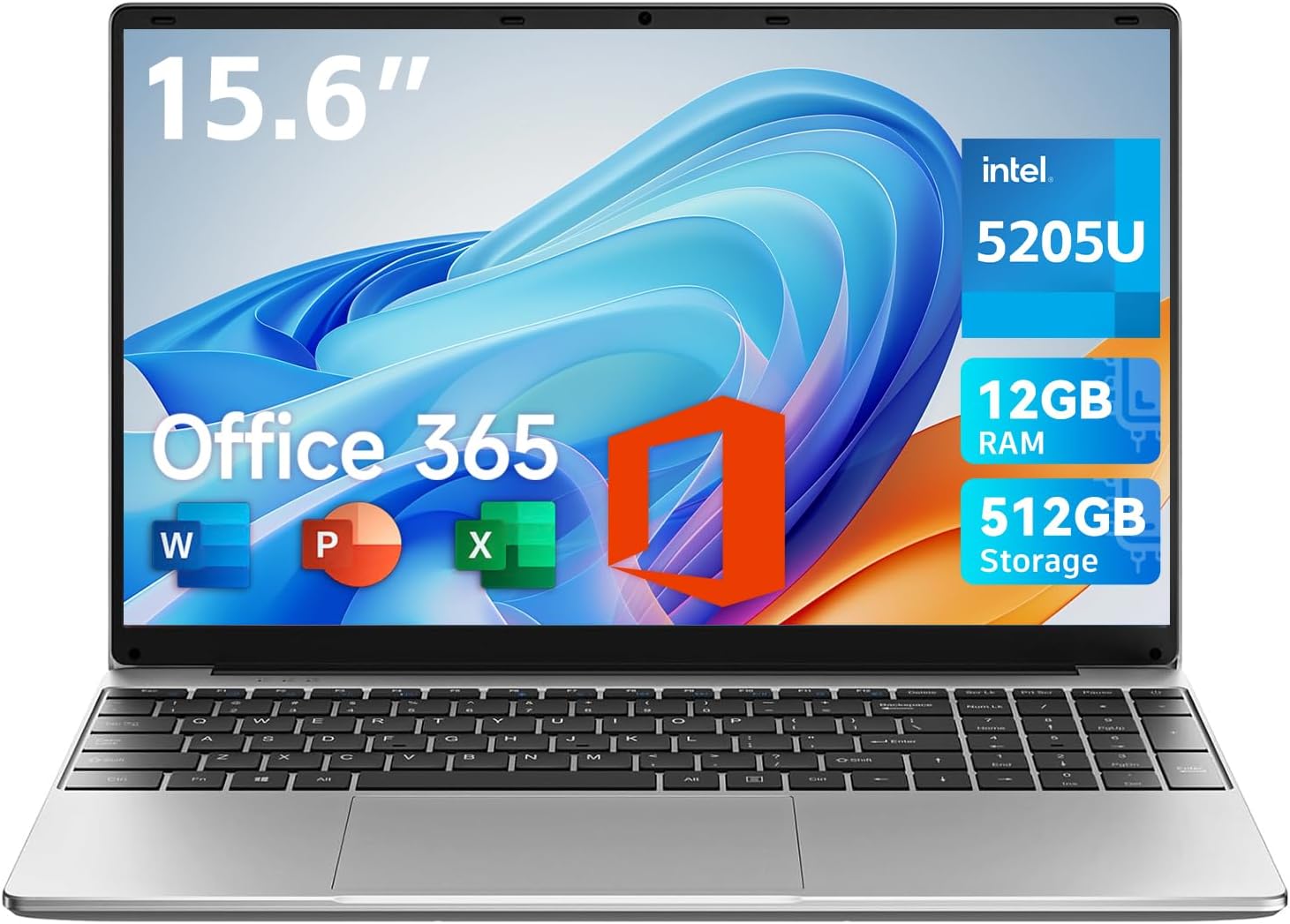
Jumper 15.6 Inch Laptop Review: Exceptional Value for Daily Tasks
Quick Verdict
The Jumper 15.6 Inch Laptop offers solid value for users focused on everyday productivity, such as students drafting essays, professionals managing emails, or casual media consumption. Its generous 12GB RAM and 512GB storage provide ample capacity for multitasking and file storage. However, the ageing 5205U processor and basic HD display limit its suitability for more demanding tasks like video editing or high-definition media creation. If you need a budget-friendly machine primarily for office apps, video calls, and light browsing, this laptop stands out as a practical choice, though the display quality and performance under heavier workloads may leave power users wanting more.
Overview and First Impressions
Jumper, though not as widely recognised as mainstream laptop brands in the UK, carves a niche by delivering reasonably equipped machines at approachable price points. The Jumper 15.6 Inch model targets buyers who prioritise basic productivity over raw power or premium materials. Weighing in at 3.6lbs and just 2cm thick, it’s relatively slim and lightweight for a 15.6-inch laptop, making it convenient for students carrying it between lectures or professionals commuting with minimal strain.
The chassis appears to be constructed from plastic, typical for budget laptops, which keeps the weight down but doesn’t offer the robust feel or premium finish of aluminium rivals. Nonetheless, daily usability won’t suffer drastically; the laptop won’t win awards for rigidity but should withstand usual handling without undue flex.
Port selection is well thought out for a device at this level, with two USB 3.0 ports, a USB Type-C, HDMI output, and a headphone jack, alongside a TF card reader. This variety enables straightforward connectivity to external displays, peripherals, and wired headphones without relying solely on dongles — a welcome feature as many modern ultraportables omit traditional ports. The 135° hinge is a practical touch for collaborative work, letting users lay the screen flat for sharing content easily, though it lacks the versatility of a convertible or touchscreen.
For those interested in similar budget laptops, our recent review of the Lenovo IdeaPad 3 offers an alternative with a more modern processor but a smaller 14-inch display.
Discover the Perfect Laptop for Work and Play!
Performance and Hardware Explained
At the heart of this Jumper laptop is the Intel Pentium Silver 5205U processor, a Gemini Lake Refresh CPU released around 2019. While not cutting-edge by 2026 standards, this dual-core, four-thread chip running at up to 2.7GHz is adequate for fundamental tasks. Students typing documents, casually browsing the web with several tabs open, or professionals running Microsoft Office apps will find the CPU sufficiently responsive for these uses. Complex tasks like compiling code, large spreadsheet manipulation, or video editing may expose bottlenecks quickly, with the processor struggling to keep pace.
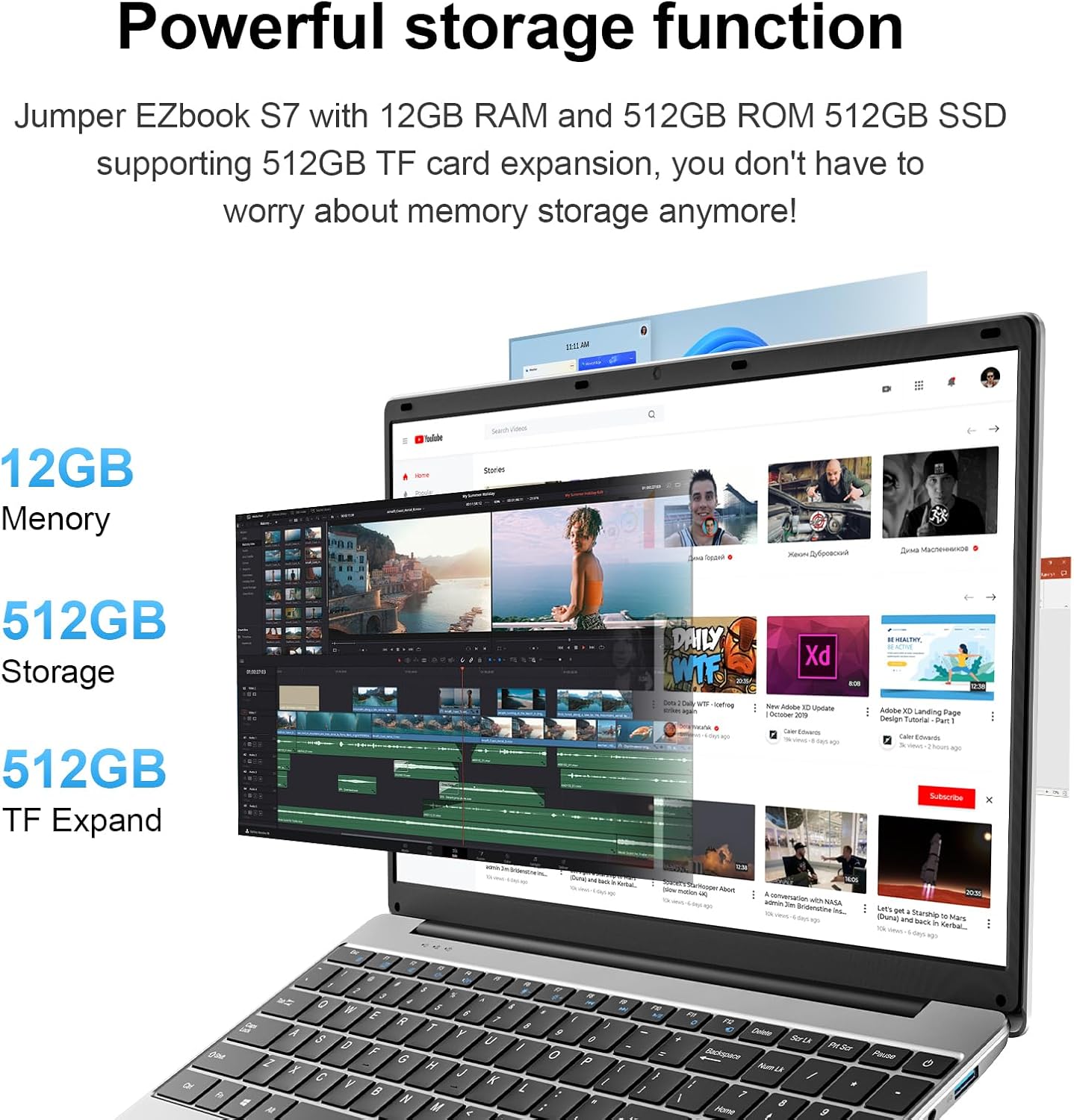
Accompanying the CPU is 12GB of RAM, an unusually generous amount at this price point. This quantity enables smoother multitasking, helping users run multiple browser tabs, Office Suite applications, and communication tools like Microsoft Teams simultaneously without frequent slowdowns. Moreover, 12GB reduces the likelihood of memory swapping, which is crucial when juggling several content-heavy tabs or productivity software, thus enhancing perceived system responsiveness compared to competitors capped at 4GB or 8GB RAM.
Storage consists of a 512GB solid-state drive. SSDs significantly outperform traditional mechanical drives by offering faster boot times, quicker application launches, and improved file transfers. While the product description doesn’t specify, at this price bracket an NVMe SSD is less probable; it may well be SATA-based, which still provides an appreciable speed boost over HDDs but doesn’t match the peak throughput of NVMe. Regardless, the 512GB capacity is generous for daily users, providing room not only for documents and coursework but also media files and various applications without immediate storage concerns.
The display is listed as “HD,” although the product title calls it a large FHD screen, which introduces a bit of ambiguity. Assuming it is a 1920×1080 Full HD panel, this is a positive in this segment, delivering sharper text and imagery than the 1366×768 standard found on many budget notebooks. However, the description does not clarify panel type (IPS, TN, or VA), nor brightness levels. Budget devices commonly deploy TN panels with limited viewing angles and brightness around 200 nits or below, which may hamper outdoor use or viewing in brightly lit rooms. For tasks involving detailed colour work or prolonged reading, this could be a detractor compared to laptops with brighter IPS screens delivering 250-300 nits.

Graphics processing relies on the integrated Intel UHD Graphics 605, tied to the Pentium chip. This is suitable for video decoding, streaming in HD, and light casual gaming (think titles like Stardew Valley or older Minecraft versions on low settings) but remains ill-suited for modern 3D gaming or GPU-accelerated workloads such as video rendering. Professionals working with media-intensive software will find this hardware limiting.
The webcam is a modest 2-megapixel sensor, higher than the bare minimum often seen on budget models. In practical video calls using Microsoft Teams or Zoom, expect graininess in low light but generally acceptable clarity in well-lit environments. The inclusion of a keyboard film specifically for the UK layout is a considerate touch for local users, ensuring correct key placement and character printing, aiding typing accuracy.
Overall, the Jumper’s hardware mix leans heavily towards everyday tasks, offering some elements (RAM, storage size) that outperform typical budget competitors, but balanced by a processor and display that reflect cost-saving compromises. This balance is common in entry-level laptops from brands targeting value-conscious markets.
Real-World Performance
Day-to-day, the Jumper 15.6 Inch Laptop should deliver smooth performance for web browsing, document editing, and video consumption. Thanks to the 12GB of RAM, switching between multiple applications is less likely to trigger sluggishness or prolonged load times, a frequent pain point on cheap models limited to 4GB. Tasks like composing essays in Microsoft Word while keeping a browser, email client, and music streaming app running in the background will feel seamless most of the time.
Battery life is a critical practical consideration. The laptop’s 5000mAh battery, while respectable in capacity, should theoretically sustain around 5 to 7 hours of mixed usage, depending on settings and workload intensity. Watching HD streams, running video calls, or typing could vary battery drain rates. This expectation aligns with typical battery endurance on budget 15.6-inch devices but lacks the stamina of premium ultraportables that often push double-digit hours. Users with longer work or study days should plan to recharge midway through the day.
Thermal management in budget aluminium-free laptops can be a double-edged sword. Plastic builds sometimes have less efficient heat dissipation. Under sustained loads, such as extended web conferencing or multitasking, surface warmth may increase noticeably, though unlikely to reach uncomfortable levels. Internal cooling fans are probably modestly sized and can become audible during heavier usage, a common trade-off at this tier.
The keyboard deserves mention: equipped with a UK-layout keyboard film, tactile feedback is on the basic side but serviceable for daily typing. Key travel is likely medium-depth with a firm but not crisp click, delivering accuracy without fatigue. The trackpad is presumably a standard precision touchpad supporting basic gestures. It may lack glass covering or advanced haptic feedback but suffices for general navigation and productivity workflows.
Considering the machine’s mention in the Amazon UK market and its 3.2-star rating across 13 reviews, buyers should temper expectations but recognise the strengths in memory and storage over similarly priced alternatives. Those prioritising display quality or prolonged intensive workloads might look elsewhere.
Battery Life and Portability
Portability combines weight, chassis thickness, battery life, and connectivity options. At 3.6lbs (approximately 1.63 kilograms) and 2cm thickness, the Jumper sits comfortably in the realm of portable 15.6-inch laptops, striking a balance between screen real estate and ease of transport. For UK university students travelling between campuses or professionals commuting on public transport, this offers manageable bulk, especially given the screen size for multitasking or entertainment on the go.
The 5000mAh battery may deliver battery life ranging roughly between 5 to 7 hours in mixed-use conditions, which is acceptable for half to a full workday with moderate usage but not quite all-day longevity, especially if brightness is cranked or demanding apps are used. Unlike ultralight premium notebooks boasting 10+ hours, this machine is best paired with access to charging points for extended sessions.
Charging is done through a DC power input rather than exclusively via USB-C, although the laptop does include a USB Type-C port. The lack of USB-C charging means users cannot leverage universal chargers widely used in many modern environments, potentially necessitating carrying the supplied charger specifically. Also, USB-C on this model likely handles data and display functions rather than power delivery, limiting flexibility.
Having an HDMI output enables straightforward connection to external monitors or projectors, useful in both student presentations and office meetings. The inclusion of a TF card slot adds value for users who may wish to transfer photos or documents from compatible memory cards without an adapter.
In practice, this laptop is well-suited for daily commute portability with planned charging breaks rather than travel-heavy users who prefer lighter machines with longer battery cycles and USB-C fast charging.
Who Should Buy This
The Jumper 15.6 Inch Laptop is aimed squarely at everyday users whose work revolves around internet browsing, document creation, and video conferencing without resource-intensive demands. Students working on essays, slideshows, and testing basic software will appreciate its generous RAM and storage, ensuring smooth multitasking and sufficient space for media and projects. Similarly, office-based professionals conducting video calls, managing emails, and cloud collaboration on Office 365 software will find the performance adequate.
However, if your workflow involves frequent graphic design, video editing, or modern gaming, this laptop’s entry-level CPU and integrated graphics will show their limits quickly. Additionally, users sensitive to screen quality or planning to work long hours away from power may find the display and battery endurance fall short.
For buyers intrigued by the value proposition but curious about improved processing power, exploring devices like the Acer Aspire 5 with newer generation processors and IPS displays may provide insight into different trade-offs on build and display technology.
Get Your Ideal Student Laptop with Office 365 Today!
Ultimately, the Jumper 15.6 Inch Laptop stands out for its unusually high RAM and storage for under £600, making it a compelling option where budget and multitasking capability are priorities, provided its limitations in display quality and CPU power are understood.
Pros and Cons
Pros:
- Generous 12GB RAM enabling effective multitasking with multiple apps and browser tabs.
- Substantial 512GB solid-state storage offering fast application loading and room for files.
- Full HD 15.6-inch display likely yielding sharper images and text clarity compared to typical HD panels.
- Versatile port array including HDMI, USB Type-C, USB 3.0 ports, and a TF card reader for real-world connectivity.
Cons:
- Intel Pentium Silver 5205U CPU may underperform with demanding applications or multitasking tasks beyond office use.
- Display panel specifications unclear; potentially limited brightness and narrower viewing angles common to budget TN panels.
- Battery life moderate, unlikely to last a full typical working day under heavier use without recharging.
- Plastic chassis and keyboard provide basic tactile feedback and durability, lacking premium feel and robustness.
Final Verdict and Recommendation
Offering unusual RAM and storage capacity for a sub-£600 15.6-inch laptop, the Jumper delivers well-rounded everyday performance for the typical student or professional focused on productivity apps, video calls, and leisure streaming. Its modest CPU and display quality anchor it firmly in the budget segment, signalling it’s best for users who prioritise storage and multitasking over raw power or premium build. If your use cases align with these priorities, the Jumper 15.6 Inch Laptop is absolutely worthy of consideration as a practical daily driver in 2026. Check current availability on Amazon to see if it fits your needs.
Upgrade Your Tech: Explore This 15.6″ Laptop!
As an Amazon Associate, I earn from qualifying purchases.