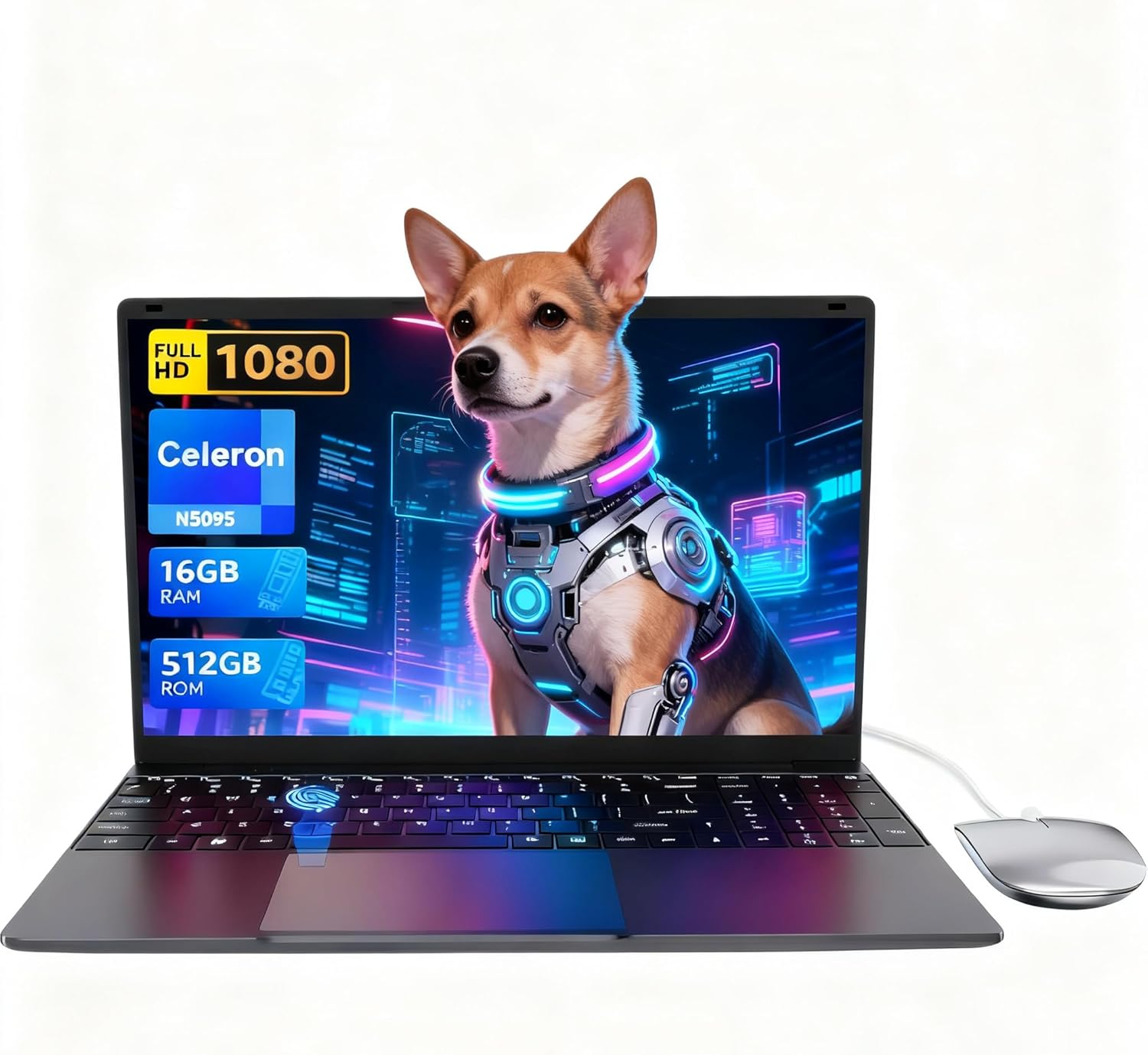
LEEDOW ANL5-N5095 Analysis: 16GB on a Tight Budget
The Blunt Verdict
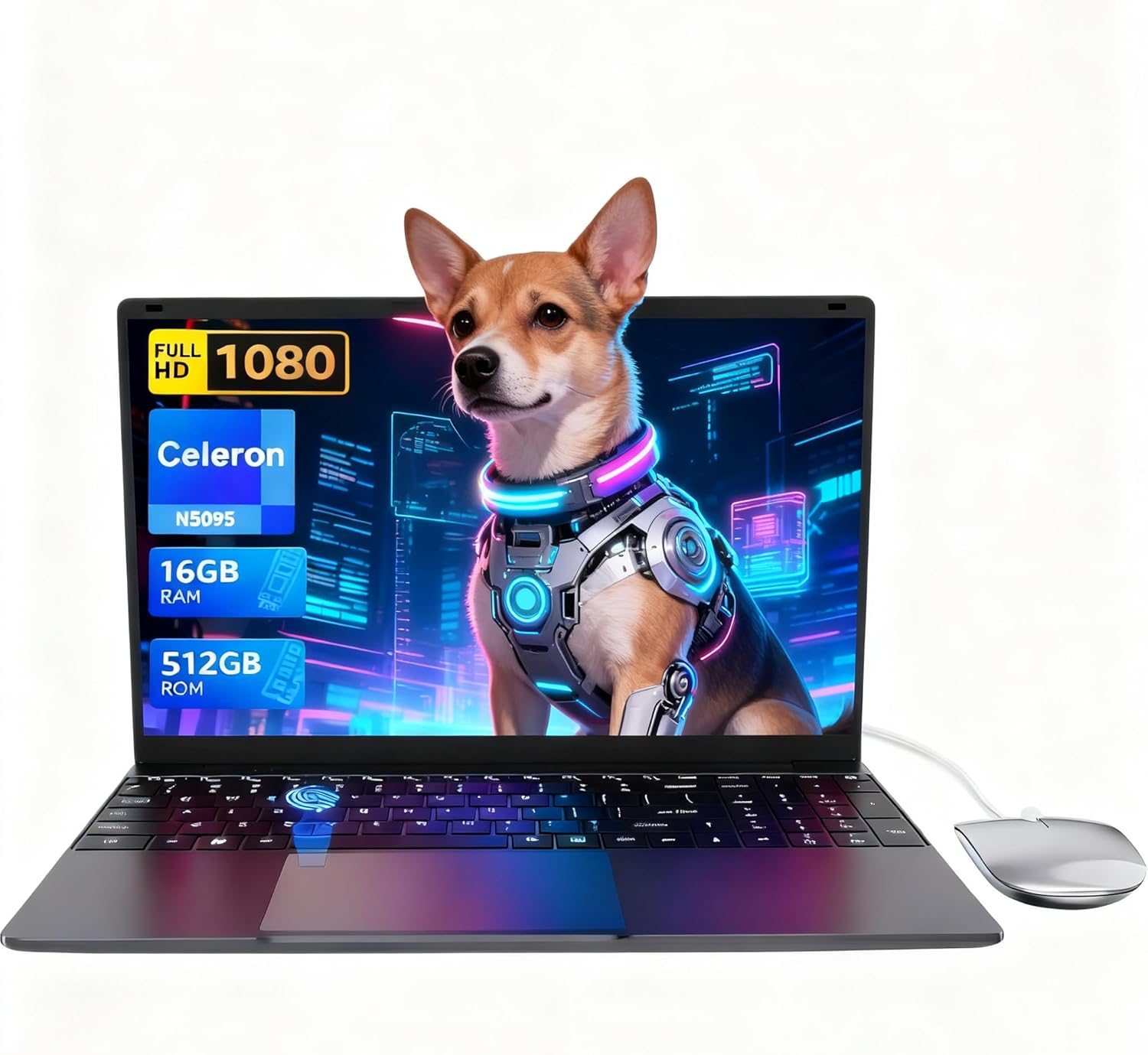
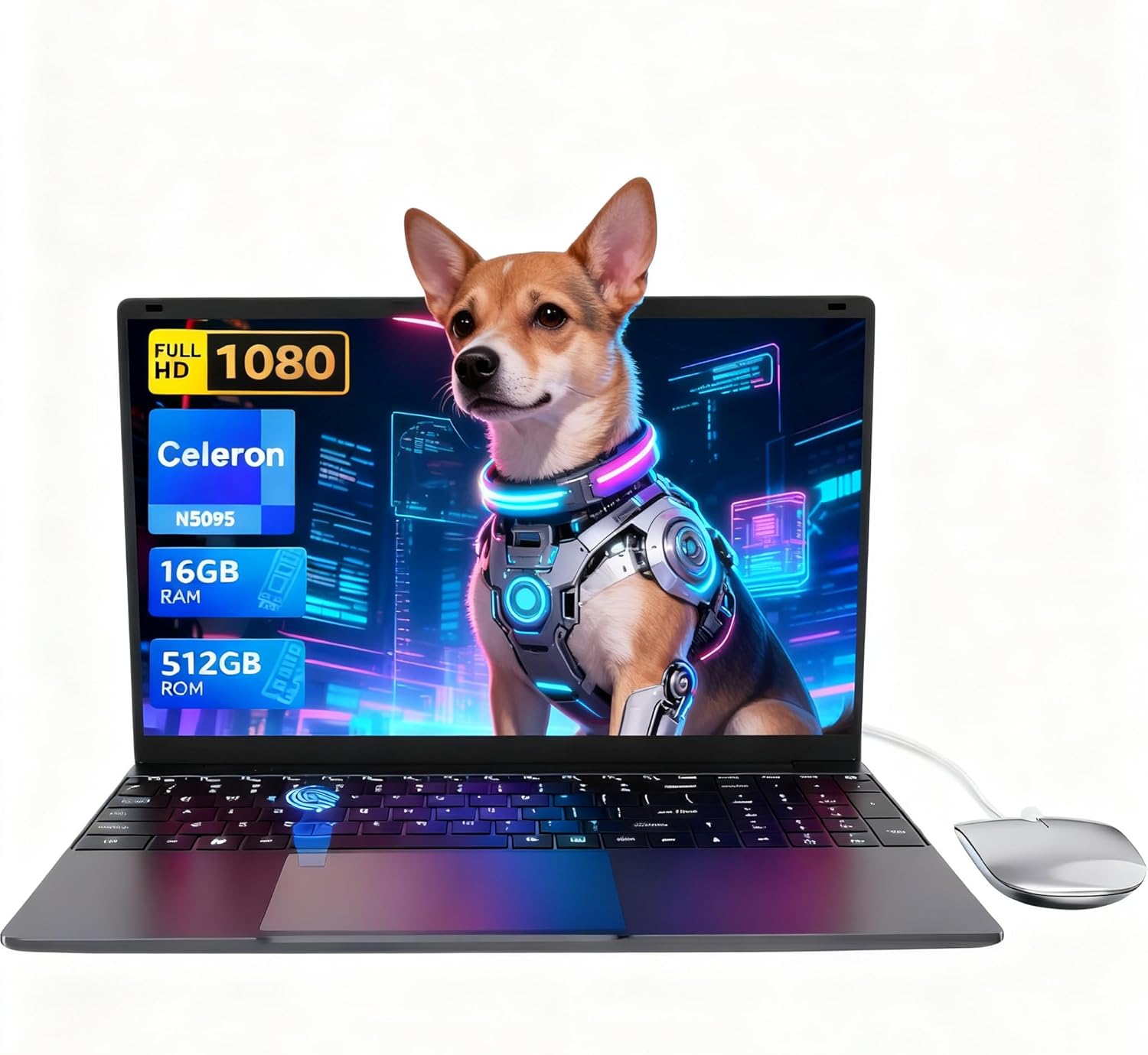
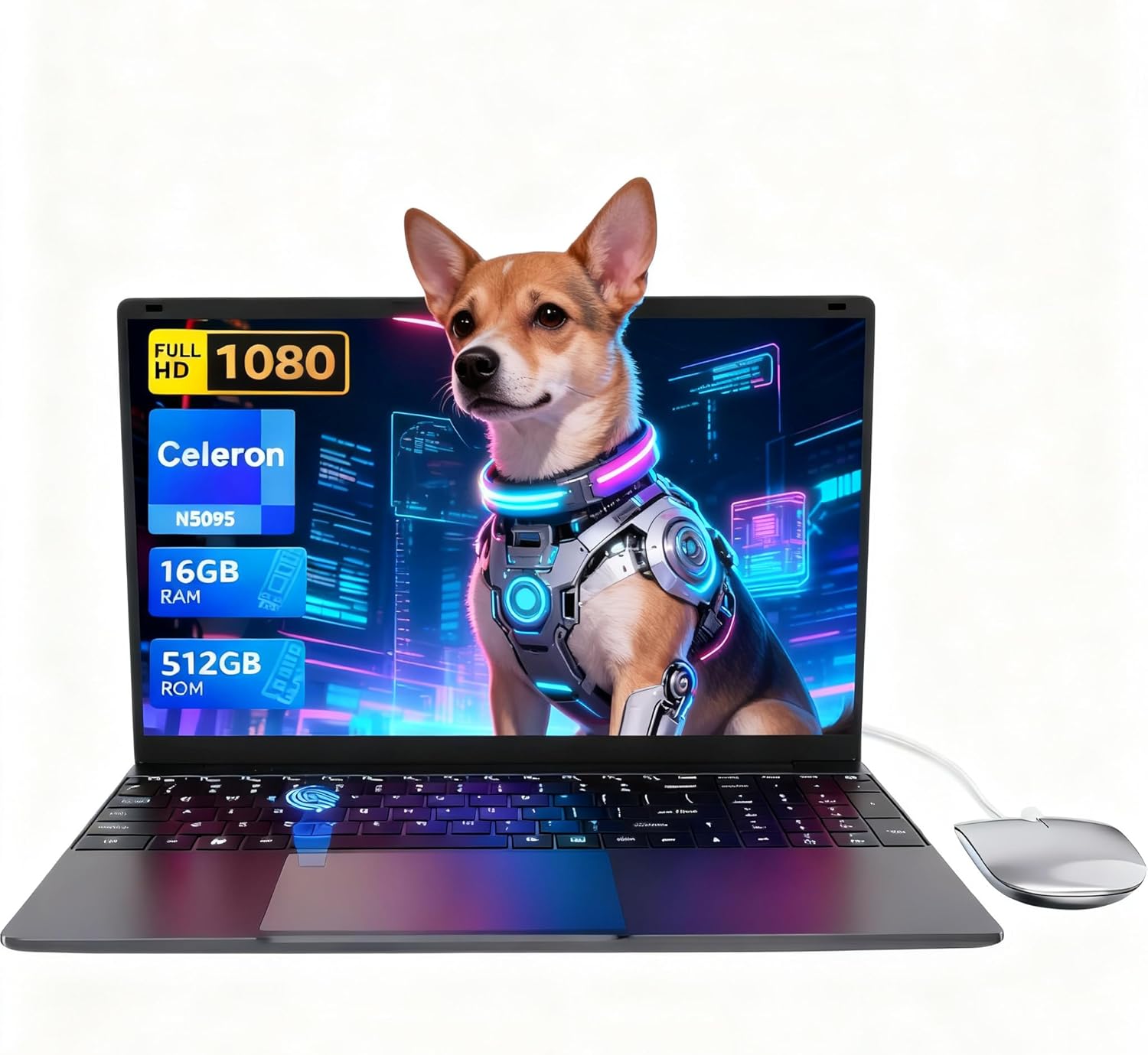
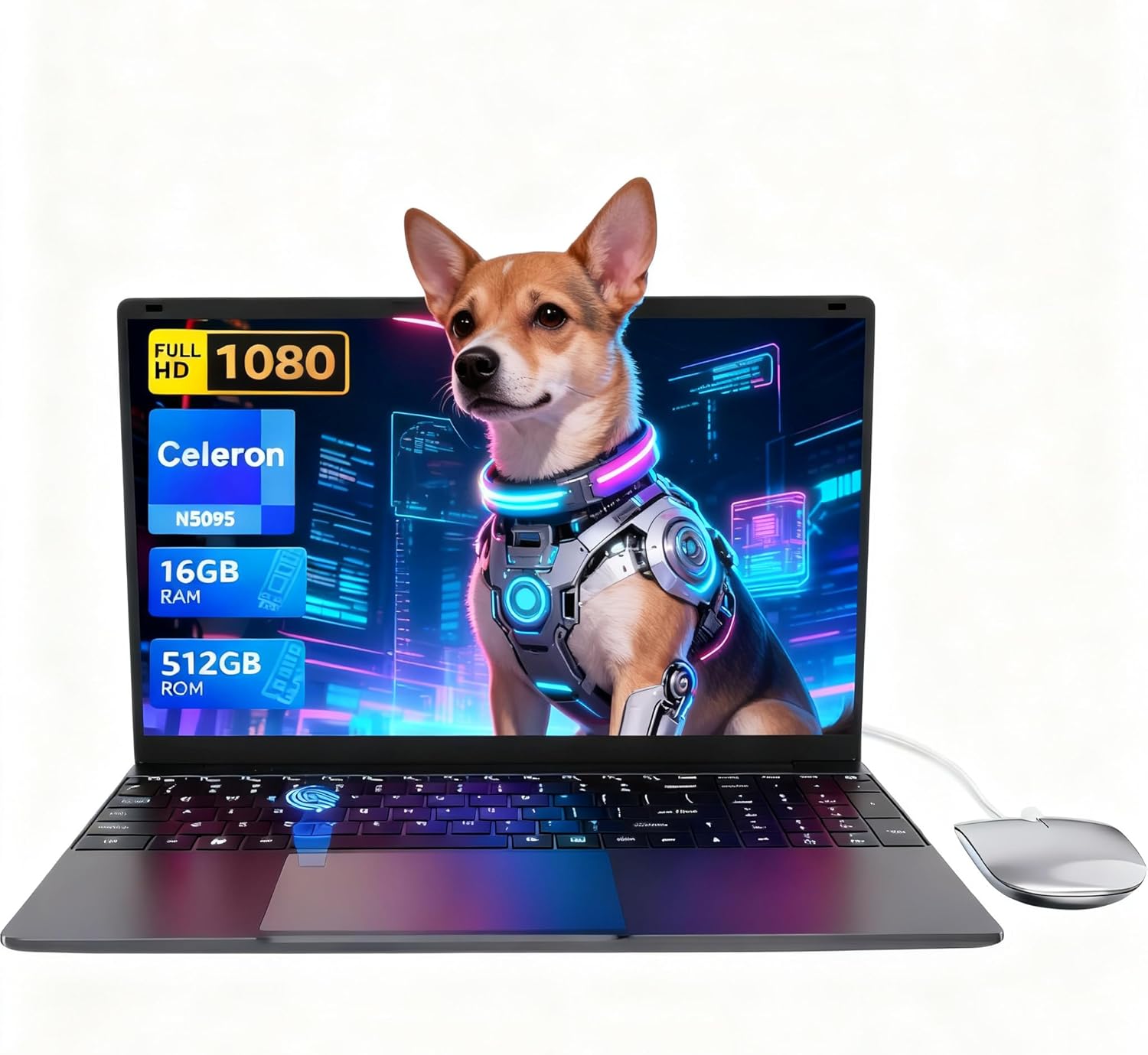
The LEEDOW ANL5-N5095 is a barebones budget machine aimed squarely at light daily use — browsing, documents, streaming, student assignments. Its headline strength is the spec sheet on paper: 16GB of RAM and a 512GB SSD at a price point where most rivals still ship with 8GB and a spinning hard drive. Its headline weakness is the CPU. The Intel Celeron N5095 is a low-power Jasper Lake chip that caps out at 2.9GHz — it keeps up with basic tasks but has a hard ceiling, and anything compute-heavy will find it quickly.
For the target buyer — a student, a secondary household machine user, someone who needs basic office functionality without spending serious money — this does a reasonable job. The 1920×1080 IPS display, backlit keyboard, fingerprint reader, and included accessories (mouse, USB hub, keyboard cover) make the out-of-box experience feel more complete than the price would suggest. But the 38Wh battery is small, thermal management is a known issue under load, and the OS situation deserves a closer look before you hand over your money.
Buy it if you need a no-frills workhorse for light tasks and aren’t expecting miracles. Skip it if you need to run anything demanding, want more than three or four hours of cordless use, or plan to keep it for several years without hardware stagnation bothering you. There are better-specified machines in the budget laptop space if your workload is even slightly heavier than browsing and documents.

Pros and Cons
Pros
- 16GB of LPDDR4 RAM is genuinely generous at this price tier — most rivals come with half that
- 512GB SSD delivers fast boot times and responsive app loading, confirmed by multiple buyers
- 1920×1080 IPS panel with brightness adjustment earns consistent praise for clarity and visibility
- Backlit keyboard, fingerprint reader, 180-degree hinge, and bundled accessories (mouse, hub, keyboard cover) add real everyday value
- Lightweight at 1.55kg with a thin chassis — easy to carry for students
Cons
- Celeron N5095 CPU is entry-level and will throttle noticeably under sustained load, with one buyer noting real-world clock speeds well below the advertised maximum
- Battery capacity is only 38Wh — expect 3–5 hours of realistic use, not the all-day runtime this market typically demands
- One verified buyer reported port failures (USB and DC charging) within a month of use — a small sample but worth flagging
Spec Breakdown
- Model: LEEDOW ANL5-N5095
- CPU: Intel Celeron N5095 (Jasper Lake), up to 2.9GHz, 4 threads, 15W TDP
- RAM: 16GB LPDDR4 (2933MHz)
- Storage: 512GB SSD (M.2 2280 B-key SATA, expandable with additional 1TB M.2 SATA)
- GPU: Intel UHD Graphics (integrated)
- Display: 15.6-inch IPS, 1920×1080, glossy finish, 180-degree hinge
- Battery: 38Wh / 5000mAh lithium-ion
- OS: DOS (Windows 11 reported installed by buyers; verify before purchase)
- Weight: 1.55kg
- Ports: 2x USB-A (USB 3.0), 1x HDMI, MicroSD slot, headphone jack, DC charging port
- Connectivity: Wi-Fi 5 (802.11ac), Bluetooth 4.2
- Keyboard: Full-size QWERTY with numpad, backlit (multi-colour), includes silicone cover
- Camera: 720p front webcam
- Biometric: Fingerprint reader
- Warranty: 24 months
Hardware & Performance Reality Check
The Intel Celeron N5095 is a low-end processor — it’s important to be straight about that. Four threads at a base of 2.0GHz boosting to 2.9GHz is enough for web browsing, word processing, spreadsheets, and video streaming. It is not enough for anything meaningfully compute-heavy. One buyer specifically noted that real-world clock speeds in use dropped to around 1.0–1.5GHz under sustained load, which tracks with the thermal throttling behaviour common to low-TDP chips in compact chassis. The 16GB LPDDR4 RAM is the saving grace here — having that headroom means multitasking (multiple browser tabs, music, a document open) stays manageable. Whether that RAM is soldered depends on the specific unit; the spec sheet lists maximum RAM as 16GB with no upgrade path noted, so treat it as a fixed quantity and plan accordingly. If you want to understand what RAM capacity actually means for your use case, the RAM guide covers it plainly.
The 512GB M.2 SATA SSD is a solid inclusion. SATA rather than NVMe means it won’t match the read/write speeds of pricier machines, but it’s still dramatically faster than any eMMC or spinning drive alternative. Boot times are quick, app launches are snappy, and buyers consistently call this out as a highlight. Storage is also expandable — there’s a second M.2 2280 B-key SATA slot for an additional drive, which extends the machine’s useful life as a file storage device. The GPU is Intel UHD integrated graphics — the kind built into the processor die rather than a discrete card. It handles video playback, light photo browsing, and 2D tasks without complaint. For gaming, the picture is more complicated: one buyer got Roblox and FNAF running, another got basic Minecraft running with optimised settings. Fortnite claims should be taken with scepticism — the N5095’s UHD graphics are Intel Gen 11 architecture, and Fortnite at playable framerates would require settings at rock bottom. Don’t buy this expecting any meaningful 3D gaming capability.
For 2026 use cases: student coursework, basic office tasks, and streaming — fine. Programming with lightweight IDEs (VS Code, basic Python, web dev) — workable but not quick. Video editing — possible for very light cuts in a basic editor, but render times will be slow enough to frustrate. Running modern Windows 11 Pro alongside multiple applications is where the CPU ceiling becomes felt most. The listing specs OS as DOS, but several buyers confirm Windows 11 was pre-installed on their units — check the listing carefully or confirm with the seller before purchasing, as this could affect what you’re actually getting. For a plain-English breakdown of what these specs mean in context, the specs guide is a useful reference.
One additional hardware note: the port configuration is thin. Two USB-A 3.0 ports and one HDMI is a minimal setup for a 15.6-inch machine. There’s no USB-C, no Thunderbolt, and no dedicated Ethernet — though a USB LAN adapter appears to be included in the box based on buyer reports. The included USB hub compensates somewhat, but if you rely on multiple peripherals simultaneously, you’ll be managing dongles and hubs from day one. The ports guide covers what to look for if connectivity matters to your workflow.
Browse the full spec sheet and buyer Q&As for the LEEDOW ANL5-N5095 on Amazon.
Everyday Usability: Battery, Build & More
At 1.55kg and 2cm thick, the LEEDOW ANL5-N5095 sits comfortably in a bag without adding meaningful weight. The grey metal-look chassis gets credit from buyers for feeling more solid than the price implies — no excessive flex reported, and the build-quality comments skew positive for what this segment normally delivers. The battery is the real weak point for portability though. At 38Wh, you’re looking at roughly 3–5 hours of real-world use depending on workload — one buyer left it idle and returned five hours later to find charge remaining, which suggests the idle estimate is reasonable, but under active use the ceiling is lower. Keep the charger accessible; this is not a full working day machine on a single charge. Thermal performance is a genuine concern under load. One buyer noted loud fan noise and significant heat concentrated at the bottom of the chassis, with performance drops when running on battery. For light daily use this won’t be a constant problem, but it’s the kind of thing that surfaces quickly if you push the processor.
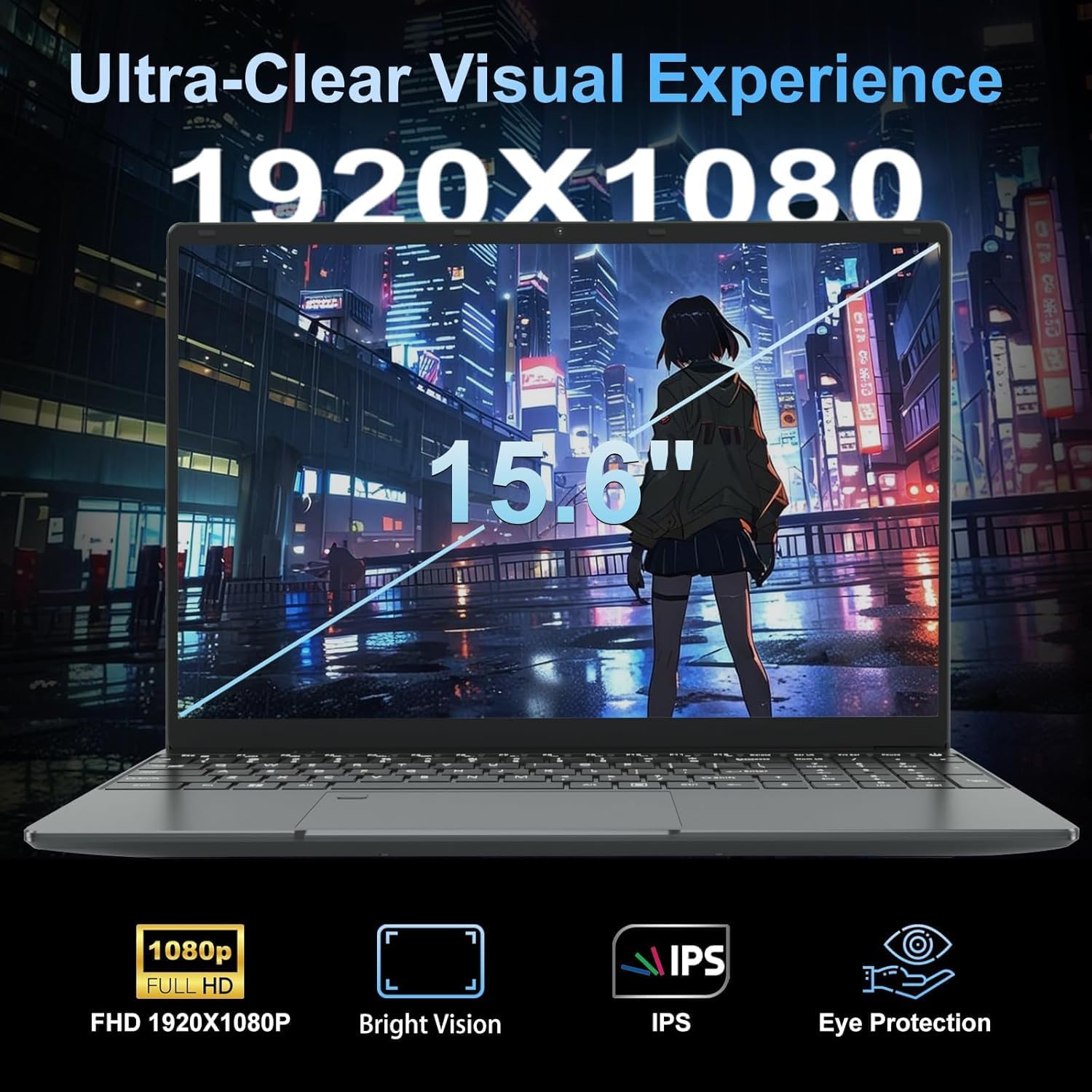
The 1920×1080 IPS display earns consistently strong comments — buyers call it bright, clear, and good in daylight, with one specifically noting effective anti-reflective coating. For a budget machine, that’s above average. The glossy finish is acknowledged as a trade-off, and reflections near bright windows are a known annoyance. There is no touchscreen. The keyboard is full-size with a numpad — a notable inclusion at this size and price — and buyers describe the typing feel as better than expected, with the silicone cover adding a softer touch without impeding use. The 720p webcam performs adequately in decent light based on buyer comments; one noted good low-light performance, which is more than can be said for many budget webcams. The display panel type matters here — IPS rather than a cheaper TN panel means wider viewing angles and more accurate colours, which is a genuine win at this price. The fingerprint reader is confirmed working and described as a convenient daily feature. Bluetooth speakers connected without issue per one buyer, and built-in sound gets described as adequate and loud enough — not audiophile territory but functional.
Lifespan & Future-Proofing
On build quality longevity, the chassis holds up reasonably in early buyer reports — no reports of immediate structural failure, and the weight and materials suggest a machine that should survive typical daily carry for two to three years without major issues. The exception flagged by one buyer is port reliability: a charging port failure within a month is a serious concern and worth keeping in mind, even if it’s a single data point at this stage. The 24-month warranty provides some safety net, but port issues are the kind of thing that can render a laptop useless fast, as that buyer discovered.
On spec longevity, be realistic. The Celeron N5095 was already a budget-tier chip when it launched and is not gaining ground on software demands. By 2026 it’s already showing its age under modern browser loads and operating system overhead. For pure light-use tasks — documents, streaming, basic browsing — this processor will remain functional for three to four years. For anything beyond that, it will feel sluggish sooner. The RAM being fixed at 16GB with no upgrade path means you can’t compensate as software gets heavier. Storage is the one area where expansion is possible (additional M.2 SATA slot), but that doesn’t offset CPU or RAM constraints. This is not a machine to invest in for the long haul — it’s a task-specific, cost-conscious purchase with a defined useful window. If you’re weighing this against slightly more expensive options, the mid-range category offers meaningfully better longevity for a step up in spend, and the buying guide lays out what to prioritise at different budget levels.
Check current stock levels for the LEEDOW ANL5-N5095 on Amazon before making a long-term call.
What Buyers Are Saying (And Potential Dealbreakers)
The LEEDOW ANL5-N5095 currently holds a rating of 4.4 out of 5 from 92 Amazon customer reviews. That’s a reasonable sample size — enough to draw genuine conclusions, though not large enough that outliers don’t move the needle. The overall tone is more positive than the spec sheet might lead you to expect.
The recurring theme in positive reviews is value density — buyers are repeatedly surprised by how much is included and how smooth the experience is for light daily tasks. The 16GB RAM and 512GB SSD combination draws consistent praise, as does the display quality and keyboard feel. Several buyers specifically mention fast boot times and smooth multitasking for browsing, streaming, and document work. The bundled accessories (mouse, keyboard cover, USB hub) are mentioned across multiple reviews as a genuine bonus rather than a throwaway addition.
The critical feedback centres on two areas. First, the CPU ceiling: one buyer ran benchmarks and flagged that real-world clock speeds fell well short of the advertised maximum under sustained load, with noticeable thermal throttling, loud fans, and heat build-up at the base of the unit. This is consistent with what you’d expect from a 15W TDP chip in a compact chassis, but it’s worth hearing directly from a buyer who measured it. Second, the port durability issue: one buyer reported both the USB port and the DC charging port becoming unreliable and then non-functional within a month of purchase — a legitimate dealbreaker if it’s a wider pattern. With 92 reviews it appears isolated, but it’s not a report to dismiss. The OS situation also deserves mention — the listing specifies DOS, but multiple buyers received units with Windows 11 pre-installed. Whether this is consistent across stock is unclear; confirm before ordering if the OS matters to your setup.
The performance benchmarks context is worth checking if you want to understand how the N5095 sits relative to other processors at this tier.
Buyer Highlights
“The system runs smoothly — 16GB RAM and 512GB storage gives plenty of space and speed for browsing, documents, video streaming, and switching between multiple apps without slowing down.” — Consistent sentiment across multiple buyers doing light daily work.
“The display is bright and clear even in bright sun — the anti-reflective coating means no glare, and I’d rate it among the best for brightness and clarity of any laptop I’ve used.” — Worth noting given how many budget displays disappoint on this front.
“GHz is off by a lot in my experience — more like 1 to 1.5GHz — and there’s surprising fan noise with heat building up at the bottom.” — A direct buyer observation on thermal throttling under load; not a marketing opinion.
“It stopped charging within a month — first the USB ports got unreliable, then the charging port died completely, and I couldn’t return it in time.” — A single report but a serious one; the port durability question is real.
“I put Linux Mint on it and it ran everything I needed — browsing, video streaming, photo editing, and studying — fast and without issues.” — Useful confirmation for buyers considering a non-Windows OS.
Who Should Buy It (And Who Shouldn’t)
Buy If
- You need a light-use machine for web browsing, documents, streaming, and basic school or office tasks — the CPU handles this comfortably
- You want a secondary or household laptop where price matters more than raw power
- You’re a student who needs a portable, full-keyboard machine with enough storage for coursework, media, and general files — the numpad inclusion is a genuine bonus
- You’re comfortable running Linux or an alternative OS and want capable-enough hardware at a low entry cost
Avoid If
- You need more than 4–5 hours of unplugged use — the 38Wh battery simply can’t deliver a full working day; look at the professional laptop category if all-day battery matters
- Your workload includes video editing, programming with heavy toolchains, any 3D work, or gaming beyond the most basic titles — the N5095 has a hard ceiling that will frustrate you quickly
- You’re buying this as a primary machine expecting multi-year longevity — the CPU is already dated and not going to age gracefully under increasing software demands
The Bottom Line
The LEEDOW ANL5-N5095 is an honest entry-level machine that delivers exactly what its spec sheet promises — no more, no less. The 16GB RAM and 512GB SSD are genuinely strong inclusions for this tier, the display earns its praise, and the out-of-box experience with bundled accessories is more complete than most rivals at this price. The CPU is the ceiling, the battery is the limitation, and port durability is a flag worth watching. If you’re buying a no-frills daily driver for light tasks, this earns a cautious recommendation. If your needs are any more demanding than that, spend more.
See the LEEDOW ANL5-N5095 listing and current buyer questions on Amazon.
At LaptopAdvisorOnline, our methodology is built on data transparency rather than simulated hands-on testing. We rigorously analyse official manufacturer specifications and aggregate verified customer sentiment to provide objective, fluff-free buying advice that helps you cut through the marketing jargon.
As an Amazon Associate, I earn from qualifying purchases.
Browse by Specification
Looking for something specific? Browse our analyses by hardware and feature below, or check all laptop analyses in the Best Budget Laptops category archive.
[AMD Processor Laptops] — [Intel Processor Laptops] — [16GB RAM Laptops] — [32GB RAM Laptops] — [Dedicated Graphics] — [Long Battery Life] — [Lightweight Laptops] — [Student Laptops]
Browse by Screen Size
[13-inch Laptops] — [14-inch Laptops] — [15-inch Laptops] — [16-inch+ Laptops]