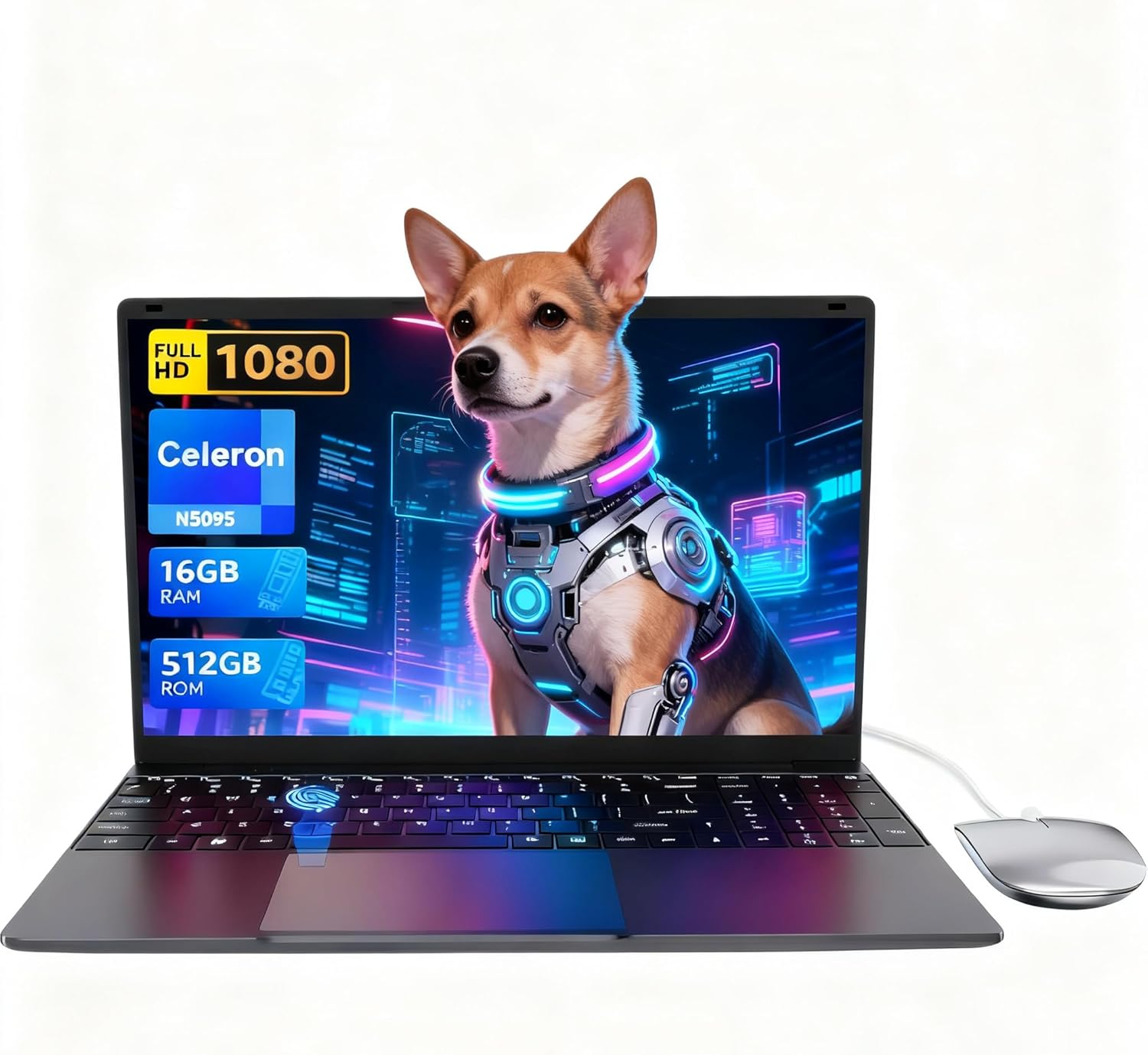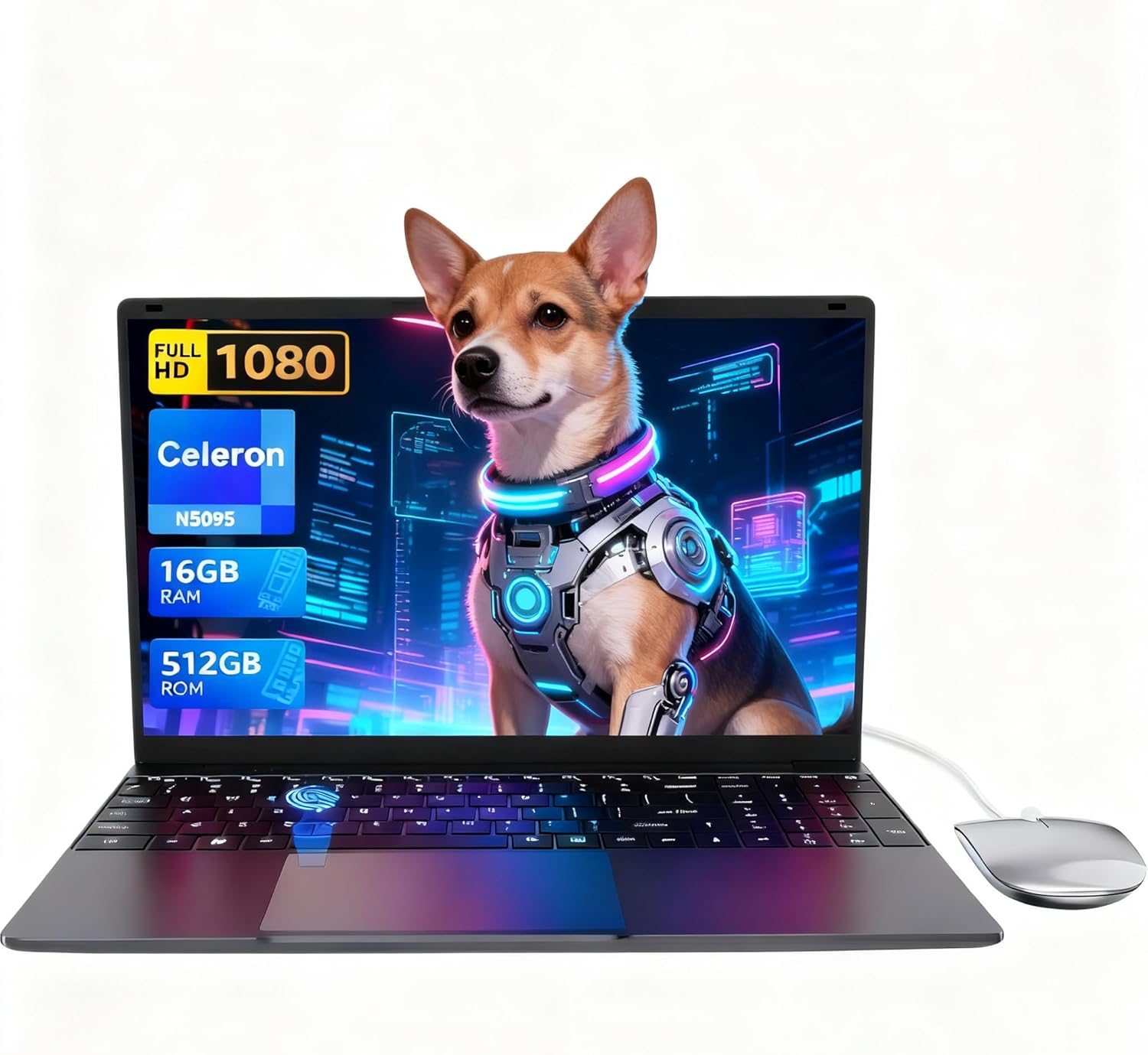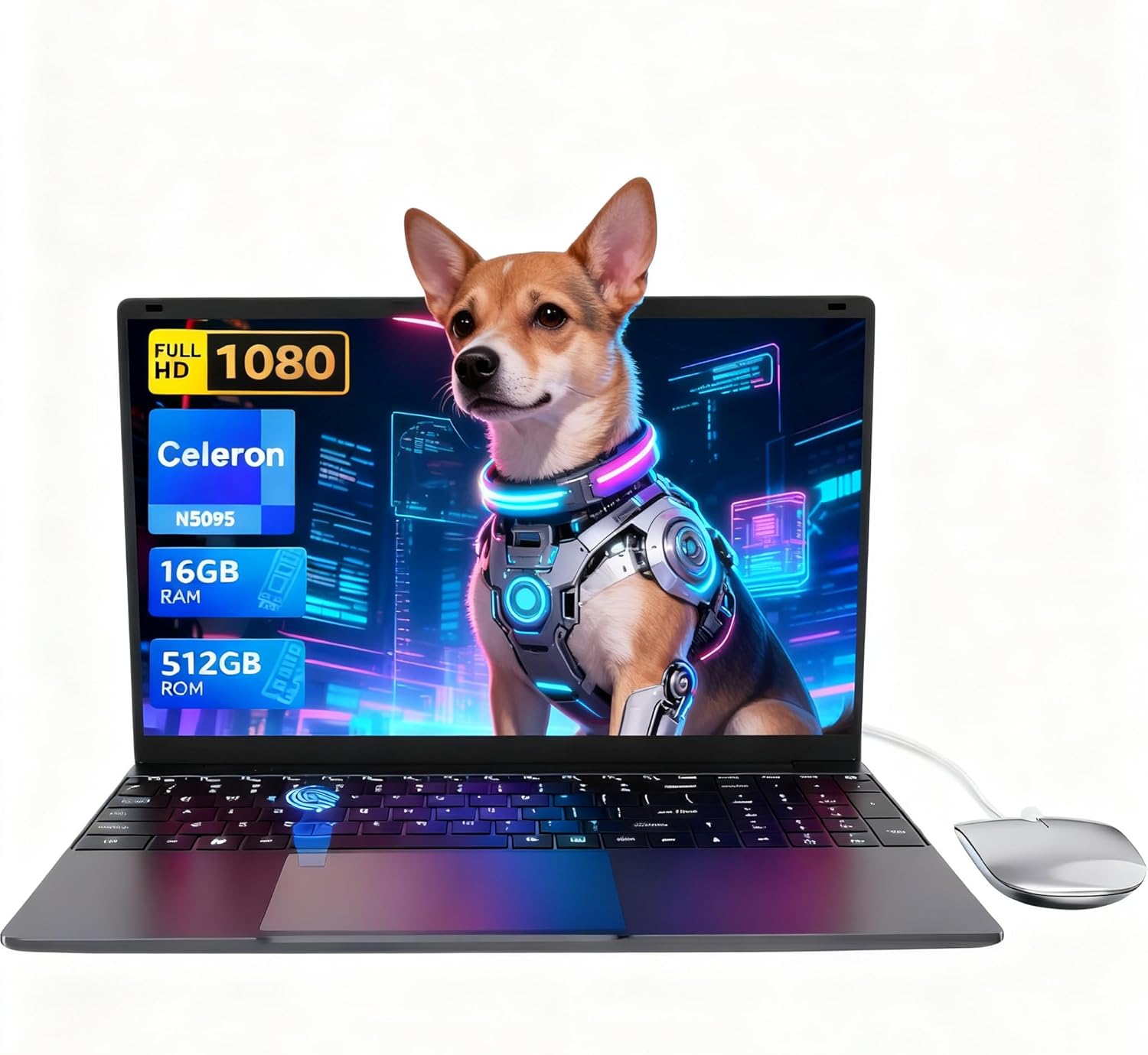
LEEDOW ANL5-N5095 Analysis: 16GB for the Price
The Blunt Verdict
The LEEDOW ANL5-N5095 is a no-frills entry-level laptop built for people whose daily digital life consists of emails, browsing, documents, and the occasional YouTube rabbit hole. It is not trying to compete with anything remotely serious. The Celeron N5095 processor is deliberately low-power, the battery is modest, and the thermal design has real limits. But at this end of the budget laptop market, what makes the LEEDOW ANL5-N5095 more interesting than most of its competitors is a genuinely generous RAM allocation. 16GB is unusual here, and it matters.
The key specs: Intel Celeron N5095, 16GB LPDDR4 RAM, 512GB SSD, a 15.6-inch 1920×1080 IPS display, Wi-Fi 5, Bluetooth 4.2, and a 38Wh battery. It ships with DOS listed as the OS, though several buyers confirm Windows 11 was present on their units — worth treating with mild caution and checking the listing at point of purchase. It weighs 1.55kg, has a 180° hinge, fingerprint reader, and backlit keyboard. The included accessories — mouse, USB hub, keyboard cover — are a nice touch at this level.
Buy this if you need a light, no-nonsense machine for school, admin work, or basic home use and you don’t want to compromise on RAM. Avoid it if you care about battery endurance, need real GPU grunt, or are planning anything beyond light everyday tasks. It is honest hardware for honest use cases. Nothing more.
See the current listing and availability for the LEEDOW ANL5-N5095 on Amazon.

Pros and Cons
Pros
- 16GB LPDDR4 RAM is genuinely unusual at this price tier and keeps multitasking smoother than most rivals
- 512GB SSD gives ample storage for documents, media, and light software without the faff of an external drive
- Buyers consistently praise the 1080p IPS screen as bright and clear, with one noting strong performance even in sunlight
- Backlit keyboard, fingerprint reader, 180° hinge, and included accessories (mouse, USB hub, keyboard cover) add real usability at no extra cost
- Weighing 1.55kg across a 15.6-inch chassis, it punches above its size for portability
Cons
- The Celeron N5095 is a genuinely slow chip — anything beyond light multitasking will expose its limits fast
- Battery life is weak; real-world usage of 3–4 hours reported by buyers means the charger stays in the bag permanently
- At least one buyer reported hardware port failures within a month — the charging port and USB ports malfunctioned, rendering the machine unusable just after the return window closed
Spec Breakdown
- Model: LEEDOW ANL5-N5095
- CPU: Intel Celeron N5095 (Jasper Lake), up to 2.9GHz, 4 threads, 15W TDP
- RAM: 16GB LPDDR4 (2933MHz)
- Storage: 512GB SSD; M.2 2280 B-key SATA slot for additional SSD up to 1TB; MicroSD expansion
- GPU: Intel UHD Graphics (integrated)
- Display: 15.6-inch IPS, 1920×1080, glossy finish
- Battery: 38Wh lithium-ion
- OS: Listed as DOS; Windows 11 reported by buyers
- Weight: 1.55kg
- Ports: USB 3.0, HDMI, MicroSD slot, Ethernet (via included USB hub adapter)
- Connectivity: Wi-Fi 5 (802.11ac), Bluetooth 4.2
- Keyboard: Backlit, QWERTY, full-size with numpad
- Camera: 720p front webcam
- Biometrics: Fingerprint reader
- Warranty: 24 months
Hardware & Performance Reality Check
The Intel Celeron N5095 is a Jasper Lake chip with a 15W TDP and a maximum clock speed of 2.9GHz. In plain English: it is a processor designed for low heat and low power consumption, not speed. It handles a browser with a dozen tabs open, a Word document, and music playing without breaking a sweat. Ask it to do anything more intensive — video encoding, large spreadsheets, running multiple heavy applications simultaneously — and you will notice the ceiling. One buyer flagged that actual clock speeds in practice sat closer to 1–1.5GHz under load rather than the advertised 2.9GHz, which is consistent with what you get from a thermally constrained budget chip. The 16GB LPDDR4 RAM does a lot of the heavy lifting here. More RAM than the chip probably needs, but it keeps the system from thrashing and makes everyday multitasking feel more capable than the CPU specs alone would suggest. There is no confirmed information on whether the RAM is soldered or socketed on this specific unit — given the price tier and thin chassis, soldering is more likely, so don’t buy this expecting a RAM upgrade path. If you want to understand what these numbers mean in practice, this RAM guide breaks it down cleanly.
Storage is the 512GB SSD via SATA M.2 interface. It is fast enough for all everyday tasks — boot times are quick, application launches are responsive, and file transfers are fine for day-to-day use. The listing confirms an additional M.2 2280 B-key SATA slot for a second SSD up to 1TB, plus MicroSD expansion, so storage flexibility is actually decent. The Intel UHD Graphics is integrated — there is no dedicated GPU here and there never will be. That means 3D gaming is largely off the table. Roblox runs at reduced settings, Minecraft with optimised settings is reportedly workable, but anything GPU-demanding will struggle badly. Some buyers mention Fortnite running smoothly, which I’d treat with some scepticism given this chip — frame rates may be low enough to be technically “running” without being enjoyable. For anything beyond casual or retro gaming, look at budget gaming options with dedicated graphics instead.
In 2026 terms, this hardware is entry-level by any honest measure. For a student writing essays and attending video calls, it does the job without complaint. Office tasks like spreadsheets and presentations are fine. Video editing — even light cuts in software like DaVinci Resolve — will be painful. Programming in Python or basic web development is doable; anything compilation-heavy will test your patience. Streaming video is no problem. This is a task-focused machine and it knows it. Keep the workload light and it holds up; push it and it tells you about it. Check typical performance benchmarks for Celeron N-series chips to calibrate expectations before committing.
The port situation is worth flagging separately. The native USB provision is thin — USB 3.0 ports are limited, and a USB hub adapter is included in the box to compensate, which is at least an honest acknowledgment of the limitation. The HDMI output works and was confirmed by one buyer to work cleanly on a large TV. Ethernet is available but also routes through the hub adapter rather than a native port. For a fuller picture of what this means day-to-day, the ports guide is worth a read.
Check the full spec sheet and buyer Q&As for the LEEDOW ANL5-N5095 on Amazon.
Everyday Usability: Battery, Build & More
Battery life is the honest weak point. The 38Wh cell is small, and buyers report real-world usage of roughly 3–4 hours under active use. One buyer noted leaving it idle and finding it still had charge after 5 hours, which is plausible — at idle, the Celeron’s 15W TDP works in its favour. But working on it? Keep the charger close. This is not a machine you take to a full day of lectures and expect to stay alive. At 1.55kg it is light enough to carry easily, and the 15.6-inch chassis is handled better than you’d expect given the screen size. The build quality reports are generally positive — buyers describe it as feeling solid rather than flimsy, and the grey metal body earns credit for not feeling cheap. The included silicon keyboard overlay is an odd addition but reportedly doesn’t interfere with normal typing. Heat is a noted concern: one buyer flagged warmth concentrating at the bottom of the chassis and fan noise under load that was louder than expected for the workload. This is consistent with modest thermal design on a thin budget chassis — the Celeron is low-power, but the cooling solution appears to be working harder than ideal.
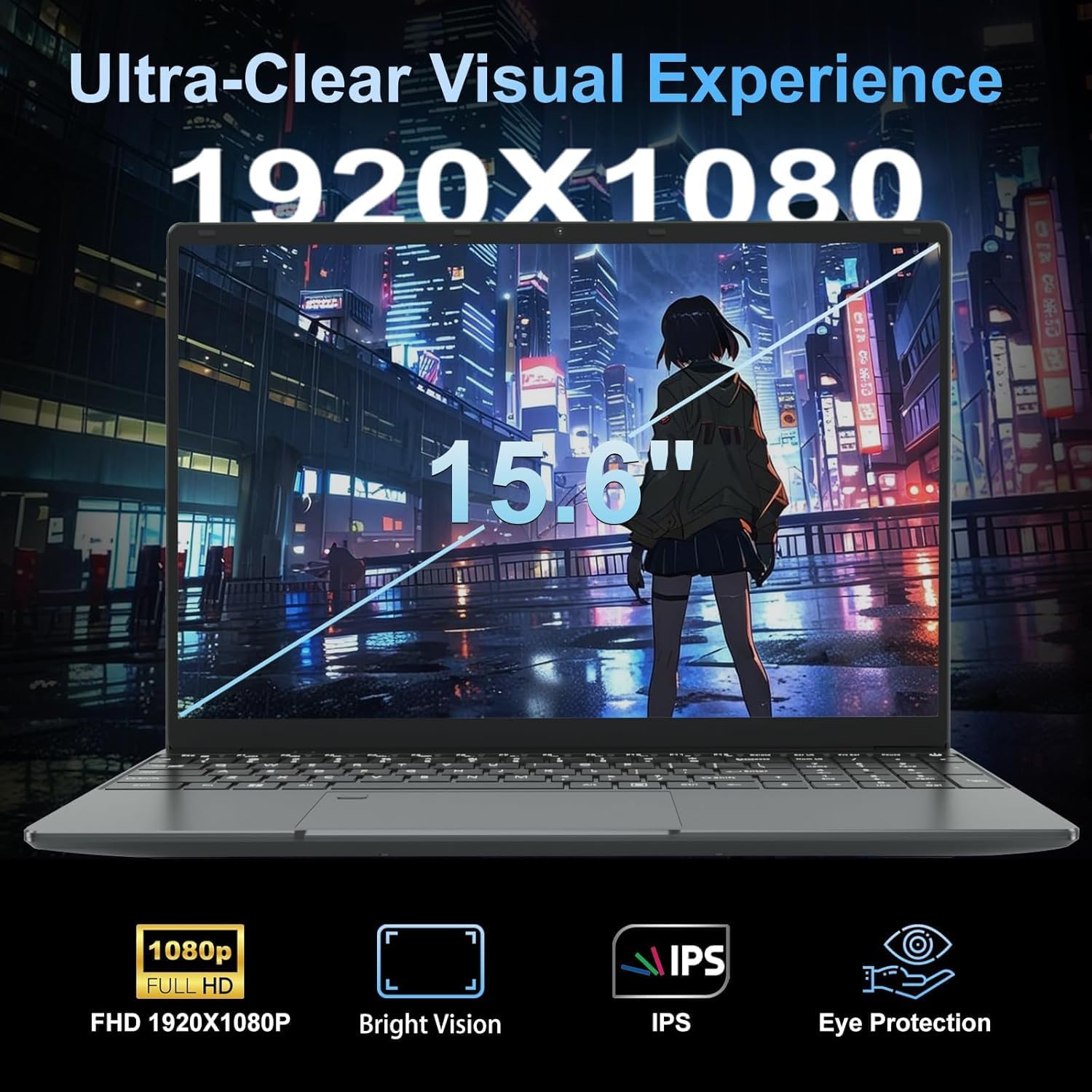
The 1920×1080 IPS display gets consistent praise from buyers — bright, clear, with one specifically calling out strong anti-reflective performance in sunlight, which is not something you can usually say about budget glossy panels. Colours are reported as vibrant. The display panel type matters at this end of the market, and IPS rather than TN is a meaningful step up for viewing angles and colour accuracy. No touchscreen — this is a standard display. The keyboard is full-size with a numpad, which multiple buyers specifically called out as a genuine plus, and the backlight works across multiple colour modes. The 720p webcam is described by one buyer as performing well even in low light, which is more than you’d expect. The fingerprint reader works as advertised. Speaker volume is reportedly generous. Connectivity: Wi-Fi 5 gives decent wireless speeds; Bluetooth 4.2 is older but functional for speakers, headphones, and mice without issues. The 24-month warranty is worth noting — it provides more cover than many rivals at this tier, though obviously hardware port failures occurring inside that window need to be pursued with the manufacturer promptly.
Lifespan & Future-Proofing
On build quality: the chassis feel described by buyers — solid, not flimsy, metal rather than cheap plastic — suggests this should last 3–4 years of careful daily use without structural issues. The hinge design is noted as practical but slightly wobbly at full 180° extension, which over time could be a point of wear. Port durability is a genuine concern given the hardware failure reported by one buyer within the first month — a faulty charging port and USB ports that stopped recognising devices. That kind of early hardware failure is either a lemon situation or a sign of inconsistent quality control. The 24-month warranty should cover it, but only if you’re within the return window or can engage the manufacturer warranty process. Act fast if anything starts misbehaving.
On spec longevity: bluntly, the Celeron N5095 is already at the bottom of the performance ladder in 2025. By 2026 and beyond, it will feel increasingly strained as browsers grow heavier and software expectations creep upward. For pure light-use tasks — email, web, documents — it will remain functional for several more years. If your usage expands beyond that baseline, you’ll feel it within 2–3 years. The RAM cannot be upgraded if soldered, which is the likely scenario here. The M.2 storage slot for an additional SSD is a genuine plus and adds a useful upgrade path. There is no upgrade path for the CPU or GPU. What you buy is what you get, permanently.
View current stock and availability for the LEEDOW ANL5-N5095 on Amazon.
What Buyers Are Saying (And Potential Dealbreakers)
The LEEDOW ANL5-N5095 holds a rating of 4.4 out of 5 from 92 Amazon customer reviews, which is a reasonable sample size to draw some conclusions from. The picture that emerges is broadly positive with one serious outlier that deserves attention.
The recurring themes in positive reviews: buyers are consistently impressed that the machine feels more capable than the price suggests. The screen is repeatedly called out as brighter and clearer than expected. Multiple buyers praise the included accessories — the mouse, USB hub, and keyboard cover are seen as genuinely adding value rather than token box-stuffers. The full-size keyboard with numpad gets specific mentions, particularly from buyers who do a lot of data entry. Fast boot times on the SSD draw praise across multiple reviews. One buyer installed Linux Mint on it and found it handled web browsing, video streaming, photo editing, and music without complaint — worth noting for anyone considering an alternative OS since the machine shipped with DOS listed officially.
The critical review is worth reading carefully. One buyer flagged a hardware failure — both the charging port and USB ports began malfunctioning within a month, and the machine became completely unusable just after the return window had closed. That is a serious failure mode and cannot be dismissed. It may be an isolated unit, or it may indicate variable quality control. Either way, if you buy this machine, test all ports immediately and don’t let the return window expire before you’ve verified everything works.
One buyer noted performance dropped noticeably when unplugged — which is expected behaviour for a thermally constrained chip but still worth knowing if you planned to use it without the charger regularly.
Buyer Highlights
“I left it on by mistake at idle and came back five hours later to find it still had charge.” — Relevant if your usage is light and intermittent rather than continuous heavy work.
“Games like Roblox, Fortnite, and FNAF run smoothly with graphics that look sharp and vibrant for integrated graphics.” — Taken from a parent’s review for a child’s machine; expect modest settings and frame rates, not a smooth high-res experience.
“The display is bright and clear even in bright sun, the anti-reflective coating means no glare.” — Consistent with IPS construction; an actual differentiator at this tier if screen quality matters to you.
“I put Linux Mint on it and was able to browse the web, stream video, listen to music, and get some studying done.” — Useful context if you’re planning to replace the default OS; the hardware appears cooperative with at least one Linux distribution.
“The charging port started failing, then completely stopped working altogether just after the return window — now I can’t use it at all.” — The single most important buyer warning in this entire review set. Test everything immediately on arrival.
Who Should Buy It (And Who Shouldn’t)
Buy If
- You need a light, low-cost machine for school, university, or admin work and your tasks don’t go beyond documents, browsing, and video calls
- You want more RAM than the price usually buys — 16GB genuinely makes everyday multitasking smoother than most alternatives at this level
- The included accessories (mouse, USB hub, keyboard cover) and 24-month warranty make the overall package feel like better value than bare-bones rivals
- You’re happy to keep the charger nearby and treat battery life as a secondary concern
Avoid If
- You need reliable all-day battery life away from a plug — 3–4 hours of real-world use is a hard constraint, not a worst case
- Your workload includes video editing, 3D applications, serious gaming, or heavy software — the Celeron N5095 will make you miserable; step up to something with a proper processor (check this CPU guide for what to look for)
- You’re risk-averse about hardware quality — the port failure report is a genuine red flag, and there is limited track record for this brand
The Bottom Line
The LEEDOW ANL5-N5095 is a straightforward entry-level machine that does what it says for the audience it’s aimed at. The Celeron N5095 is slow but honest, the 16GB RAM is a genuine differentiator, the screen earns its praise, and the accessories add practical value. Battery life is the daily frustration, the thermal management is imperfect, and one serious port failure report warrants caution. If your needs are genuinely light — school, email, documents, streaming — and you buy it from a seller with a clear return policy you can actually use, it’s a reasonable choice. If you need more, look elsewhere. Read the laptop buying guide and match the machine to your actual workload before committing.
Browse the LEEDOW ANL5-N5095 listing and read the latest buyer questions on Amazon.
At LaptopAdvisorOnline, our methodology is built on data transparency rather than simulated hands-on testing. We rigorously analyse official manufacturer specifications and aggregate verified customer sentiment to provide objective, fluff-free buying advice that helps you cut through the marketing jargon.
As an Amazon Associate, I earn from qualifying purchases.
Browse by Specification
Looking for something specific? Browse our analyses by hardware and feature below, or check all laptop analyses in the Best Budget Laptops category archive.
[AMD Processor Laptops] — [Intel Processor Laptops] — [16GB RAM Laptops] — [32GB RAM Laptops] — [Dedicated Graphics] — [Long Battery Life] — [Lightweight Laptops] — [Student Laptops]
Browse by Screen Size
[13-inch Laptops] — [14-inch Laptops] — [15-inch Laptops] — [16-inch+ Laptops]