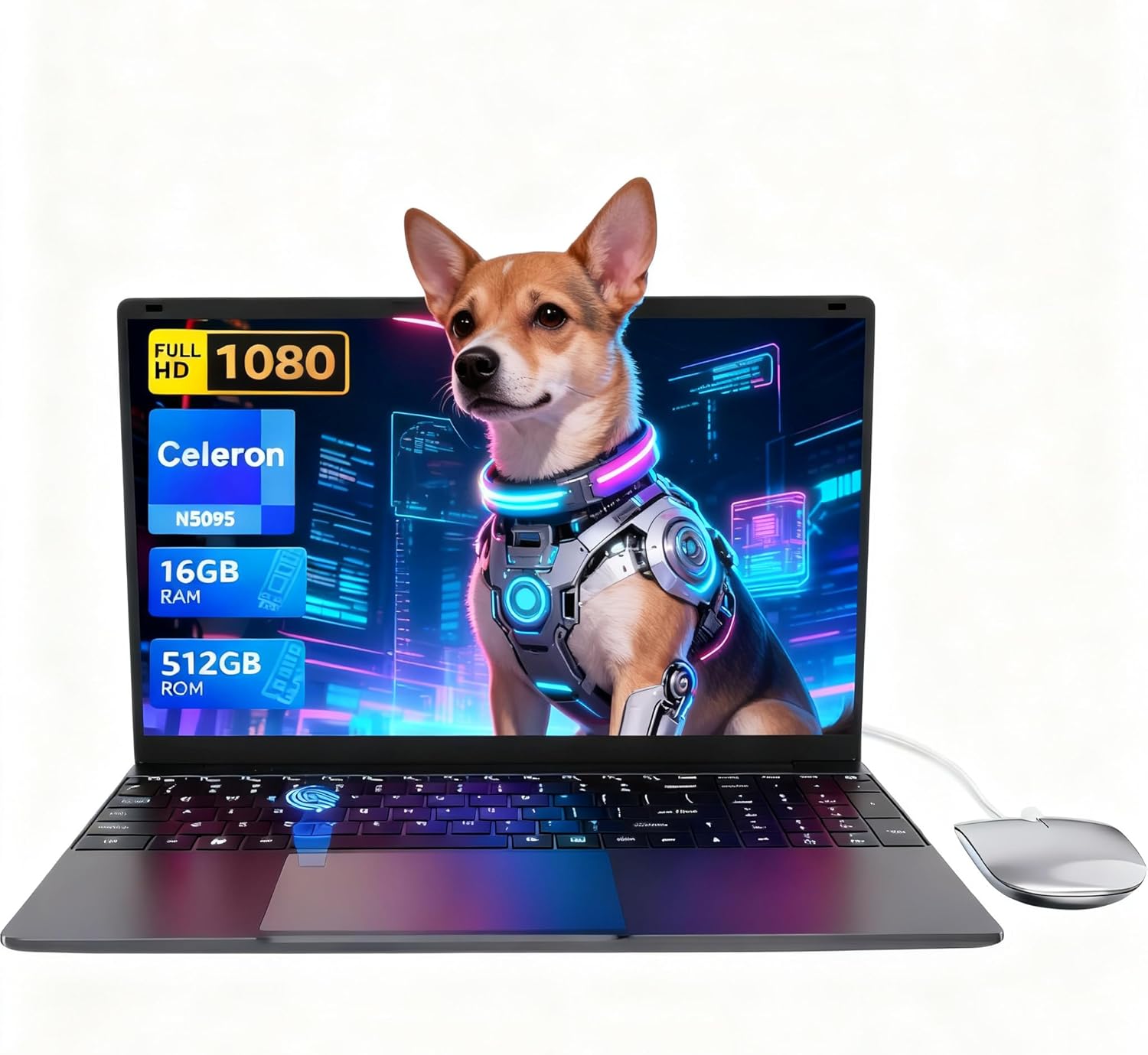
LEEDOW ANL5-N5095 Analysis: 16GB for a Celeron Price
The Blunt Verdict
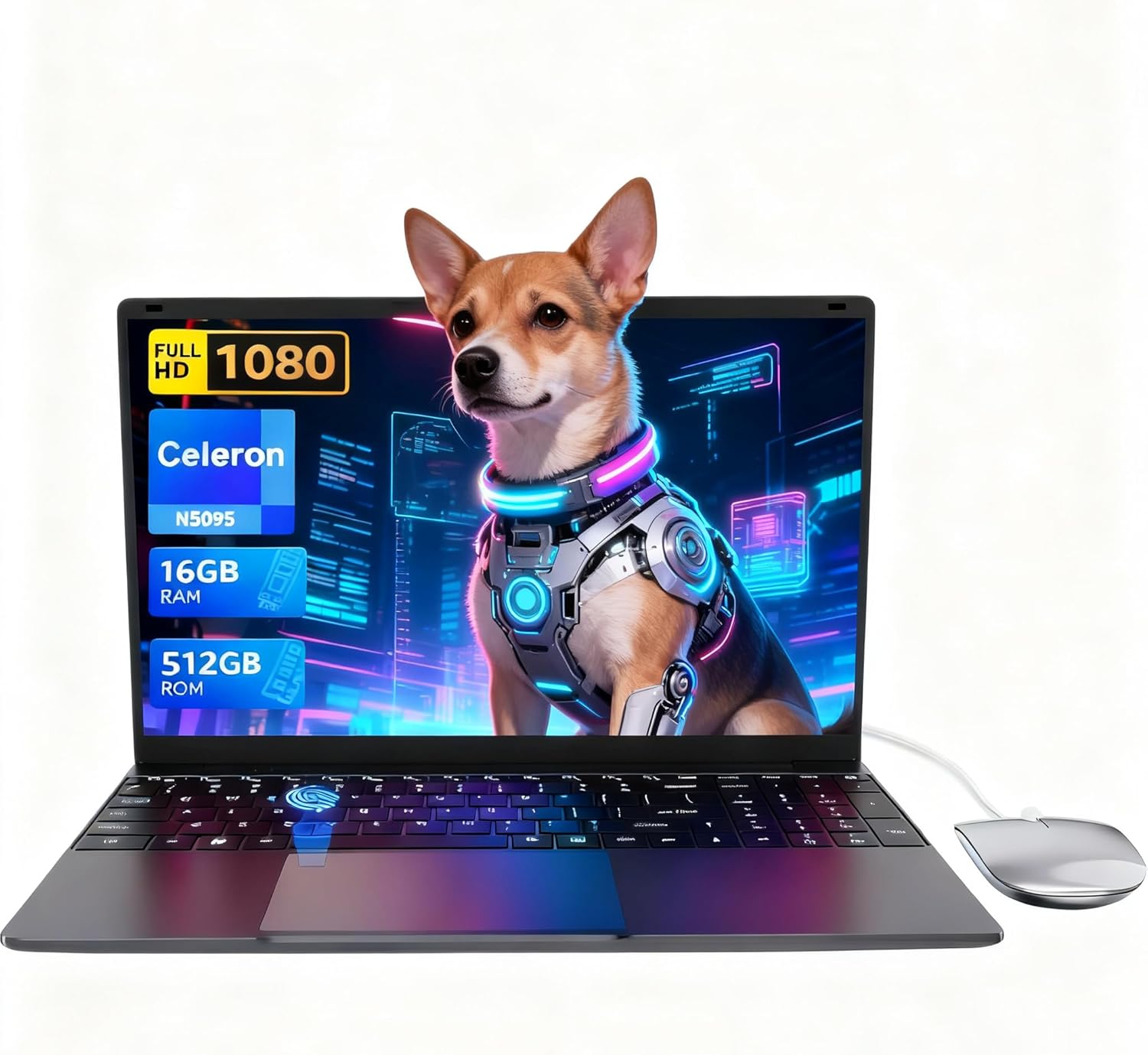
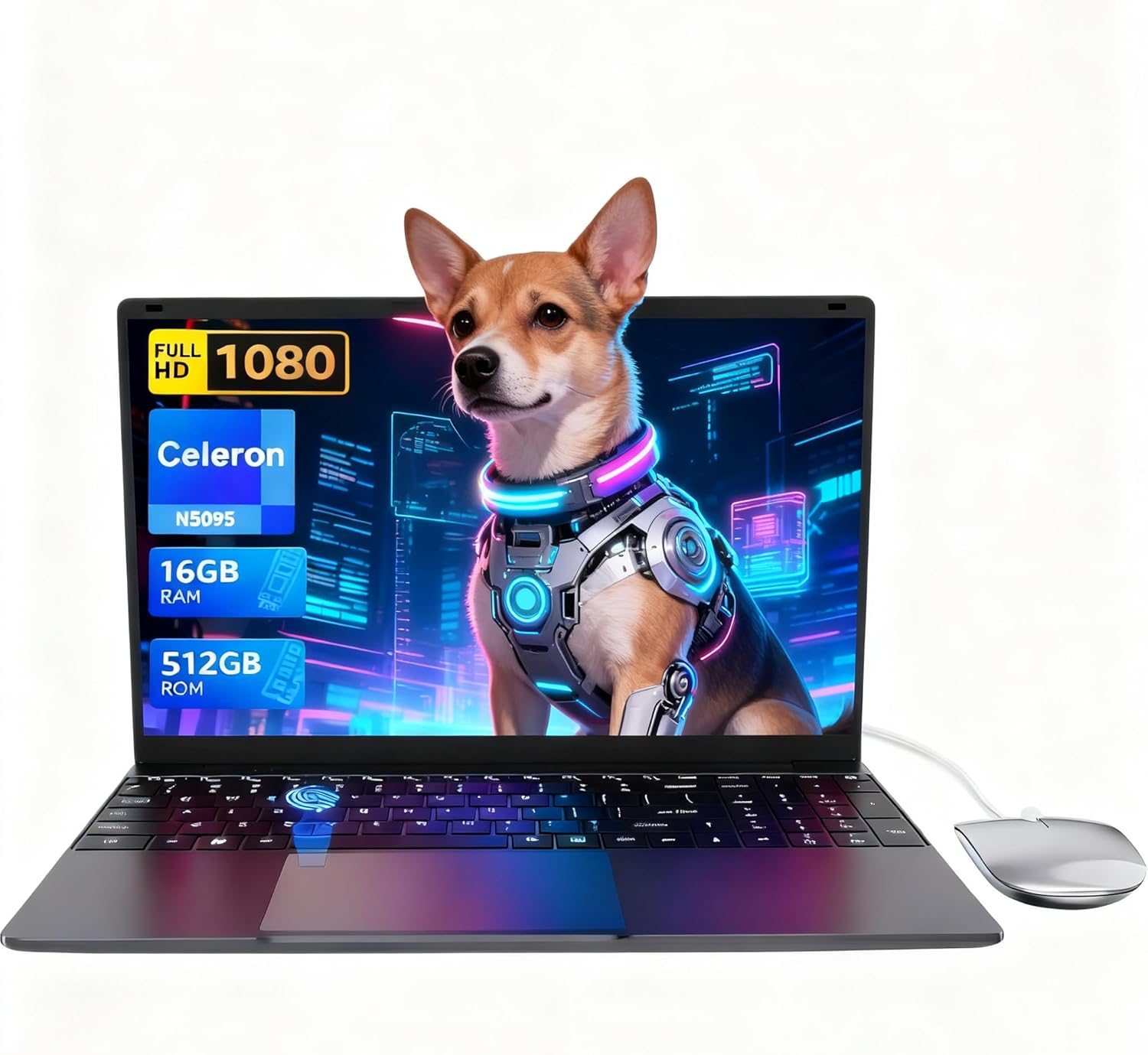
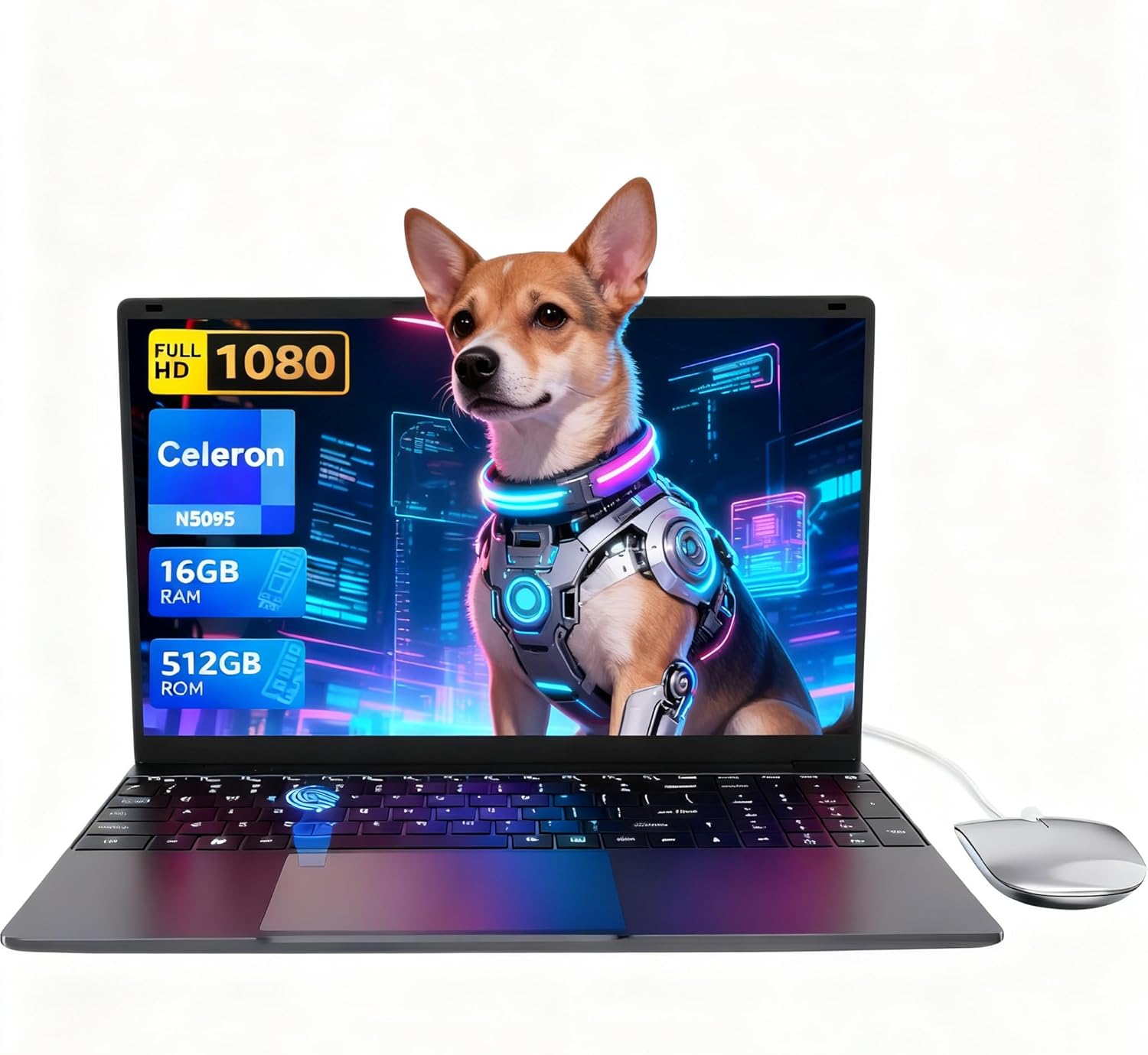
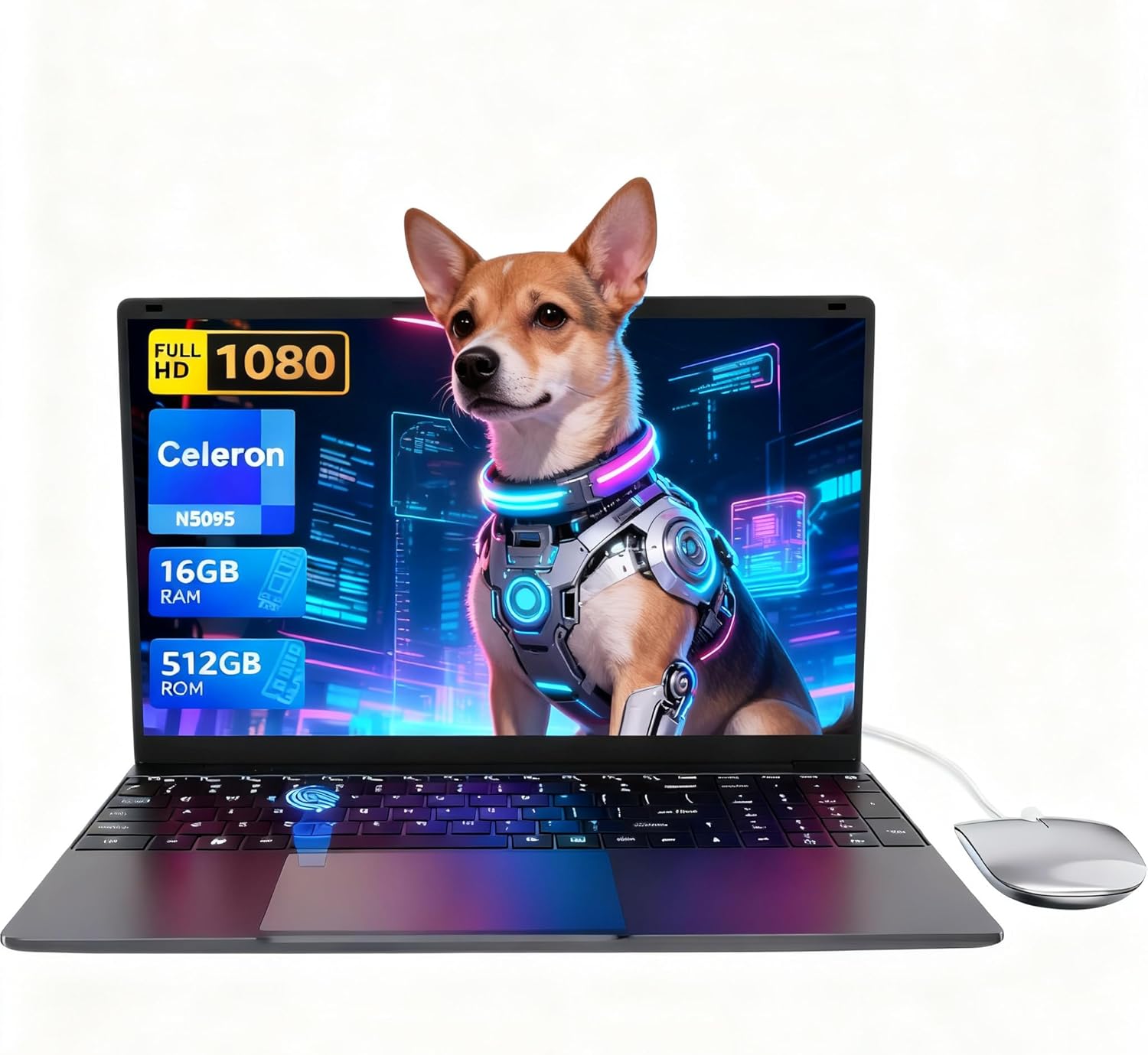
The LEEDOW ANL5-N5095 is a no-frills entry-level machine aimed squarely at light daily users — students, people who need a second laptop, or anyone who just wants something to browse, type, and stream on without spending serious money. Its headline strength is the combination of 16GB of RAM and a 512GB SSD at this tier, which genuinely sets it apart from the sea of 8GB/256GB budget machines cluttering the budget laptop space. Its headline weakness is the Intel Celeron N5095 processor — a chip designed for low power draw, not computational muscle.
You’re getting a 15.6-inch 1920×1080 IPS display, an Intel Celeron N5095 topping out at 2.9GHz, integrated UHD graphics, Wi-Fi 5, Bluetooth 4.2, a fingerprint reader, and a backlit keyboard — all in a chassis weighing 1.55kg. On paper it sounds reasonable. In practice, the CPU is the limiting factor for everything beyond basic tasks, and the 38Wh battery is small enough that you shouldn’t expect a full working day unplugged.
Buy it if you need a lightweight machine for documents, web browsing, video calls, and light media — and you understand what “Celeron” means. Avoid it if you’re expecting to run anything remotely demanding: video editing, gaming beyond very light titles, or any professional software. This is a tool for a specific, narrow job, and it does that job adequately.
See the LEEDOW ANL5-N5095 listing and current availability on Amazon.

Pros and Cons
Pros
- 16GB LPDDR4 RAM is genuinely generous at this price point — most competitors ship 8GB
- 512GB SSD gives adequate storage headroom and makes the system feel snappy on boot and app loading
- Expandable via M.2 2280 B-key SATA slot and TF card — some upgrade path exists
- Backlit keyboard, fingerprint reader, 180° hinge, and bundled accessories (mouse, USB hub, keyboard cover) represent solid bang-for-buck on features
- Weighs only 1.55kg — genuinely light for a 15.6-inch machine
- IPS panel with 1920×1080 resolution — buyers consistently report good brightness and clarity
Cons
- Celeron N5095 is a low-power chip with real performance ceilings — expect throttling under sustained load and poor off-charger performance
- 38Wh battery is small; real-world battery life sits closer to 3–5 hours depending on workload, not a full day
- At least one buyer reported port failure (USB and DC charging port) within a month — a hardware reliability concern worth knowing about
Spec Breakdown
- Model: LEEDOW ANL5-N5095
- CPU: Intel Celeron N5095, up to 2.9GHz, Jasper Lake, 15W TDP
- RAM: 16GB LPDDR4 at 2933MHz
- Storage: 512GB SSD; M.2 2280 B-key SATA expansion slot available; TF card slot
- GPU: Intel UHD Graphics (integrated)
- Display: 15.6-inch IPS, 1920×1080, glossy finish
- Battery: 5000mAh / 38Wh, Lithium Ion
- OS: DOS (Windows 11 reported by buyers; WPS pre-installed)
- Weight: 1.55kg
- Ports: 2x USB 3.0, 1x HDMI, MicroSD, Ethernet, headphone jack
- Connectivity: Wi-Fi 5 (802.11ac), Bluetooth 4.2
- Keyboard: Backlit QWERTY, full-size with numpad
- Camera: 720p front webcam
- Biometrics: Fingerprint reader
- Warranty: 24 months
Hardware & Performance Reality Check
The Intel Celeron N5095 is a Jasper Lake processor from Intel’s low-power family. It has a base clock of 2.0GHz, boosting to 2.9GHz across four threads, with a 15W TDP. That’s fine for word processing, spreadsheets, light web browsing, and media playback — it is genuinely not fine for anything more demanding. One buyer noted the processor running at around 1–1.5GHz in practice under load, which aligns with what happens when a Celeron runs hot and throttles. The 16GB LPDDR4 RAM is the saving grace here. Most tasks that feel sluggish on these chips are actually RAM-constrained, so having 16GB rather than 8GB genuinely helps with tab management and multitasking. Whether the RAM is soldered or socketed isn’t confirmed in the spec data, but at this chassis size and price point, soldered is the likely assumption — if upgrading RAM matters to you, check the RAM guide and clarify via Amazon Q&A before buying.
The 512GB SSD is a real highlight for this class of machine. Boot times are fast, app loading is snappy, and you’ve got enough room for a normal user’s files without immediately needing external storage. It’s not an NVMe drive — the spec sheet lists SATA — but SATA SSD is still dramatically better than the eMMC storage that plagues machines in this category. The integrated UHD Graphics chip is Intel’s baseline graphics solution for Jasper Lake. It handles video playback, YouTube, and very light 2D tasks without complaint. Anything resembling 3D gaming is largely off the table. One buyer mentioned Roblox and Fortnite running “smoothly” — take that with appropriate scepticism. Fortnite at low settings on minimum resolution might be playable in short bursts, but this isn’t a gaming machine by any stretch. Check realistic performance benchmarks for Jasper Lake if gaming matters to you.
In 2026 terms, this hardware is already positioned at the bottom of the performance ladder for everyday tasks. A student writing essays, attending video calls, and browsing will be fine. Office workers handling spreadsheets and email — fine. Anyone trying to run programming IDEs with multiple services, render video, or run Photoshop will find the Celeron a genuine bottleneck regardless of how much RAM is installed. The CPU cannot be upgraded. That’s the ceiling, and it’s a low one.
The port situation is worth a brief mention. You get 2x USB 3.0, HDMI, Ethernet, and a MicroSD slot. That’s a decent spread for a machine this light. One negative review flagged both USB ports and the DC charging port failing within a month — that’s a single data point but worth flagging given port failure on a budget machine can be terminal. The included USB hub partially mitigates the two-port limit, but the hub is only as reliable as the port driving it. For a full picture of what these connectors mean in practice, the ports guide covers it clearly.
Check the full spec sheet and buyer Q&As for the LEEDOW ANL5-N5095 on Amazon.
Everyday Usability: Battery, Build & More
Battery life is the area where the LEEDOW ANL5-N5095 is most likely to frustrate daily users. The 38Wh cell is small — meaningfully smaller than what you’d find in most mid-range machines. The listing quotes four hours, and buyer feedback broadly supports a range of three to five hours depending on brightness and workload. One buyer left it on idle and found it still had charge after five hours, which is plausible; another using it actively found the charger needed to stay nearby. The takeaway: this is not a laptop for working away from a plug socket all day. Students in lectures or commuters who can’t guarantee a power source should factor that in. At 1.55kg, it’s light enough to carry, but it only helps if you can also carry the charger. Thermal behaviour also draws attention — one buyer specifically mentioned loud fan noise and heat concentrating on the bottom of the chassis, particularly under load. That’s consistent with a 15W chip in a thin chassis with limited cooling headroom.
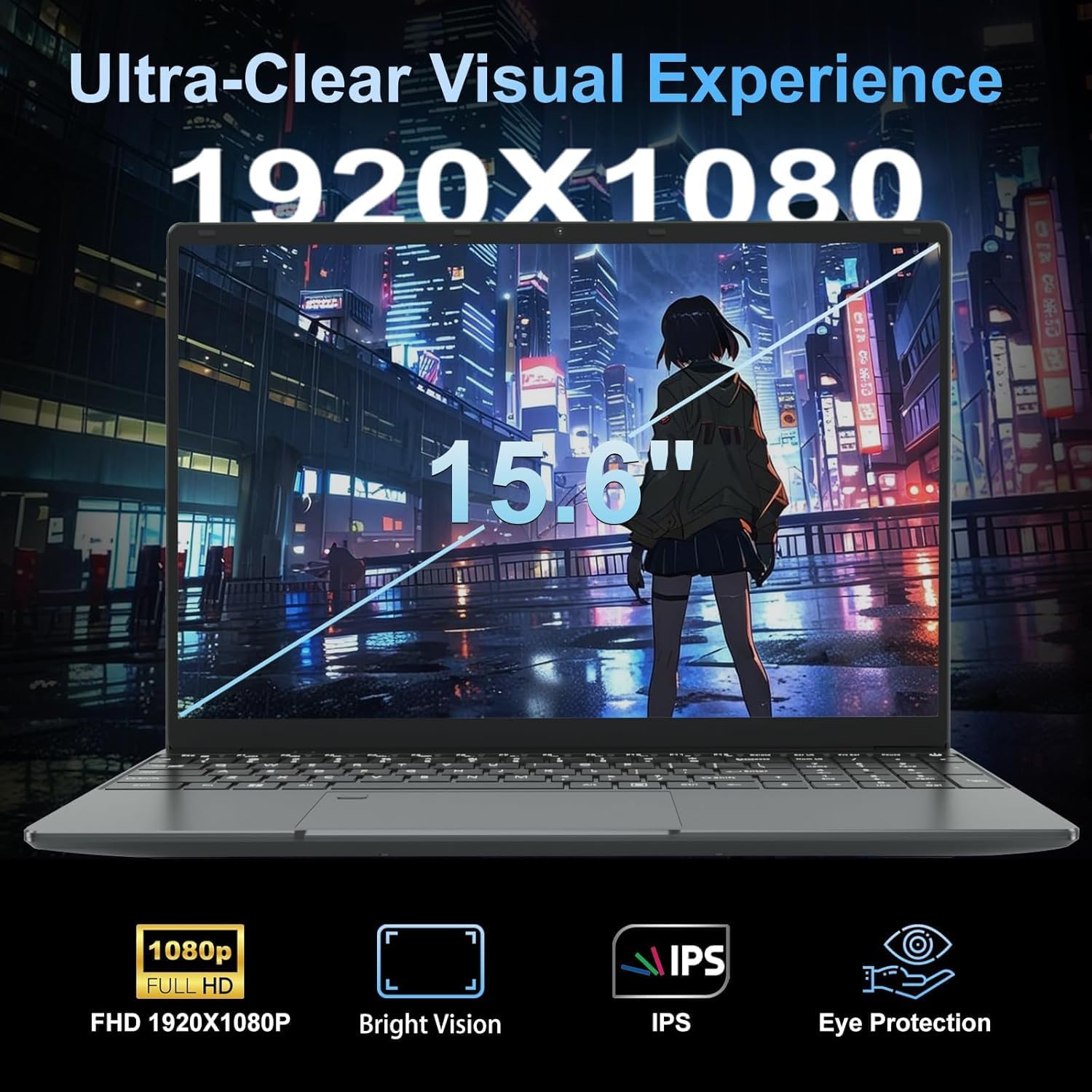
The 15.6-inch IPS display panel gets consistent praise from buyers — multiple reviewers note it’s bright, clear, and performs well even in direct sunlight thanks to what one described as an anti-reflective coating. The spec sheet lists it as glossy, which contradicts that slightly — it’s worth checking the Amazon listing images carefully if glare is a concern for your environment. Colours are described as vibrant, and the 1920×1080 resolution is fully adequate at 15.6 inches. No touchscreen — it’s a standard display. The keyboard is full-size with numpad, backlit with adjustable brightness, and buyers generally rate the typing feel positively. The touchpad gets mixed feedback — one buyer found it strange to adapt to initially, others had no complaints. The included keyboard cover (a silicone overlay) is a nice touch for dusty or food-adjacent environments. The 720p webcam is described by one buyer as performing well in low light with no focus issues — about as much as you can ask for at this tier. The fingerprint reader works and is flagged as genuinely useful. The HDMI output was confirmed working without issues by at least one buyer who connected it to a TV. No Thunderbolt on a Celeron machine — that’s expected. Bluetooth is 4.2, which is functional but a generation behind modern peripherals.
Lifespan & Future-Proofing
The chassis longevity is one of the better aspects of this machine. Multiple buyers comment on it feeling solid and well-built — the grey metal body doesn’t flex, and nothing about the construction reads as flimsy. Realistically, a machine this light and well-regarded for build quality should last three to five years physically, assuming no port failures like the one reported in the reviews. That port failure concern is the asterisk here — one buyer had both USB ports and the charging port fail within a month. Whether that’s a manufacturing defect on that unit or a wider pattern isn’t clear from 92 reviews, but it’s worth noting.
Spec longevity is the harder conversation. The Celeron N5095 was already a budget chip when it launched, and it’s not getting faster. By 2026 standards, it’s handling basic tasks adequately — by 2028 or 2029, expect it to feel genuinely slow for anything beyond the lightest web browsing and document work. There is no CPU upgrade path. The RAM situation — likely soldered at this tier — means no RAM upgrade either. The storage expansion slot (M.2 2280 B-key SATA) gives you one meaningful upgrade path: swap or add an SSD. That’s something, but it won’t address the core performance limitations. For anyone thinking long-term, the buying guide outlines why CPU headroom matters more than any other single spec for lifespan. This machine has very little of it.
View current stock levels for the LEEDOW ANL5-N5095 on Amazon.
What Buyers Are Saying (And Potential Dealbreakers)
The LEEDOW ANL5-N5095 holds a rating of 4.4 out of 5 from 92 customer reviews on Amazon. That’s a respectable number for a lesser-known brand, and the distribution of feedback tells a fairly clear story: the majority of buyers are happy because their expectations were calibrated to the actual use case. People buying this for their kids, for basic home use, or as a secondary machine are largely pleased. The one standout negative review is specific enough to be useful — port failure within a month, affecting both USB and the charging DC port, leaving the machine unusable just after the return window closed. That’s a serious red flag on hardware reliability, even if it’s a single data point.
Recurring praise centres on the speed of setup, the quality of the screen, the build feel for the price, and the bundled accessories. Multiple buyers specifically call out the 16GB RAM as making the machine feel faster than expected. The keyboard gets positive mentions for feel and the numpad is noted as a genuine plus for number-heavy work. Thermal complaints are less common in the reviews but present — one buyer flagged loud fans and heat on the bottom under load, which is consistent with what Celeron machines do when pushed. The glossy screen generates one mention of reflections near bright windows, which is the honest downside of any glossy IPS panel. Battery life feedback is honest — buyers broadly acknowledge it’s not a full-day machine but seem to accept it given the form factor. For a broader frame of reference on what entry-level specs realistically deliver, the picture here is consistent.
Buyer Highlights
“It started up quickly, 20 Chrome tabs open with Spotify running and a couple of docs — it didn’t even flinch.” — The 16GB RAM is doing real work here; worth knowing if multitasking on a budget is your main need.
“I left it on by mistake and came back five hours later and it still had charge.” — Idle battery life is more forgiving than active use; keep the charger handy for heavy sessions.
“The build quality doesn’t feel flimsy at all — the grey metal body gives it a solid, premium feel.” — Consistent across multiple buyers; this isn’t a flex-prone plastic budget chassis.
“It keeps malfunctioning with the charging DC port and USB ports — now, just past the return window, I can’t use it at all.” — A single review but a serious one; hardware port failure this early is worth tracking if more reports emerge.
“I put Linux Mint on it — browsed the web, streamed video, edited holiday photos and it handled all of it.” — Good to know it plays well with Linux for buyers who prefer it over Windows.
Who Should Buy It (And Who Shouldn’t)
Buy If
- You need a lightweight machine for web browsing, document editing, video streaming, and video calls — and nothing heavier than that
- You’re a student or parent buying a first laptop for school use where the 16GB RAM and 512GB SSD represent genuinely useful headroom at a low outlay
- You want a secondary or backup machine and don’t need it to handle demanding workloads — the build quality and screen make it a decent supplementary device
- You’re comfortable with Linux and want a light, inexpensive machine that runs it cleanly
Avoid If
- You need to run anything computationally demanding — video editing, Photoshop, gaming beyond very light 2D titles, or development with heavy IDEs — the Celeron N5095 will be the ceiling and you’ll hit it fast
- You need a machine that lasts a full working day unplugged — the 38Wh battery simply doesn’t support that, and for a more capable all-day machine it’s worth looking at mid-range options instead
- Hardware reliability is non-negotiable for your use case — the single port-failure report is not confirmed as widespread, but on a machine you depend on daily it’s a risk to factor in
The Bottom Line
The LEEDOW ANL5-N5095 is a machine that does what it says on the tin, provided you read the tin carefully. The Celeron N5095 is a low-power processor with real limits, the battery won’t last a full day, and there’s a question mark hanging over port durability. But the 16GB RAM, 512GB SSD, decent IPS screen, and solid build quality make it a cut above the worst of the budget tier. If your needs are genuinely light — browsing, typing, streaming, video calls — and you want something that feels assembled rather than thrown together, this earns a cautious recommendation. Go in with eyes open about what the CPU can’t do, and you won’t be disappointed.
Read the latest buyer questions and answers for the LEEDOW ANL5-N5095 on Amazon.
At LaptopAdvisorOnline, our methodology is built on data transparency rather than simulated hands-on testing. We rigorously analyse official manufacturer specifications and aggregate verified customer sentiment to provide objective, fluff-free buying advice that helps you cut through the marketing jargon.
As an Amazon Associate, I earn from qualifying purchases.
Browse by Specification
Looking for something specific? Browse our analyses by hardware and feature below, or check all laptop analyses in the Best Budget Laptops category archive.
[AMD Processor Laptops] — [Intel Processor Laptops] — [16GB RAM Laptops] — [32GB RAM Laptops] — [Dedicated Graphics] — [Long Battery Life] — [Lightweight Laptops] — [Student Laptops]
Browse by Screen Size
[13-inch Laptops] — [14-inch Laptops] — [15-inch Laptops] — [16-inch+ Laptops]