
ASUS Chromebook 15 CX1505CTA Review: Impressively Portable Powerhouse.
Quick Verdict
The ASUS Chromebook 15 CX1505CTA is a solid pick for anyone after a straightforward, portable laptop primarily for web-based tasks and light productivity. It shines with an impressively large 15.6-inch Full HD display that adds real estate without sacrificing portability. While the Intel Celeron N50 processor and 4GB RAM restrict heavy-duty use, this Chromebook offers excellent real-world usability for students, casual users, and remote workers invested in Google’s ecosystem. Its 64GB eMMC storage and Chrome OS ensure quick boot times and app launches, making it a great value for those who prioritise ease of use over raw power.
Overview and First Impressions
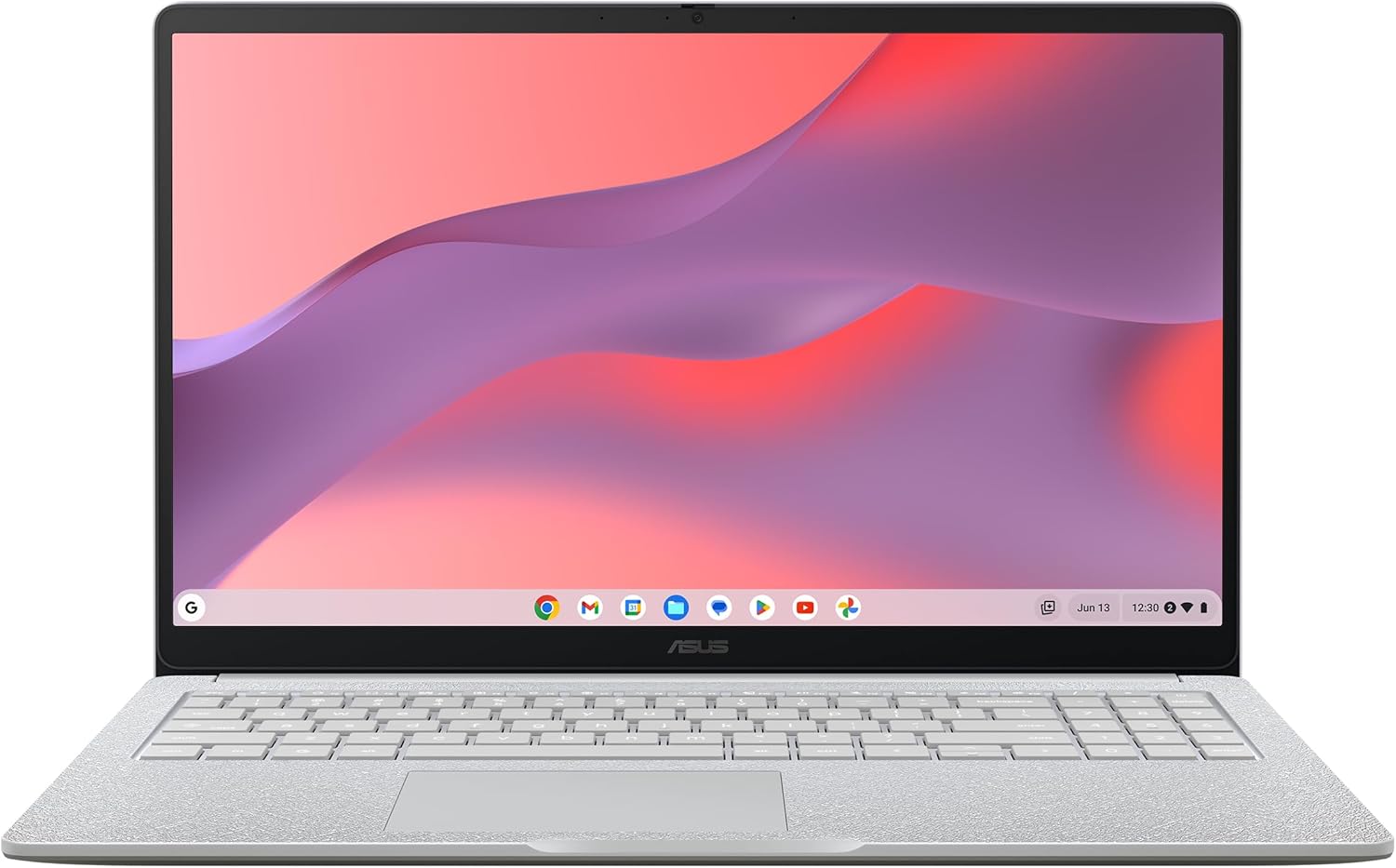
ASUS has a long-standing reputation for crafting reliable and competitively priced laptops, and the Chromebook 15 CX1505CTA fits neatly into that lineage by offering a large screen without the typical bulk. Positioned for UK buyers seeking an affordable entry into Chromebooks, this model targets students, home users, and professionals who mainly rely on web apps, cloud services, and light office tasks. Its chassis is predominantly plastic but feels robust enough for everyday use; it’s not a premium metal build, but it certainly doesn’t feel flimsy.
Weighing around 1.8kg and measuring roughly 359 x 234 x 19.9mm, this Chromebook remains quite portable despite the 15.6-inch display, but it’s on the heavier side compared to the more compact 13- to 14-inch laptops. Those who travel frequently might find it a bit cumbersome, yet for desk use or short trips, it strikes a decent balance. The hinge is sturdy, allowing the screen to tilt back sufficiently for comfortable viewing angles.

In terms of ports, the ASUS CX1505CTA features two USB-C ports, a USB-A 3.2 port, a microSD card reader, and a headphone jack. The USB-C ports support charging and data transfer, which is useful for connecting peripherals and fast data access. Yet, with just two USB-C ports, plugging in multiple devices without a hub might require some juggling. The presence of a microSD slot is practical for expanding storage or easily transferring files, which complements the limited internal space. Overall, the port selection is sensible for the Chromebook’s positioning but could feel restrictive for those wanting more connectivity options.
Shop Now – Powerful Performance Awaits!
Performance and Hardware Explained
Diving into the heart of the ASUS Chromebook 15 CX1505CTA, the Intel Celeron N50 processor forms the crux of its performance. Launched as a low-power, entry-level chip, the N50 is built on Intel’s latest process technology, offering efficiency rather than raw muscle. It handles everyday tasks like web browsing, word processing, and media playback comfortably, making it suitable for Google Docs, Sheets, and running multiple Chrome tabs with ease. However, it is not designed for intensive multitasking, video editing, or gaming. If the workload involves opening numerous heavy browser tabs, video calls, and streaming simultaneously, expect some slowdown, especially since the CPU features limited cores and modest clock speeds.
Complementing the processor, the 4GB RAM is standard fare for budget Chromebooks but represents the bare minimum for smooth multitasking today. While Chrome OS is relatively lightweight, users keen on keeping multiple tabs, office apps, and video conferencing open at once might notice delays or the occasional lag. 8GB RAM variants in similar devices better suit heavier workflows, but the 4GB here fits typical student and casual use scenarios. The lack of upgradeability for RAM means buyers should consider their needs carefully before committing.
Unlock Full HD Viewing with ASUS!
Storage consists of 64GB eMMC, which is flash-based but slower than NVMe SSD storage commonly found in pricier Windows laptops. The eMMC format leads to quicker boot times and app launches compared to traditional hard drives but remains limited when transferring large files or installing many applications. The 64GB capacity itself is modest, but given Chrome OS’s cloud-centric design and the ability to expand storage via microSD cards, it’s manageable for users focused on online work and media streaming.
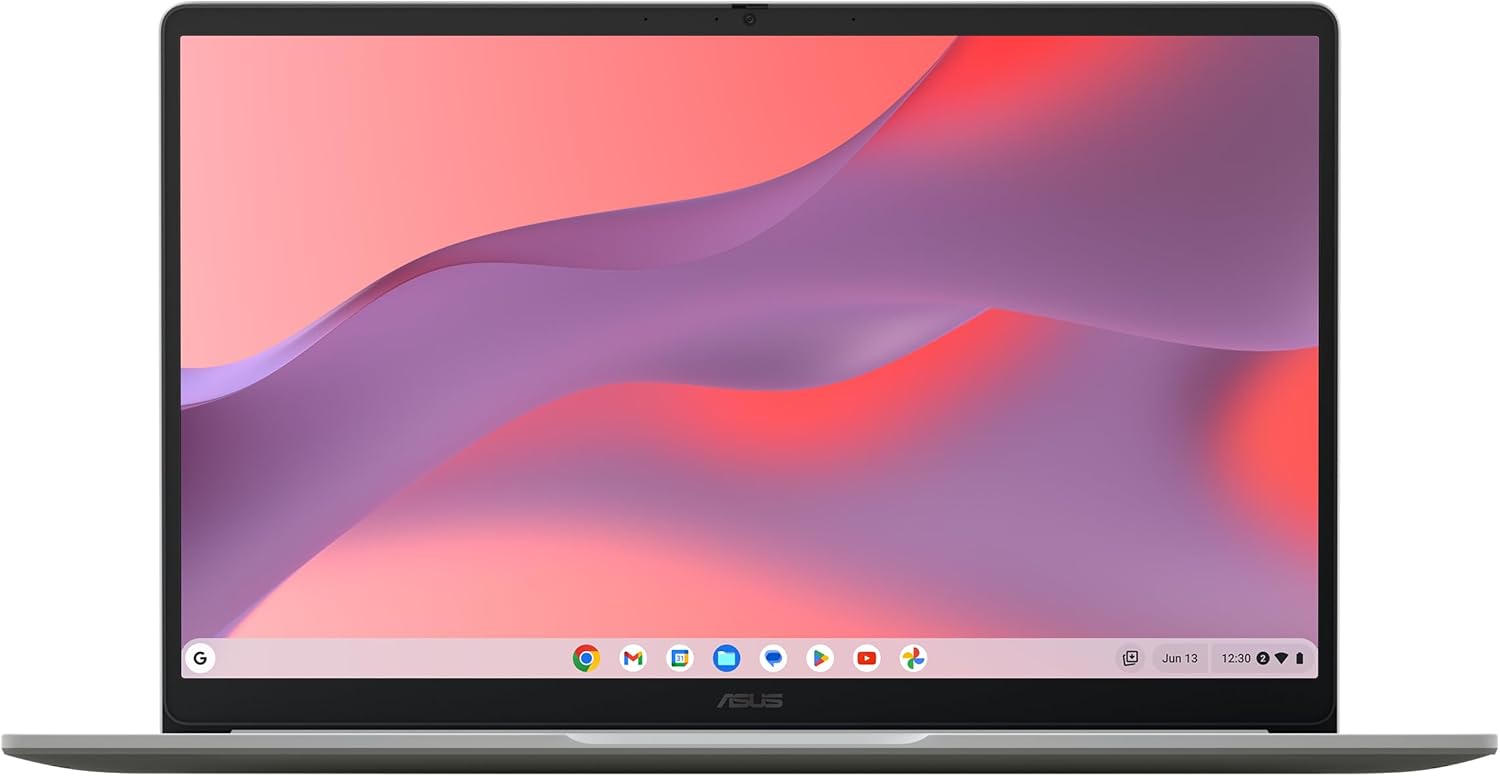
The display is a standout feature. The 15.6-inch panel offers a Full HD resolution of 1920 x 1080 pixels — a significant upgrade from many Chromebooks that settle for HD (1366 x 768). This higher resolution ensures sharper text and more detailed images, which is great for multitasking, video calls, and watching films. The panel type is likely IPS or similar, delivering wide viewing angles and reasonable colour accuracy, though peak brightness hovers around the mid-250 nits range. This brightness level suffices for indoor use and moderately bright environments but can struggle in direct sunlight or very bright rooms, making outdoor use challenging. For video editing or professional colour work, the colour accuracy won’t match higher-end displays, but casual streaming and photo viewing remain pleasant.
Graphics are handled by the Intel integrated GPU within the N50 processor. Adequate for daily multimedia and casual games, it won’t handle demanding 3D tasks or newer gaming titles. The system smooths out HD video playback effortlessly and supports common Chromebook applications well.
Overall, the hardware combination suits its market positioning and asking profile — a Chromebook designed primarily for cloud-based usage, streaming, browsing, and productivity apps, rather than power-hungry software.
Real-World Performance — What Customers Say
User feedback highlights that this Chromebook is extremely easy to set up, thanks to Chrome OS’s streamlined onboarding process and Google integration. The interface responds promptly in everyday scenarios such as surfing the web, writing essays, or streaming content. Several reviewers commend the bright, crisp Full HD screen, appreciating the extra space for multitasking and clear visuals.
Battery life pleasantly surprises many, with extended usage reports reaching around 8 to 10 hours under mixed workloads—close to the manufacturer’s claims. This endurance makes it a reliable companion for full school or workdays away from a power source. Heat management is a strong point; the device rarely becomes uncomfortably warm, a testament to the low-power N50 chip and efficient chassis design.
Keyboard and trackpad quality receive positive notes, with keys offering a decent travel distance and a satisfying tactile experience. The trackpad is responsive and accurate, ideal for Chrome OS gestures and navigation. However, some users mention that the chassis flexes slightly under firm typing, and the plastic build sometimes feels less premium than pricier alternatives.
On the downside, a handful of buyers express frustration with the limited 4GB RAM at handling large numbers of Chrome tabs simultaneously — performance can slow appreciably when multitasking intensifies. The 64GB storage also fills up faster than expected if many offline files or apps accumulate, though Google Drive integration mitigates this for most.
Battery Life and Portability
Battery life claims hover around 10 hours, and real-world use tends to align closely with this figure, with typical lighter uses stretching that figure while heavier workloads reduce it modestly. For students attending all-day lectures or professionals logging several video calls, this Chromebook rarely needs an early recharge.
Weighing close to 1.8kg, it’s heavier than ultra-slim 13-inch alternatives but still manageable in a backpack or workbag without excessive strain. Dimensions are accommodating, though not the most compact for daily commuting. The charger is USB-C, simplifying the accessory load and allowing possible use of third-party power supplies or power banks with compatible output. USB-C charging also tends to be quicker than traditional proprietary chargers, adding to practical convenience.
Who Should Buy This
The ASUS Chromebook 15 CX1505CTA is an excellent purchase for students needing a straightforward, durable laptop for web-based studies, essay writing, and video lectures. Home users who prioritise ease of use, cloud storage, and budget-friendly computing will find it attractive. Remote workers relying mainly on web apps and video conferencing will appreciate its large screen and long battery life.
That said, it is not ideal for those wanting to run Windows or macOS applications natively or users needing to handle intense multitasking with multiple resource-hungry applications. Gamers and creatives working with video editing or high-end design software will quickly reach its limits.
For shoppers interested in similar budget Chromebooks, models offering 8GB RAM or NVMe SSD storage are worth checking if multi-tab multitasking or faster file handling are priorities. Still, ASUS’s large Full HD screen and USB-C charging stand out in this price bracket, making the CX1505CTA a worthy contender.
Pros and Cons
Pros
- Large 15.6-inch Full HD screen provides excellent clarity and ample workspace.
- Intel Celeron N50 delivers efficient everyday performance for web and office tasks.
- 64GB eMMC storage offers fast boot times suitable for typical Chromebook use.
- USB-C charging and decent port variety enhance practicality and expandability.
- Solid battery life nearing 10 hours supports all-day productivity without hassle.
Cons
- 4GB RAM limits multitasking, noticeable with many browser tabs or apps open.
- Plastic chassis has some flex and feels less premium than metal alternatives.
- 64GB storage can fill up quickly without expanded cloud or microSD use.
- Display brightness may struggle in bright outdoor environments, reducing versatility.
Final Verdict and Recommendation
The ASUS Chromebook 15 CX1505CTA is a very capable option for users who want a sizeable, sharp display and reliable Chrome OS performance in a portable package. It embraces the cloud-first nature of Chromebooks well, balancing battery life, build quality, and daily responsiveness in a solid form factor. While it isn’t made for heavy multitasking or demanding native applications, it covers the essentials with ease. For adult UK buyers in 2026 seeking an affordable, hassle-free laptop for study, light office work, or media streaming, this Chromebook demands serious consideration. Check current availability on Amazon to secure one for yourself.
Discover the ASUS Chromebook 15 Today!
As an Amazon Associate, I earn from qualifying purchases.