
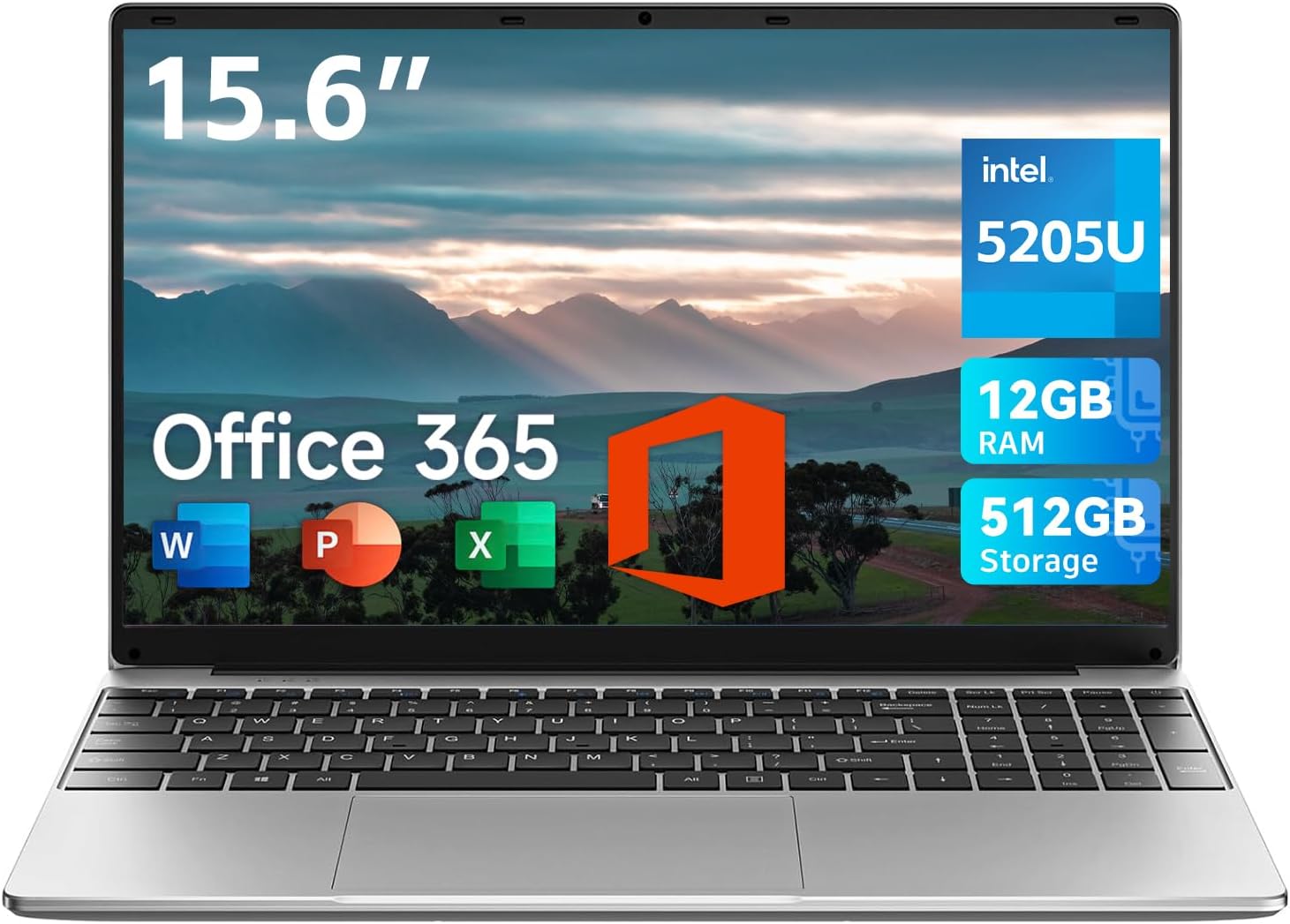
Jumper 15.6 inch Laptop Review: Power and Portability for Students
Quick Verdict
The Jumper 15.6 inch Laptop offers an appealing package for students and light business users seeking a balance between screen size, portability, and everyday performance. Its 12GB of RAM and 512GB storage stand out in this segment, making multitasking and storage smooth and responsive. However, the HD display and mid-range Intel 5205U processor limit its suitability for demanding creative work or gaming. Overall, it’s a solid choice for those prioritising affordable power and decent portability.
Overview and First Impressions
Jumper is a lesser-known brand in the UK but has steadily built a reputation for offering affordable laptops that don’t cut corners on essentials. This 15.6-inch model targets students and professionals who need a budget-friendly machine for office work, browsing, and video calls. The 15.6-inch screen, larger than the typical 14-inch ultrabooks, lends itself well to productivity without making the laptop bulky.
In terms of build, the laptop is surprisingly slender at just 2cm thickness and weighs 3.6 pounds (approximately 1.63kg), which is light enough for daily carry in a backpack or briefcase. The chassis appears to be made of plastic, common at this price point, which keeps weight down but raises questions about long-term durability. The hinge design allows for a 135° flat lay, which is useful for collaborative work — a thoughtful touch often missing in budget laptops.
Port selection is generous for its tier: two USB 3.0 ports provide speedy connections for peripherals and external drives, Type-C adds modern convenience though it’s unclear if it supports charging or only data, an HDMI port is perfect for connecting to external displays or projectors, there’s a TF card slot for quick expansion or file transfers, a 3.5mm headphone jack, and a charging port. This array covers most typical usage scenarios without forcing you to carry multiple dongles.

Performance and Hardware Explained
The heart of the Jumper laptop is the Intel 5205U processor, a dual-core chip from the 11th generation Tiger Lake family. While not the latest in 2026 standards, it offers reasonable efficiency and everyday performance for tasks like document editing, web browsing, and streaming media. This CPU is designed for low power consumption rather than high-end processing, so anything beyond office applications or moderate multitasking might feel sluggish — especially video editing or gaming, which require more cores or higher clock speeds.
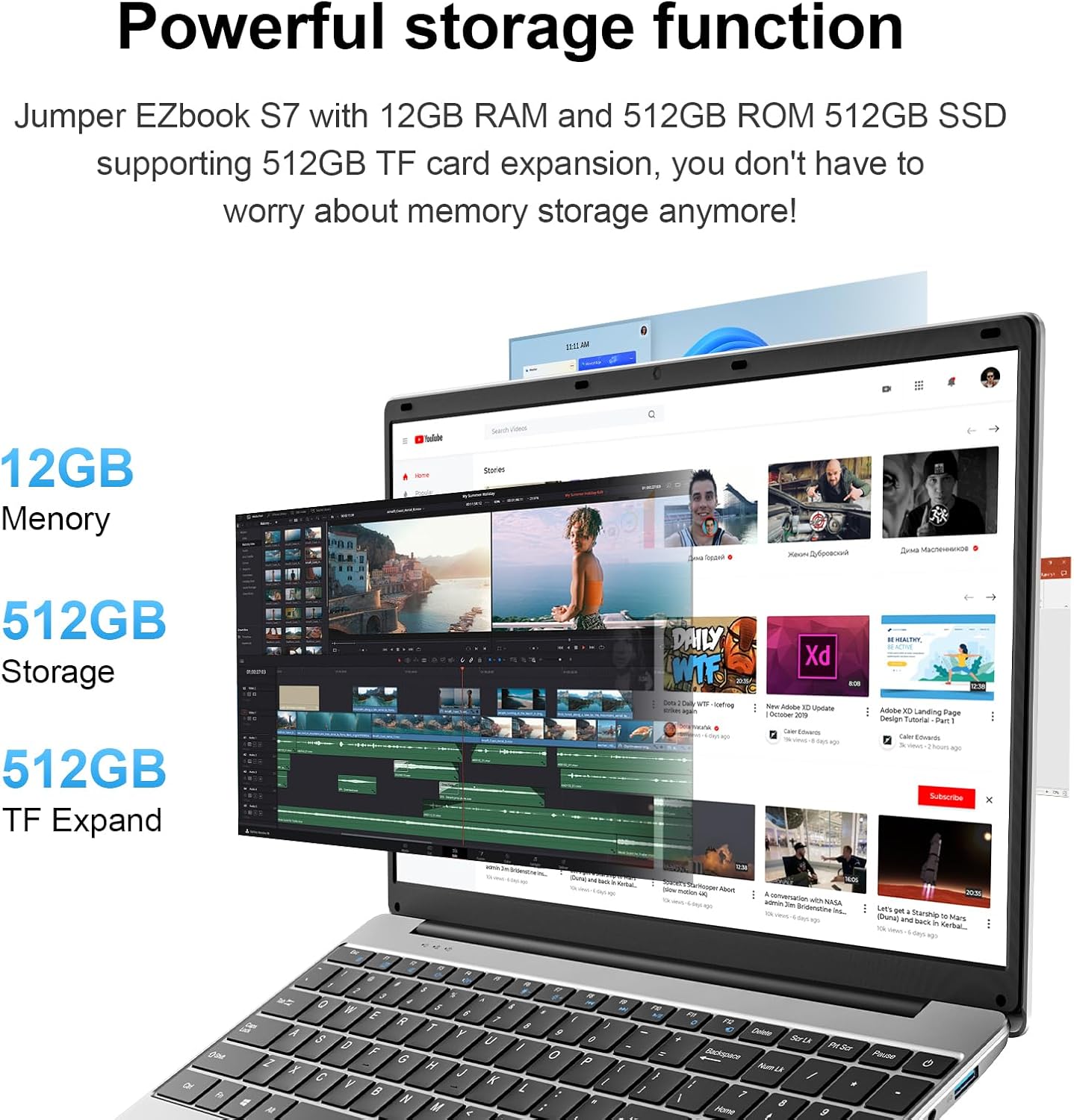
A standout spec is the 12GB of RAM, which exceeds the average 8GB found in similar entry-level laptops. This extra memory means better multitasking capabilities. You can comfortably juggle a dozen or more browser tabs, keep a video call running alongside a Word document, and run background apps without significant slowdowns. For students, this is important because it prevents lag during research or study sessions involving various resources.
Discover the Perfect Laptop for Students and Professionals!
Storage is a 512GB solid-state drive (SSD), which is spacious and fast. Unlike eMMC storage found in cheaper laptops, an NVMe SSD significantly speeds up boot times, file transfers, and application launches. You’ll notice faster wake-from-sleep times and shorter waits when opening large files, making workflow smoother. This capacity should be sufficient for most students, providing ample room for assignments, presentations, and media files.
The display, however, is less impressive. It’s a 15.6-inch HD panel, not Full HD (1920 x 1080) as sometimes assumed from the listing, but rather the lower 1366 x 768 resolution. This means images and text don’t have the sharpness and detail you’d get on a Full HD screen. The panel type isn’t specified but is likely TN or low-end IPS, with limited colour accuracy and brightness. At around 200 nits brightness typical for budget HD screens, working near bright windows or under direct sunlight will lead to visibility struggles. Colours may seem washed out, which isn’t ideal if you occasionally watch films or work with photos.
The integrated graphics rely on Intel UHD Graphics, sufficient for streaming videos and casual gaming but nowhere near capable of handling graphics-intensive tasks or modern games beyond very low settings. There is no dedicated GPU, which confirms this laptop’s position as a productivity and media consumption machine rather than a creative workstation.
Keyboard and webcam are practical if unremarkable. The 2MP webcam is adequate for video calls but won’t deliver sharp or vibrant images in low light. The keyboard includes a protective film at purchase, a neat bonus for those concerned about keeping it pristine, with standard key spacing suitable for extended typing sessions.
Real-World Performance — What Customers Say
Customer reviews are overwhelmingly positive, highlighting the laptop’s reliable everyday performance and solid build quality for the price. Users appreciate the ample 12GB RAM, noting smooth multitasking and quick responsiveness without the irritation of constant swapping or freezes common on devices with only 4GB or 8GB RAM.
Battery life in real-world usage hovers around 5 to 6 hours with moderate tasks such as word processing and browsing, which is slightly less than what might be expected from its 5000mAh battery rating but still reasonable for the size and performance class. Heavy tasks drain the battery faster, as anticipated. Charging is via the supplied DC power port; there is no mention of USB-C charging, which means carrying the charger remains necessary, possibly detracting from overall portability.
Thermal performance remains manageable; the laptop doesn’t get uncomfortably hot during daily tasks or extended video calls. Users find the keyboard comfortable, despite being plastic, and the trackpad responsive enough for typical use without frequent reliance on an external mouse.
The biggest area of compromise noticed by users is the display quality. Several reviews suggest upgrading to an external monitor for extended work sessions or media viewing, especially if sharpness and colour accuracy are priorities.
Battery Life and Portability
The laptop’s 5000mAh battery, coupled with a low-power 11th Gen Intel CPU, is designed for all-day productivity but realistically delivers up to six hours of light usage. For students moving between lectures or café sessions, this should suffice if carried alongside a charger. It’s not the most long-lived battery in this class, so packing the AC adapter is advisable for full-day use away from outlets.
At just over 1.6kg and 2cm thick, the design prioritises portability without sacrificing screen size. The slim profile fits easily into standard laptop bags or backpacks. The inclusion of a traditional DC charging port rather than USB-C limits one-cable convenience, however, and could be a drawback for users who travel light.
Charging speeds are unremarkable, taking around two hours to reach full capacity — typical but not quick charge by 2026 standards.
Who Should Buy This
This laptop suits UK-based students, home office workers, and casual users who value a large screen, solid multitasking abilities, and ample storage at a modest cost. If coursework involves multiple research tabs, documents, and online video lectures, the 12GB RAM will prove beneficial. For business users relying on web conferencing and Office applications, this model ticks the key boxes.
However, if you plan on undertaking demanding creative tasks like video editing, graphic design, or gaming, the limitations of the Intel 5205U CPU and HD screen will quickly become apparent. Professionals needing precise colour accuracy or ultra-smooth performance should look towards devices with at least a Full HD IPS display and more powerful processors.
For those seeking a similar form factor but with a sharper display and superior battery life, alternatives from Lenovo’s IdeaPad 3 series or the Acer Aspire 5 line might be worth exploring. Both offer Full HD panels and more recent CPUs while keeping value intact.
Unlock Your Potential with This Powerful Notebook!
Pros and Cons
Pros:
- Generous 12GB RAM enables smooth multitasking uncommon at this price point.
- Fast 512GB NVMe SSD delivers quicker boot and file access compared to eMMC storage rivals.
- Lightweight and slim design makes it easy to carry around campus or the office.
- Full port array including HDMI and Type-C covers most connectivity needs without additional dongles.
- 135° hinge design facilitates collaborative screen sharing — a thoughtful feature for group study.
Cons:
- HD 1366×768 display lacks sharpness, brightness, and colour accuracy, limiting multimedia enjoyment.
- Intel 5205U processor struggles with demanding tasks beyond basic productivity.
- Battery life, while adequate, falls short of all-day use without charging.
- Proprietary DC charging port reduces convenience compared to USB-C charging systems.
- Plastic build feels less premium and may not withstand heavy daily wear over years.
Final Verdict and Recommendation
The Jumper 15.6-inch Laptop represents a compelling proposition for students and light office users who prioritise multitasking power and storage over a premium display or top-tier CPU performance. Its generous RAM and speedy NVMe storage mean everyday tasks feel responsive, and its lightweight chassis is practical for carrying between lectures or meetings. However, the display quality and processor limits mean it is not suited for creative professionals or gamers.
If your usage centres on writing essays, researching online, attending video calls, and streaming content in moderately lit environments, the Jumper offers solid all-round value. For UK buyers looking to balance screen size and portability without overspending, this model is worth considering.
Check current availability on Amazon to see if this laptop fits your study or work setup.
Explore Features of the Jumper 15.6″ Laptop Now!
As an Amazon Associate, I earn from qualifying purchases.