
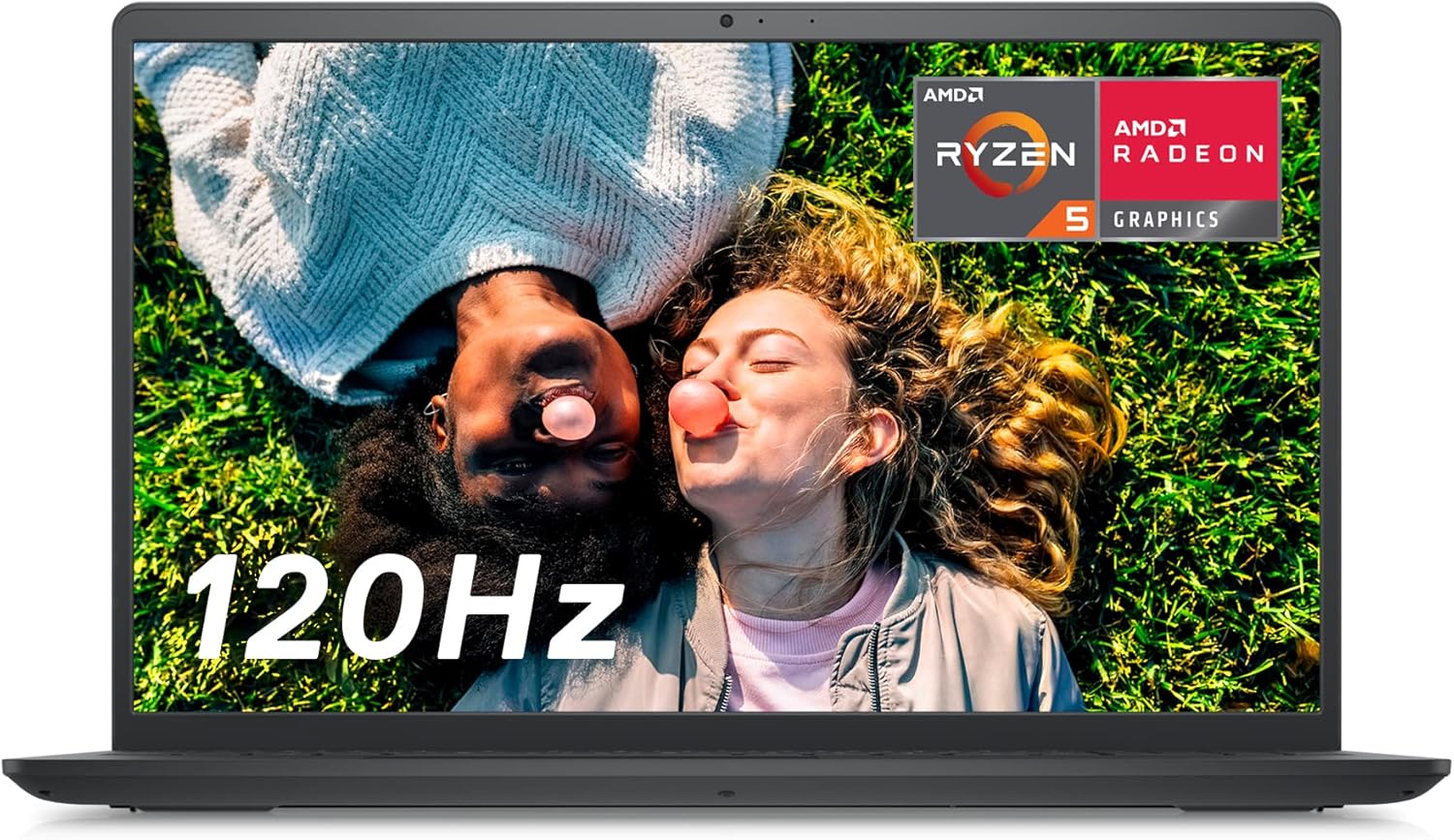
Dell Inspiron 15 3525 Review: Smooth 120Hz Display for Work
Ever tried scrolling through work documents or spreadsheets and felt that your screen lags behind your fingers?
The Dell Inspiron 15 3525 steps in with a 120Hz Full HD display.
It does more than show you a fast screen—it works steadily for daily tasks.
Let’s look at how the Inspiron 15 3525 clicks in real use.
Key Features
Smooth, Vibrant Display
This laptop holds a 15.6-inch Full HD (1920 x 1080) 120Hz screen at its core.
A 120Hz refresh rate means each word and image moves close together in time, so scrolling is smooth and clear.
The display brings a clear view when you work on large spreadsheets or keep many tabs open.
It helps your eyes during long work periods by reducing strain.
Dell uses ComfortView Low Blue Light technology to ease eye stress on late work nights.
Reliable Performance with AMD Ryzen 5
Inside, an AMD Ryzen 5 5500U processor and 8GB RAM work side by side.
This set-up handles daily tasks such as emails, video calls, and light photo edits.
The built-in Radeon graphics take care of casual games or streaming shows without hiccups.
While it is not meant for heavy video editing or high-end gaming, everyday work and fun run smoothly.
Discover the Power of the Dell Inspiron 15!
Fast Storage and Responsive Boot-up
A 256GB SSD sits inside the machine to start the laptop quickly and launch apps fast.
This SSD holds your documents, presentations, and media files reliably.
It works faster than older hard drives, so your workday has fewer start-up delays.
Upgrade Your Tech with the Dell Inspiron 15 Laptop!
Thoughtful Design and Practical Connectivity
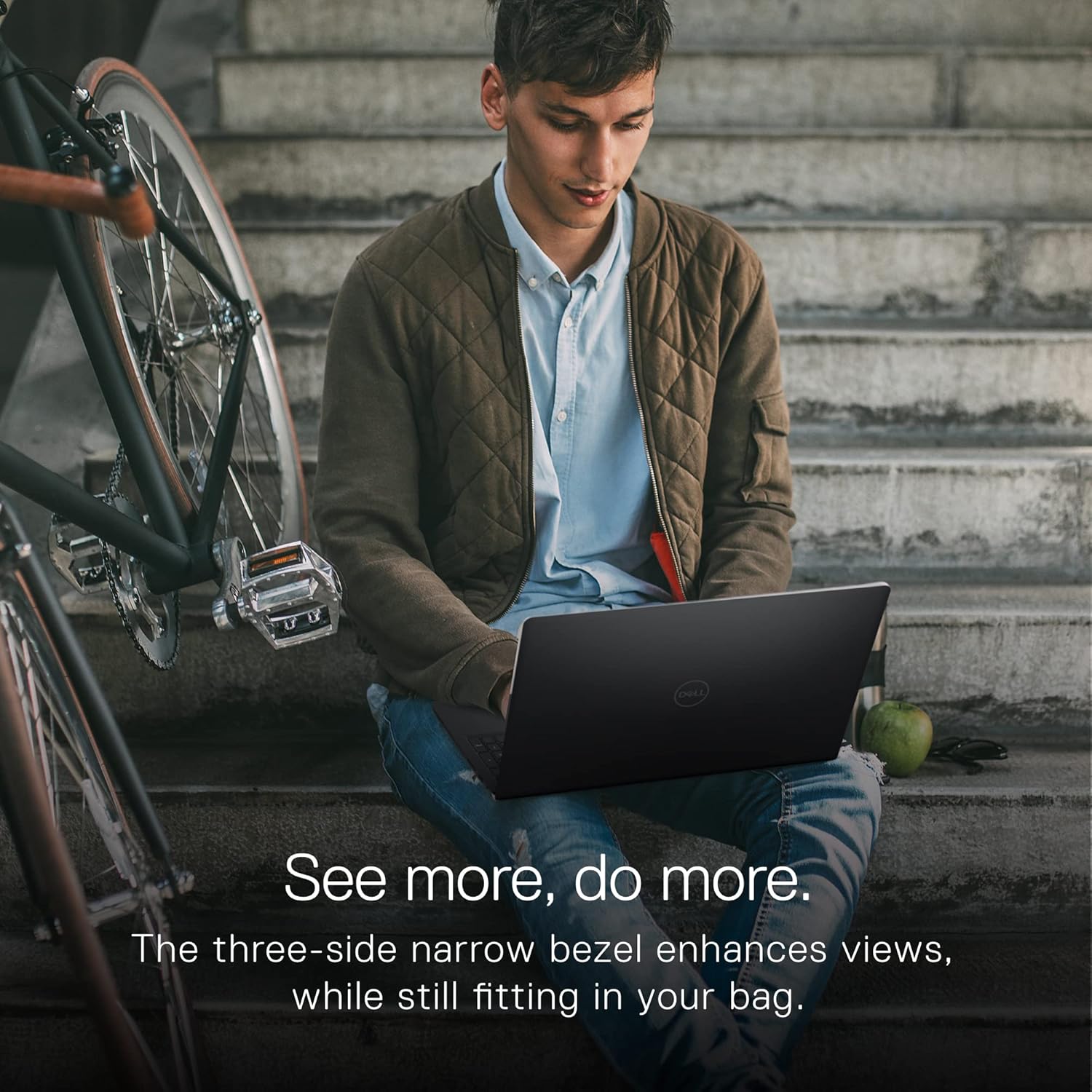
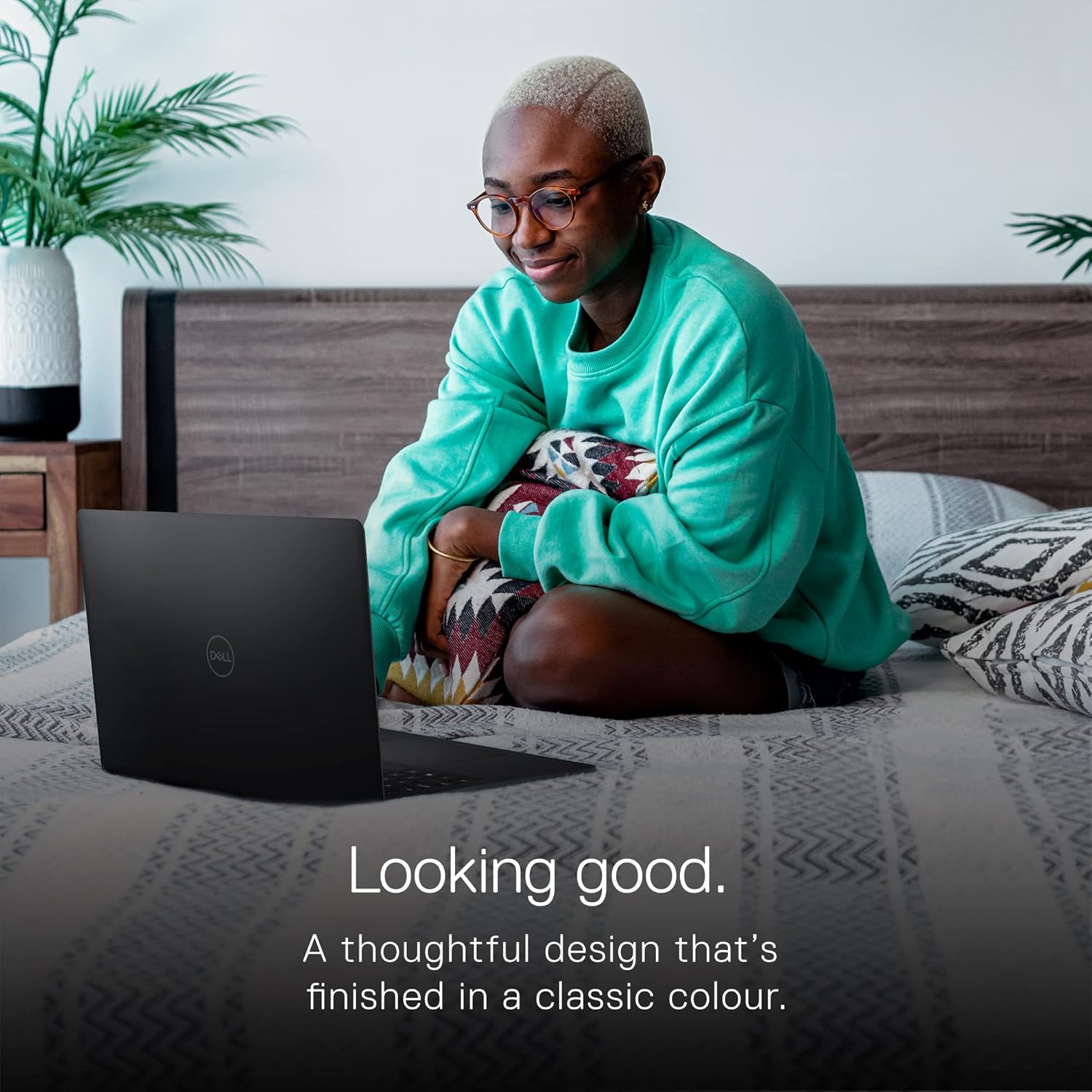
The laptop has a slim, stylish carbon-black body.
Its hinge tilt lifts the keyboard into a natural angle for typing.
The keyboard shows larger keycaps and a roomy touchpad, keeping your hands comfortable as they move.
For plugs, you get a USB Type-C port, USB 3.2, an HDMI, a headset jack, and an SD card reader.
These ports help you add displays, headphones, or memory cards with little fuss.
Dell’s ExpressCharge gets up to 80% battery in just an hour for when you need to move fast.
Pros
- A smooth 120Hz display keeps scrolling and video playback fluid and helps reduce eye strain.
- The AMD Ryzen 5 5500U processor works well for everyday tasks like work and light multimedia.
- A well-built design features a lift hinge and larger keycaps that bring comfort over long typing sessions.
- Fast SSD storage means you can boot quickly and work with files without long waits.
- The laptop uses recycled materials and low VOC paint in its build, showing Dell’s care for the environment.
Cons
- Eight GB of RAM works for everyday tasks but could feel limited if you run demanding applications or many browser tabs.
- The 256GB SSD might fill up fast if you store many media files; extra storage might be needed.
- The webcam works for simple video calls but may not suit users seeking high-quality visuals.
Who Is It For?
The Dell Inspiron 15 3525 fits well for:
- Remote workers and students who need a steady laptop for writing, research, and video calls.
- Content creators on a budget who want smooth screen moves and decent photo editing.
- Home users who enjoy casual gaming or streaming on the side, thanks to AMD Radeon graphics and a fast, clear display.
Its mix of performance, display clarity, and battery speed makes it a good option for those who balance work and play without overspending.
Final Thoughts
The Dell Inspiron 15 3525 comes with a strong set of features that put smooth visuals and daily performance up front.
The 120Hz screen makes a real difference as each word and image stays connected.
The processor and storage suit many work and play needs, and design details help keep you comfortable.
If you plan heavy multitasking or need extra storage, you may have to add more memory or an extra drive.
The webcam meets simple needs but does not reach high standards for professional calls.
Get Yours: Dell Inspiron 15 with AMD Ryzen 5!
All told, if you want a sturdy, quick laptop for everyday tasks with a bright display, the Inspiron 15 3525 is worth a look.
It supports work, study, and home use with a clear, steady view every time you type.
As an Amazon Associate, I earn from qualifying purchases.